

Send plain-text emails
Yes, go ahead and click “Email campaigns” and then the “New Campaign” button.
In the first step of campaign creation, you have the option to choose campaign design – fill in the details then click on the “Plain text” icon and “Save and continue” button.
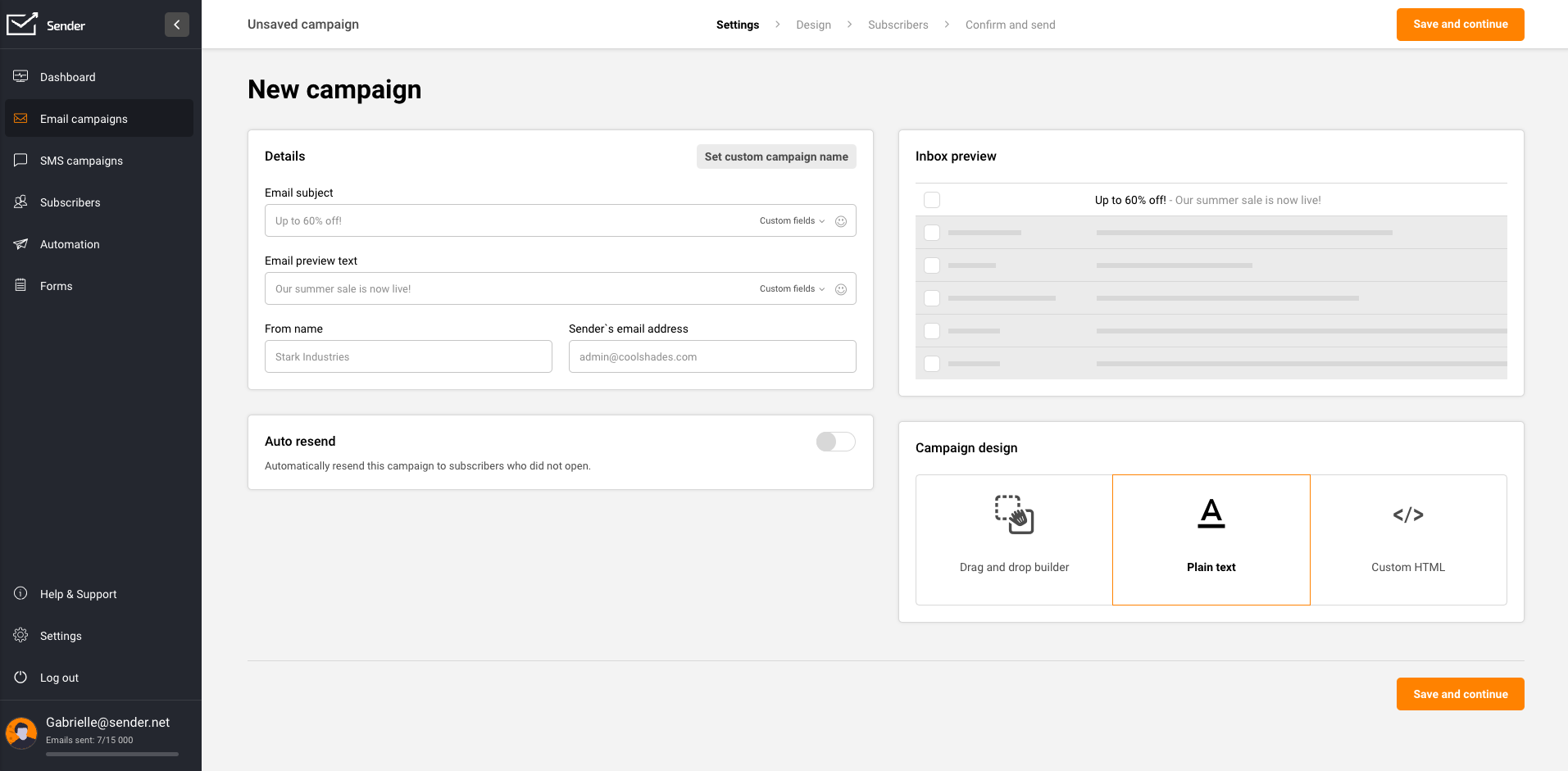
Then create the campaign of your liking.
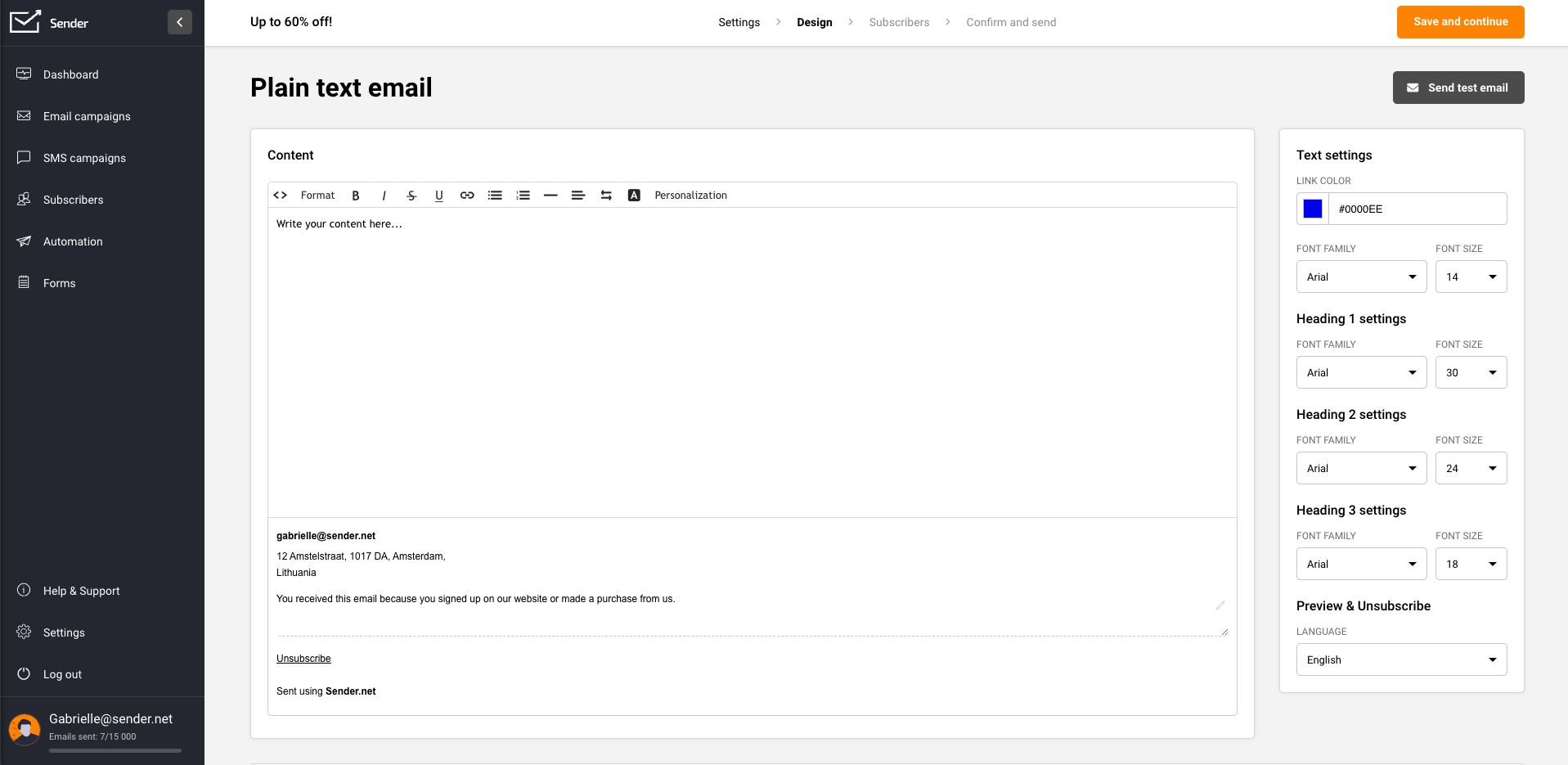
Once you’re done with the campaign, click the “Save and continue” button at the top right.
That’s it!
If you got stuck on a specific task or can’t find a way to execute a particular job, contact our support team via LiveChat or support@sender.net – we’re here to help 24/7.