

Understand test email feature
Sometimes, you might want to send yourself a test version of the campaign you’re creating before sending it out to your subscribers. We call it the Test email.
We allow you to send up to 10 test emails per hour to prevent abuse. As they are not counted into your total sent emails, testing your campaign will not cause you to go over your email limit.
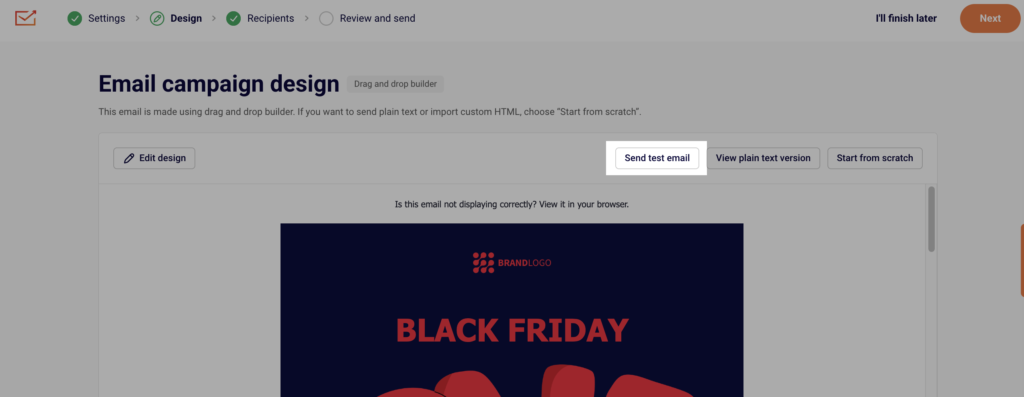
You can send a test email from the design part of the email campaign creation:
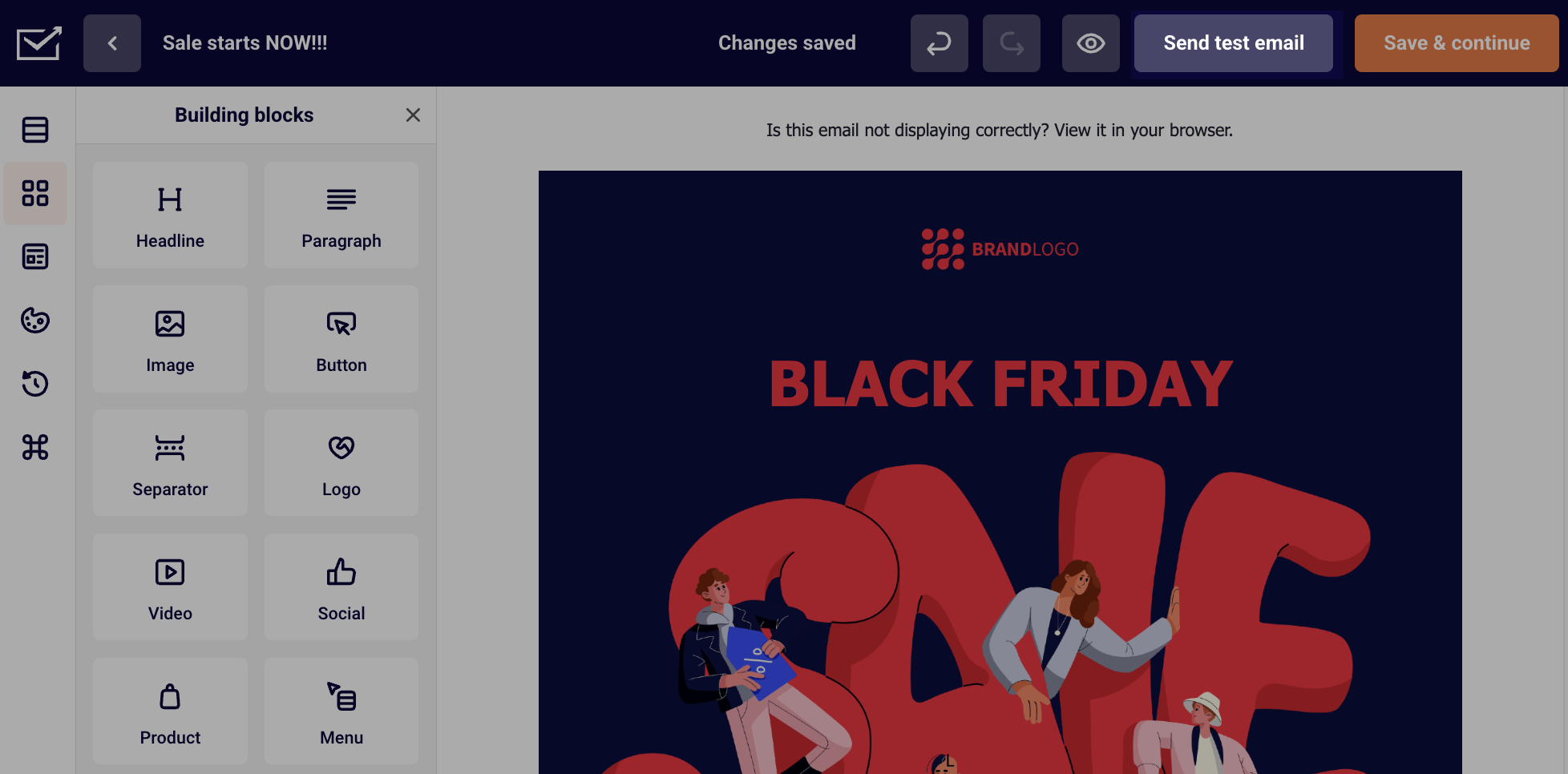
You can also send a test email directly from the Drag and Drop editor:
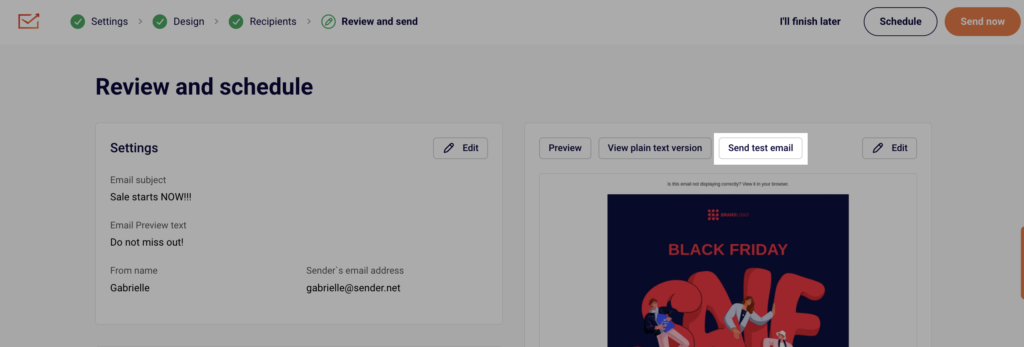
Lastly, you can send a test email from the last step before sending the actual campaign to your selected subscriber group:
If you notice any inconsistencies between the campaign you created and the test email you received, you can also test by sending the actual campaign to yourself only. This would require you to add yourself to a separate group and choose that group as the recipients of the campaign.
If th issues are still consistent, please do not hesistate to contact support for further help.
If you got stuck on a specific task or can’t find a way to execute a particular job, contact our support team via LiveChat or support@sender.net – we’re here to help 24/7.