

Create “call now” button
If you want your customers to be able to call you straight from your sent campaign, you should consider implementing a visible Call now button in the newsletter’s body. Creating a “Call now” button is pretty simple – first, you will need to insert a button element into the selected section.
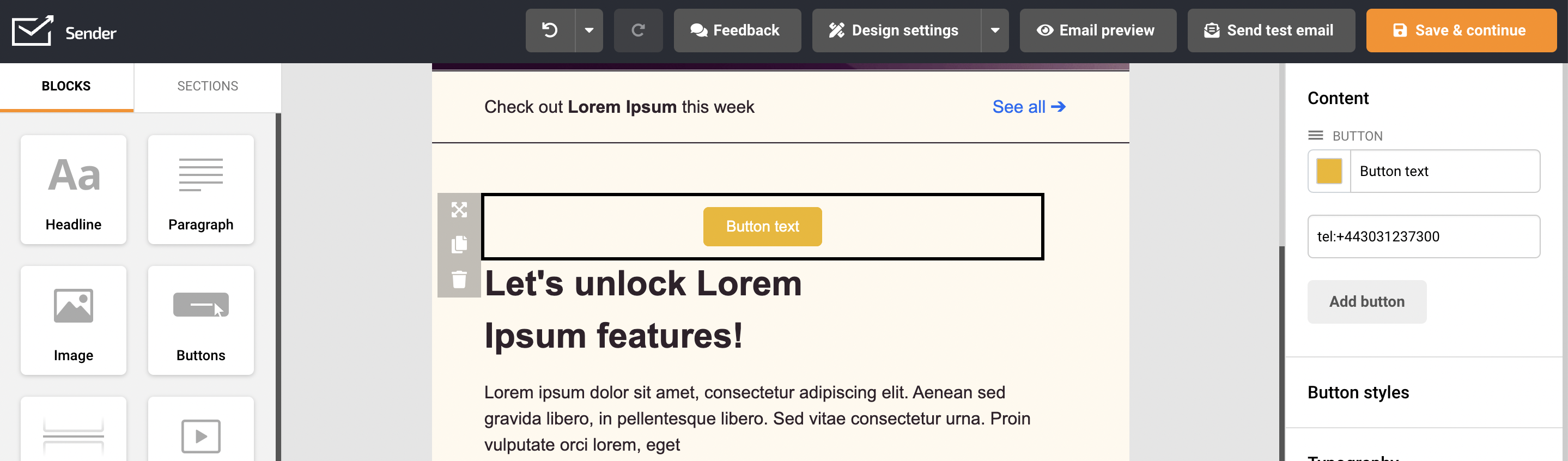
When that’s done – button’s “link” section should have shortcut: tel:phone number
for example, tel:+443031237300
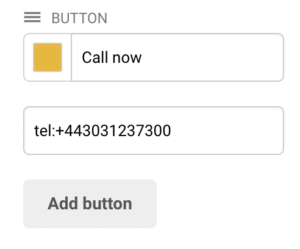
Now when the recipient clicks on the button, an option to call the selected phone number will emerge.
Here how it looks on iPhone:
That’s it!
If you got stuck on a specific task or can’t find a way to execute a particular job, contact our support team via LiveChat or support@sender.net – we’re here to help 24/7.