

Add background image
A background image can be added to the whole campaign or to a particular section.
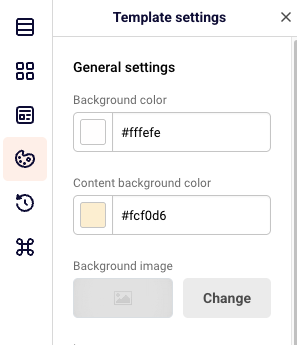
To add a background image to the whole campaign, click “Template settings” icon. Click “Change” and choose an image that you want.
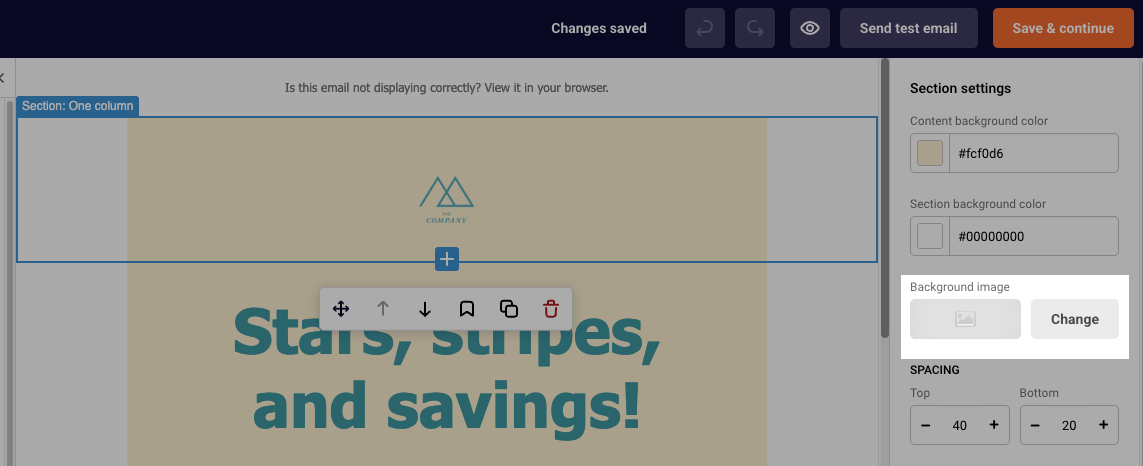
To add a background image to a section of the campaign, click on the section that you want to add the image to. On the right side, you will see the ” Background image option in the “Section settings” section. Click “Change” and choose an image that you want.
If you are stuck on a specific task or can’t find a way to execute a particular job, contact our support team via LiveChat or support@sender.net – we’re here to help 24/7.