

Create “reply to” button
If you prioritize customer feedback, you should consider adding a visible reply-to button in the newsletter’s body. Creating a “reply” button is pretty simple. Firstly, you will need to drag the button element into the selected section.
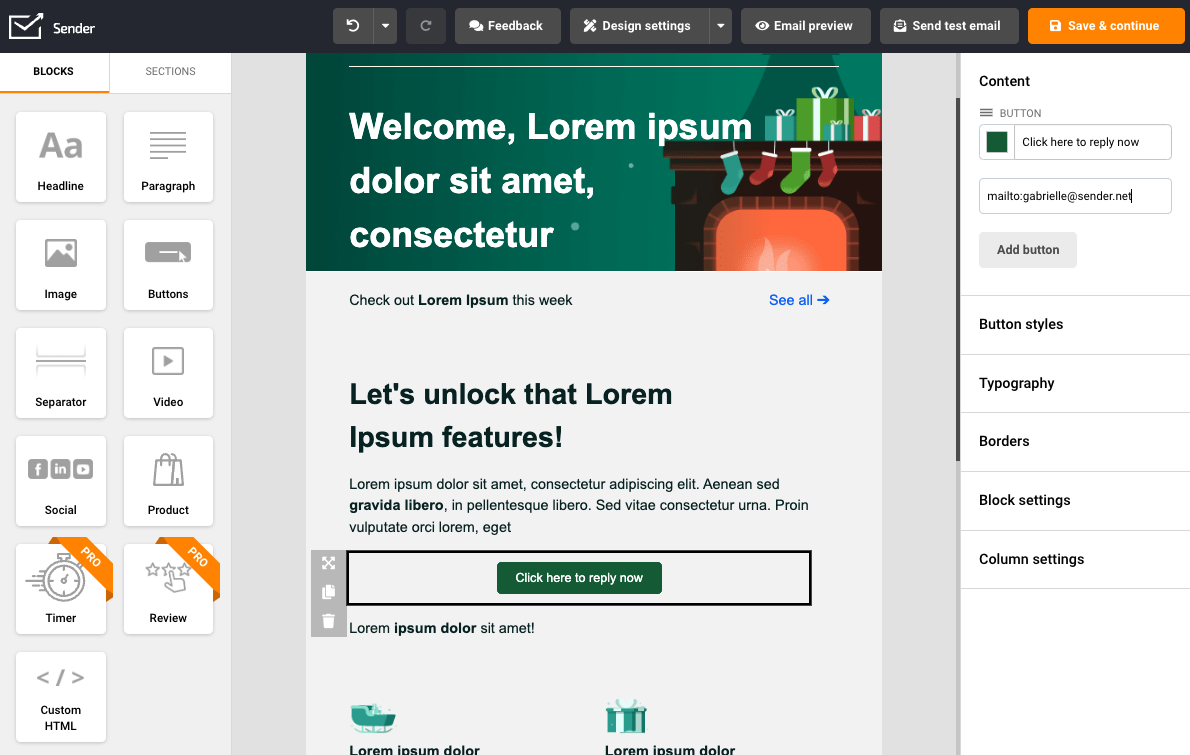
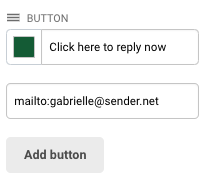
When that’s done – the button’s “link” section should have a shortcut:
mailto:email address – e.g., mailto:gabrielle@sender.net.
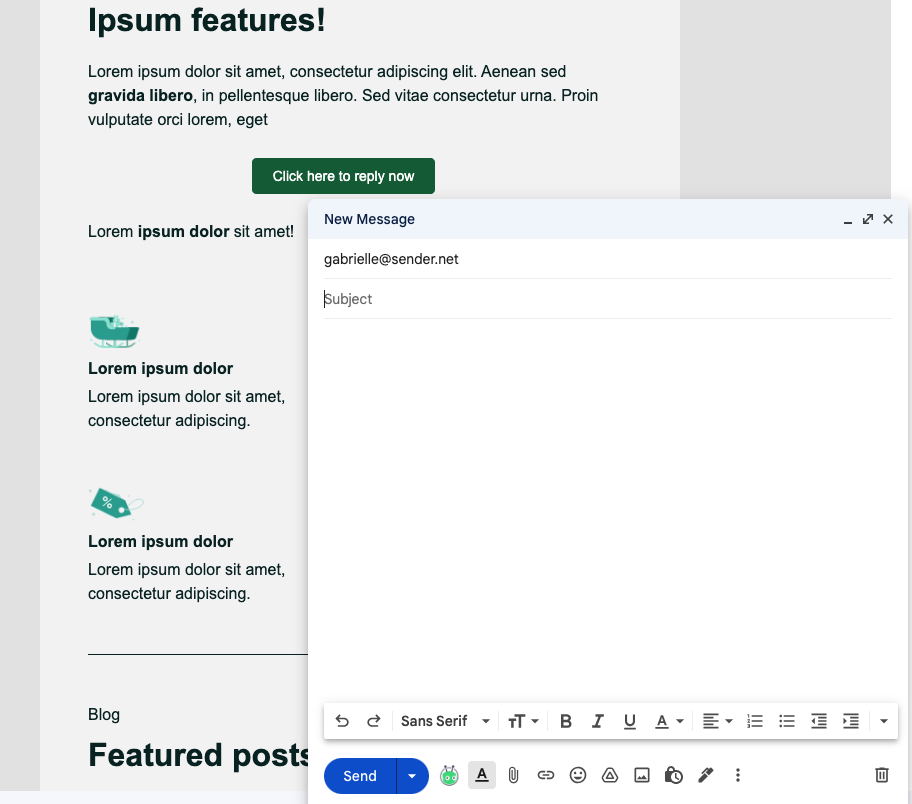
Now when the recipient clicks on the button, a draft with your email address (as the recipient) will emerge.
Here how it looks in Gmail:
That’s it!
If you are stuck on a specific task or can’t find a way to execute a particular job, contact our support team via LiveChat or support@sender.net – we’re here to help 24/7.