

Use feedback block element
An objective perspective on a particular subject goes a long way in improving customers’ experience and service in general. That’s why feedback is essential.
With Sender, collecting feedback is clear and straightforward.
In order to insert review form into a newsletter design, you’ll need to pick a review block and drag it into a required section.
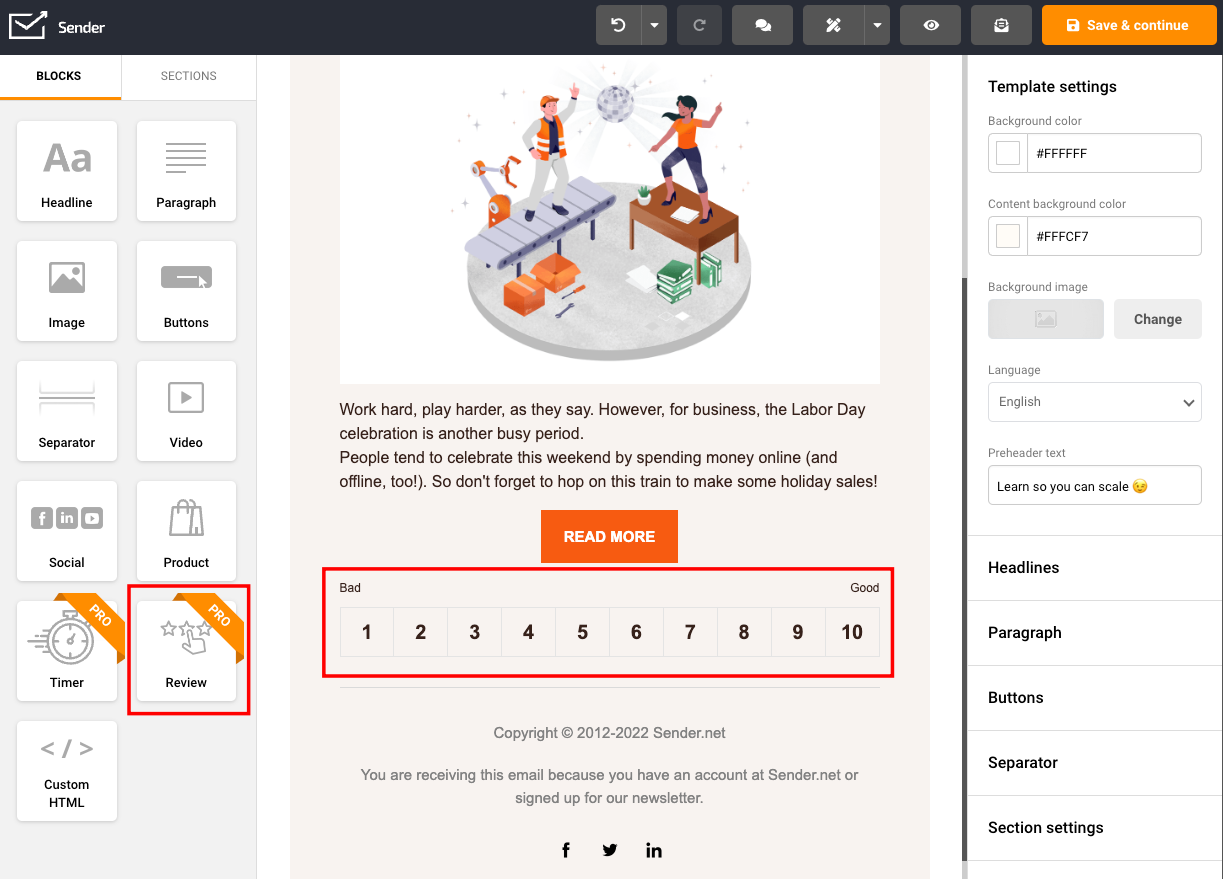
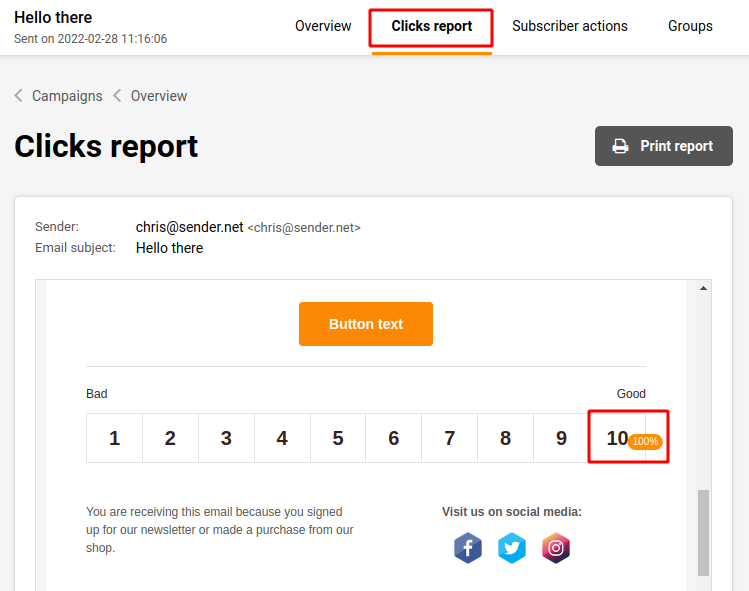
When the campaign is completed and sent, recipients will be able to click on a score and contribute feedback. The feedback score is presented in the campaign reports > clicks report
That’s it!
If you got stuck on a specific task or can’t find a way to execute a particular job, contact our support team via LiveChat or support@sender.net – we’re here to help 24/7.