

Change form success view
When creating a form, you can customize how its success view looks. Simply click on “Success view” above the form.
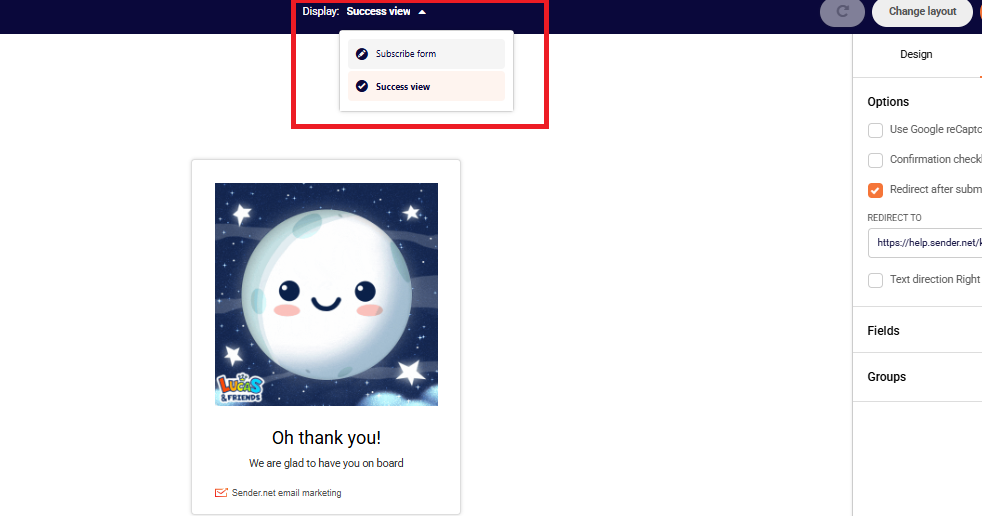
After that, you can simply click on the image and change it or on the text and edit it.
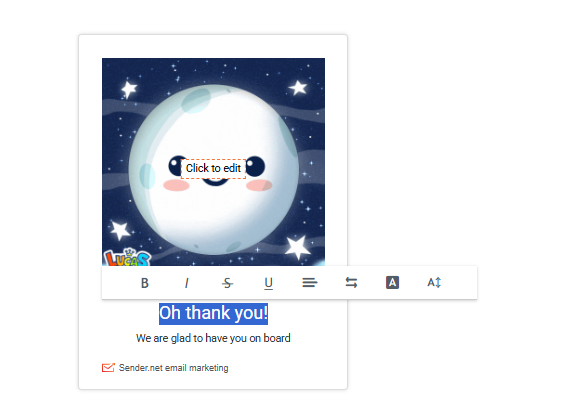
That’s it!
If you still struggle with domain verification – contact your support team via LiveChat or support@sender.net – we’ll help you with verification. We’re ready to help 24/7.