

Preview form desktop/mobile
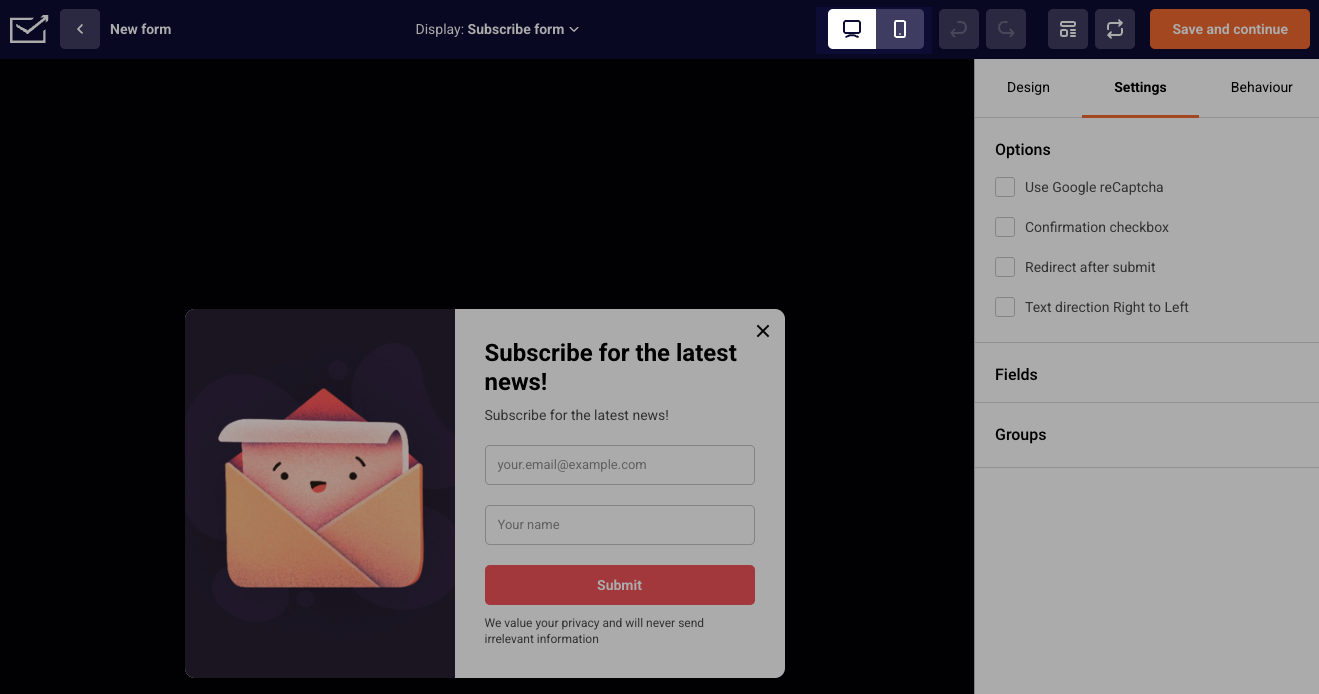
While you are creating a form, you have the option to see how it will look on desktop and mobile devices. You will find the switch between desktop and mobile in the form editor:
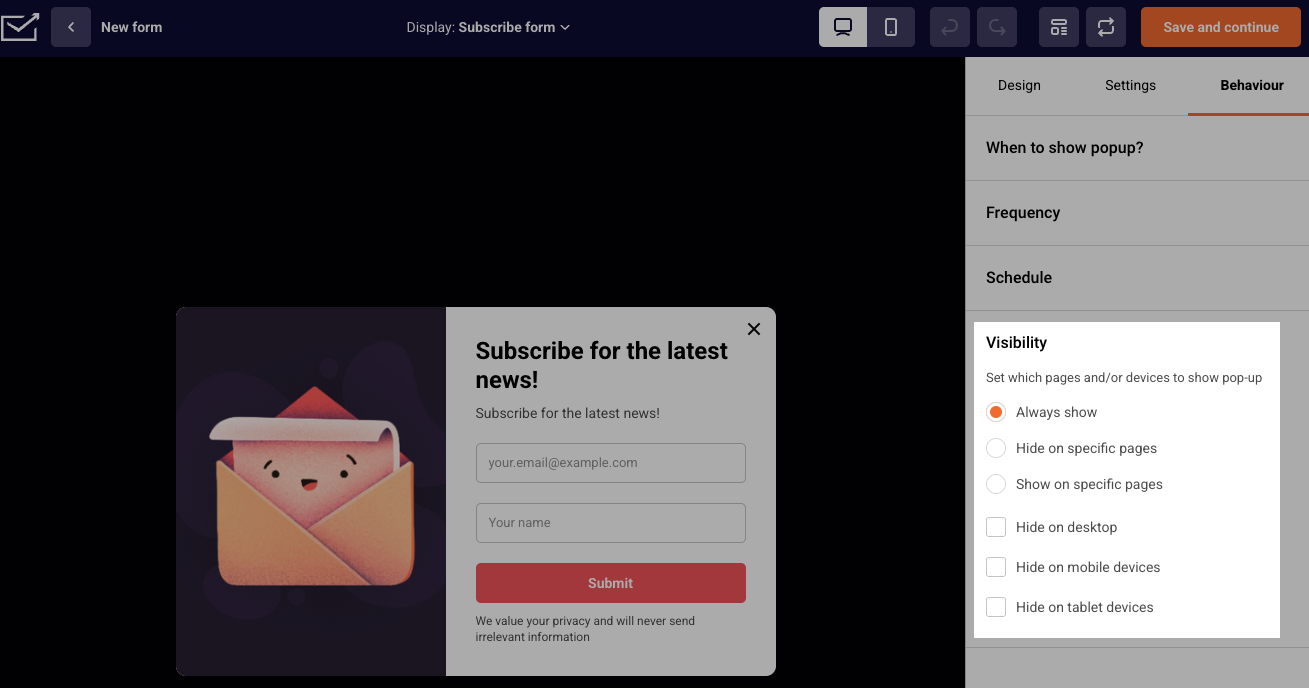
If you want to hide the pop-up form from any of the devices, you can do that by going to Behavior -> Visibility.
If you got stuck on a specific task or can’t find a way to execute a particular job, contact our support team via LiveChat or support@sender.net – we’re here to help 24/7.