

Analyze subscriber actions
Subscribers Actions
The subscriber’s activity section summarizes campaign performance, e.g., like how many recipients have opened it, how many recipients received the campaign, how many of them clicked on a particular link, how many unsubscribed, and etc.
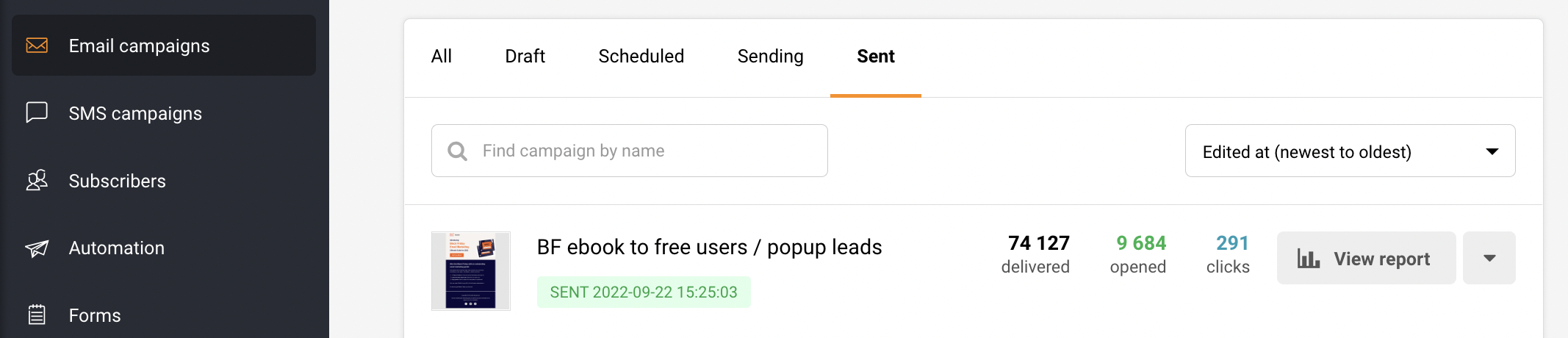
Let’s start by opening the dashboard and clicking on the campaign -> view reports section.
Subscriber actions overview contains multiple tabs:
- Opens
- Clicks (recipients that clicked on a link)
- Hard-bounces (failed deliveries due to invalid email address)
- Soft-bounces
- Unsubscribes
- Spam complaints
- Unopened
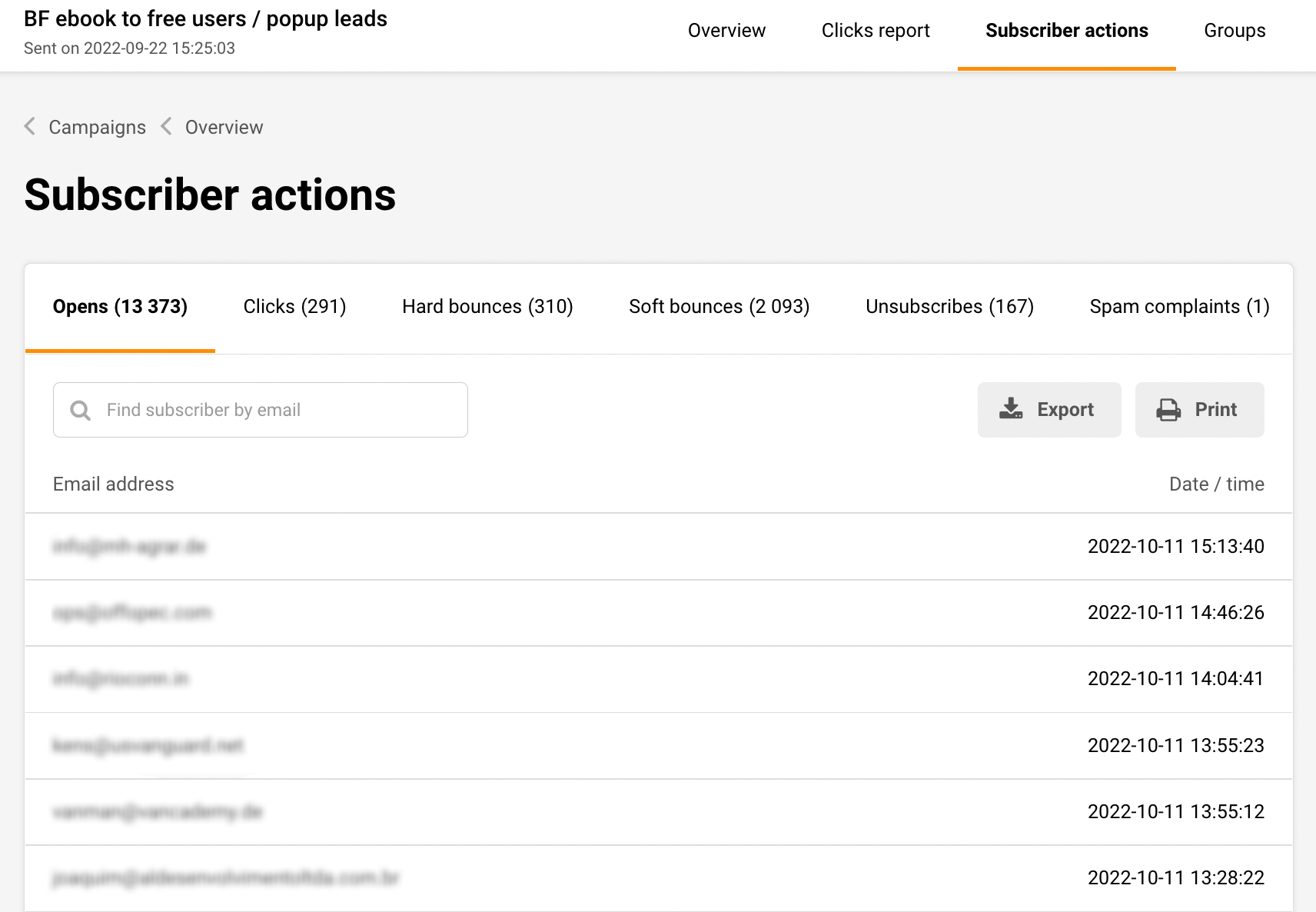
The report section has selectable tabs – if you click on any of them, the individual report will display. For example, if you click on the “opened” tab – you will be presented with recipients that opened the campaign.
Furthermore, listed recipients can be exported if needed.
That’s it!
If you got stuck on a specific task or can’t find a way to execute a particular job, contact our support team via LiveChat or support@sender.net – we’re here to help 24/7.