

See non-openers list
Of course, the easiest way to do that is by going to the Campaigns section and clicking on the “View Reports’ button. Then you will be taken to the reports section, next click on “Subscriber actions” and select the “Unopened” tab.
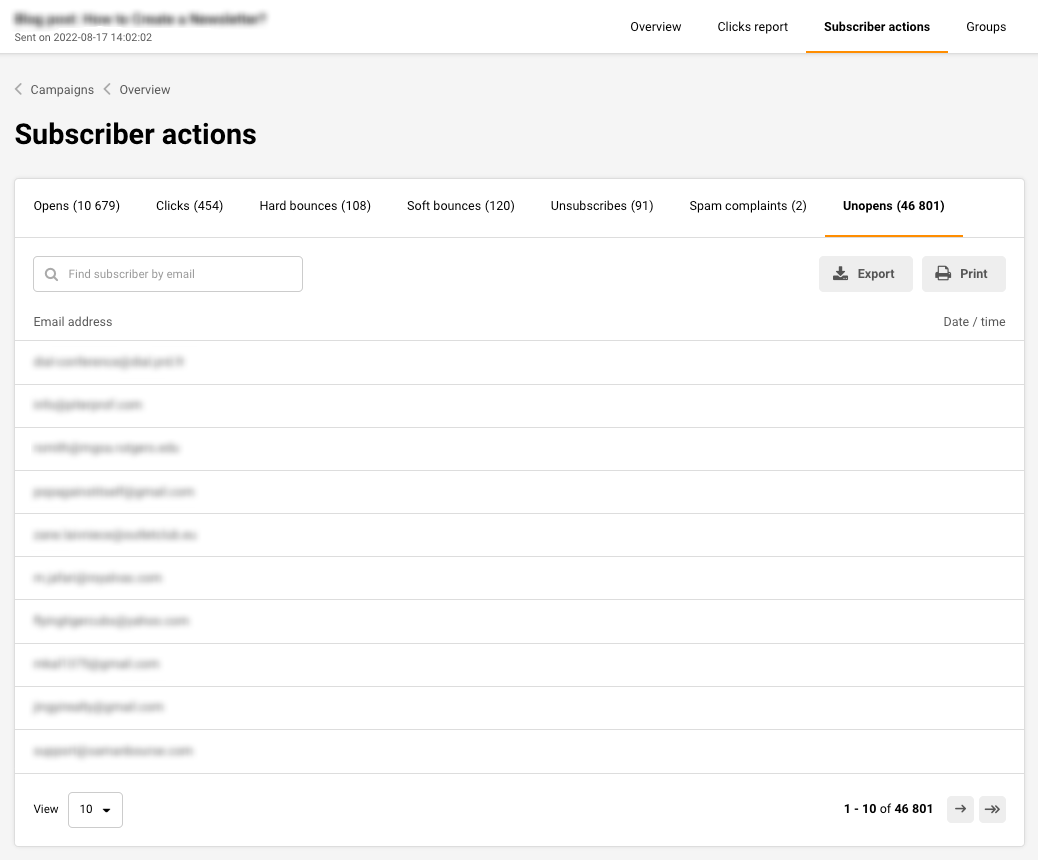
From here on you will be able to export, view/edit individual subscribers who did not open this particular campaign.
That’s it!
If you got stuck on a specific task or can’t find a way to execute a particular job, contact our support team via LiveChat or support@sender.net – we’re here to help 24/7.