

Understand automation steps
A highly customizable automation is the key to the free-and-easy, experience; therefore a various type of action steps is included.
Here are all available steps and conditions:
Continue the workflow in a different way depending on whether conditions are matched.
Set a delay between workflow steps.
A newsletter which will be sent to a subscriber.
An SMS which will be sent to a subscriber.
Change subscriber’s details or group membership, notify yourself or send a web-hook.
Detailed description
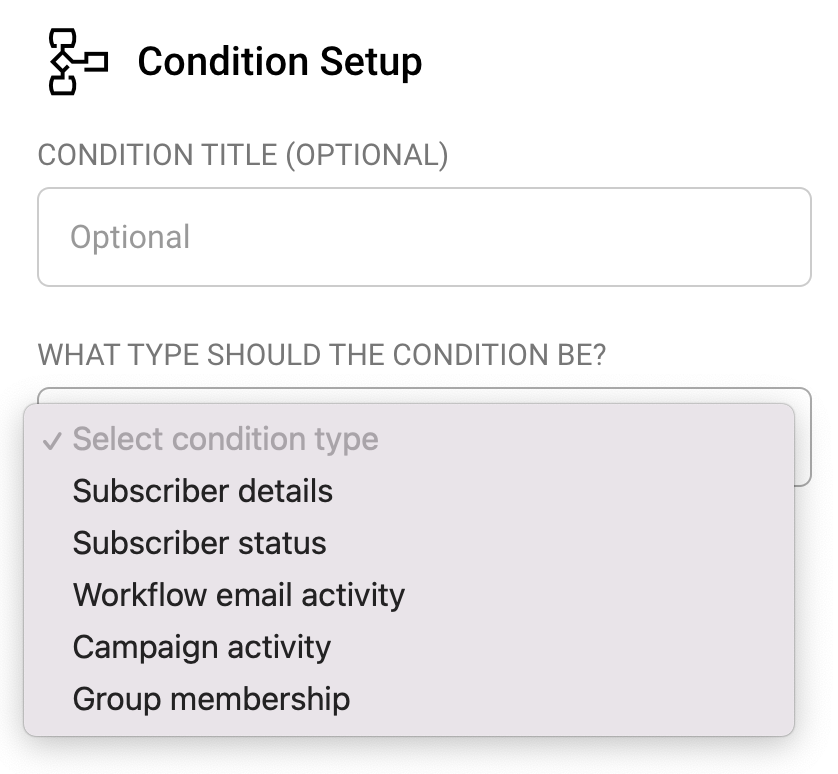
Condition step is one of the most effective ways to create unique route for a different occasions. What activity can be selected?
- Subscriber details (any custom field can be chosen),
- Subscriber status
- Workflow email activity
- Campaign activity
- Group membership (e.g. move to different group)
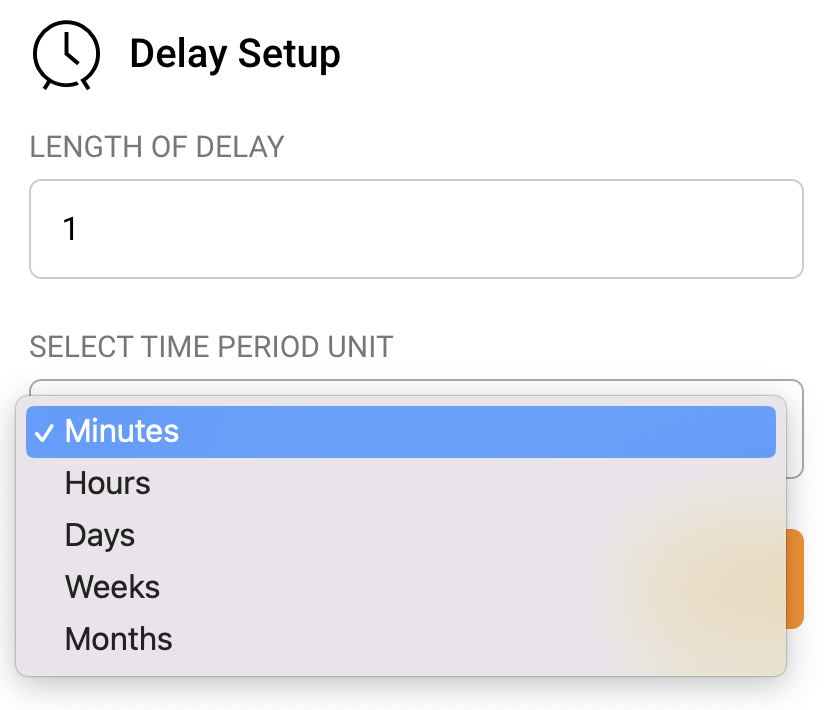
Delay can be set for:
- Minutes
- Hours
- Days
- Weeks
- Months
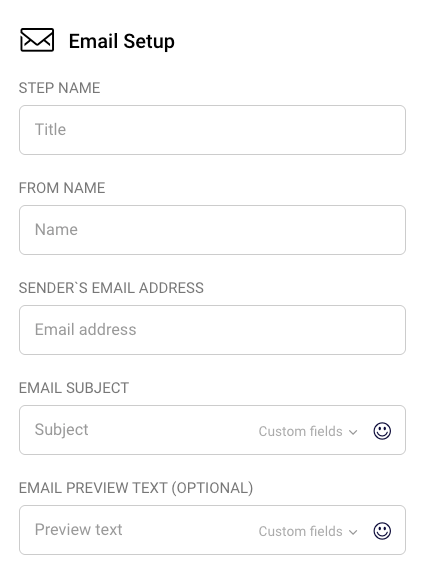
Email step is pretty basic, enter these fields:
- Email title
- From name
- Sender’s email address
- Email subject
- Email preview text (optional)
Then choose how you want to design the campaign:
- Drag and drop builder
- Plain text
- Custom HTML
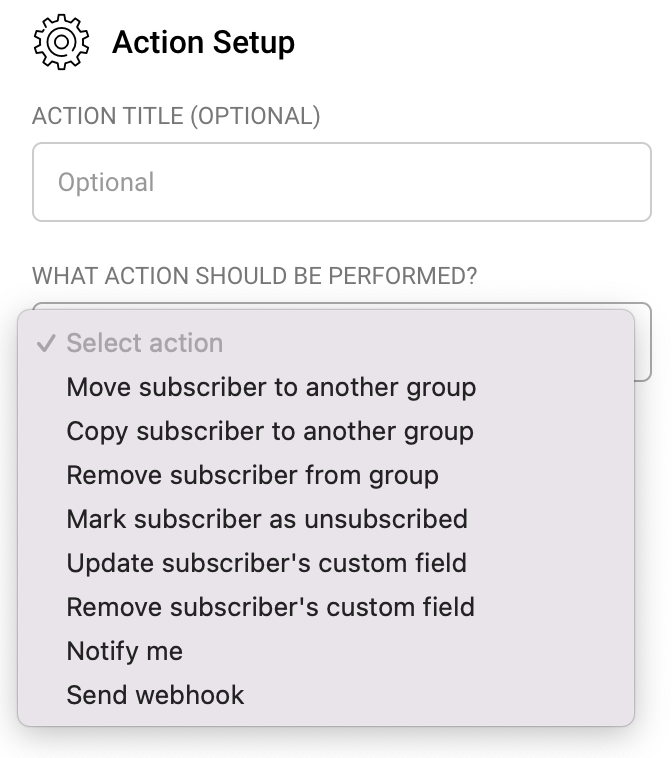
Action step is used for executing activities for specific conditions. These are possible actions:
- Move subscriber to another group
- Copy subscriber to another group
- Remove subscriber from a group
- Mark subscriber as unsubscribed
- Update subscriber’s custom field
- Remove subscriber’s custom field
- Notify me
- Send webhook
That’s it!
If you got stuck on a specific task or can’t find a way to execute a particular job, contact our support team via LiveChat or support@sender.net – we’re here to help 24/7.