

Set up birthday/anniversary automation
Setting up a celebratory email can be a great way to surprise and congratulate a customer on their birthday or another occasion. The setup takes little time.
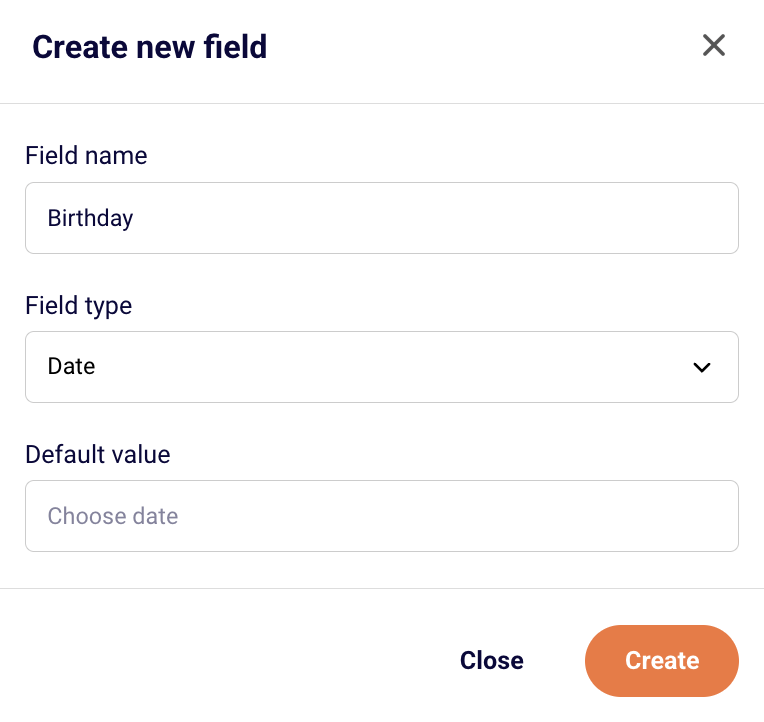
Firstly, go to Subscribers -> Fields and create a date type field for Birthday.
Secondly, go to Automations -> Create new workflow -> Create from scratch and choose the “Anniversary of a date” trigger.
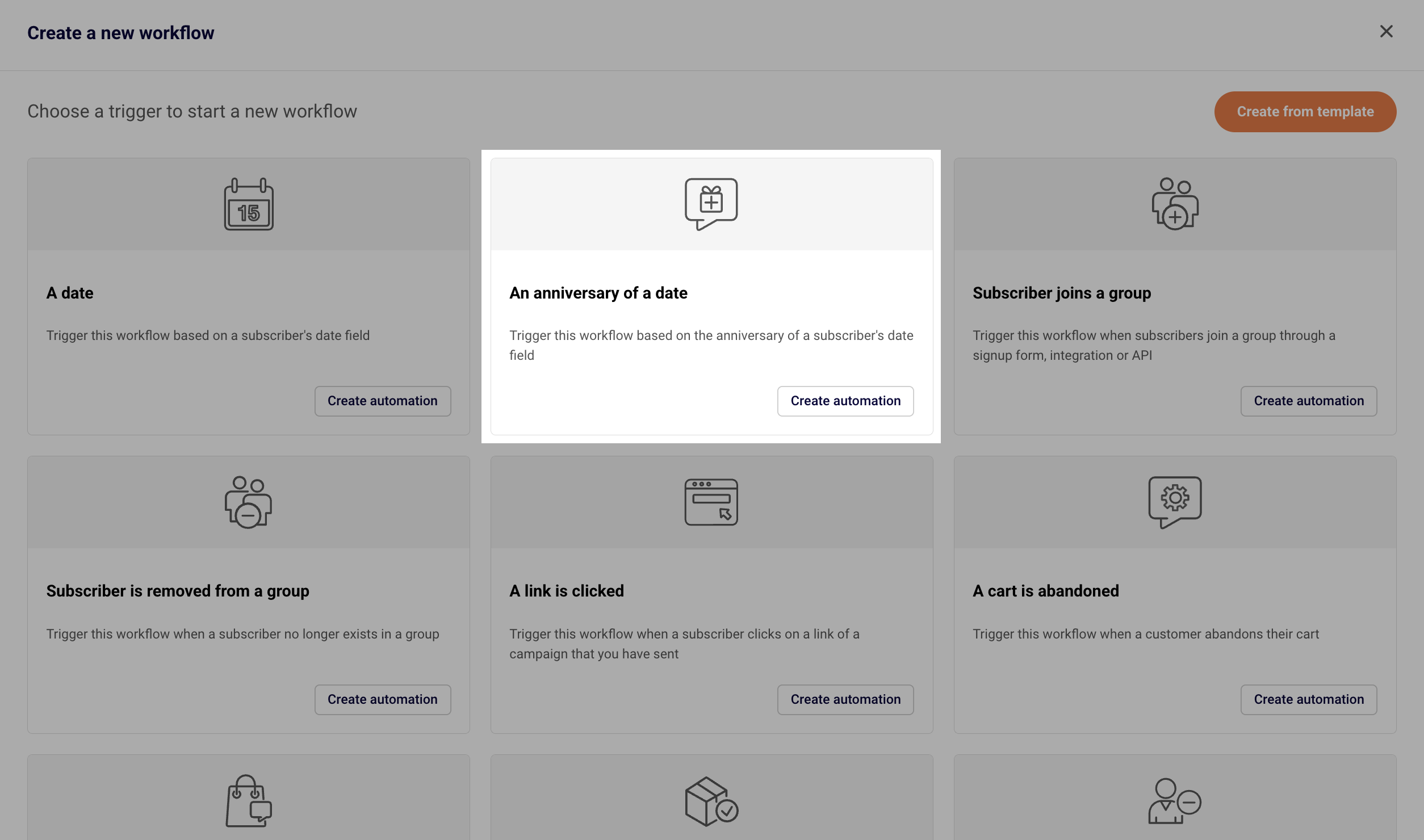
Name your workflow accordingly and click Create.
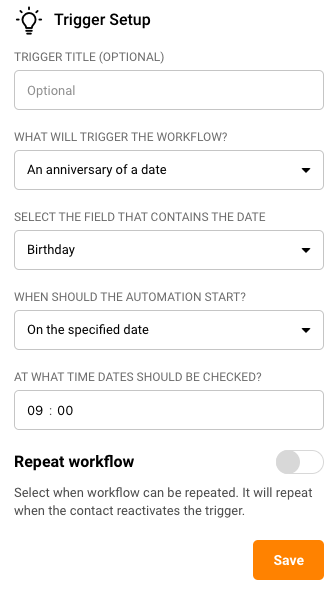
Fill in the trigger setup and choose the Custom Field you created initially. This trigger will check the set field every day at the set time, and if the date is today, the automation will start.
Enable the “Repeat workflow” if you want the same subscriber to receive their birthday celebration email more than once (every year).
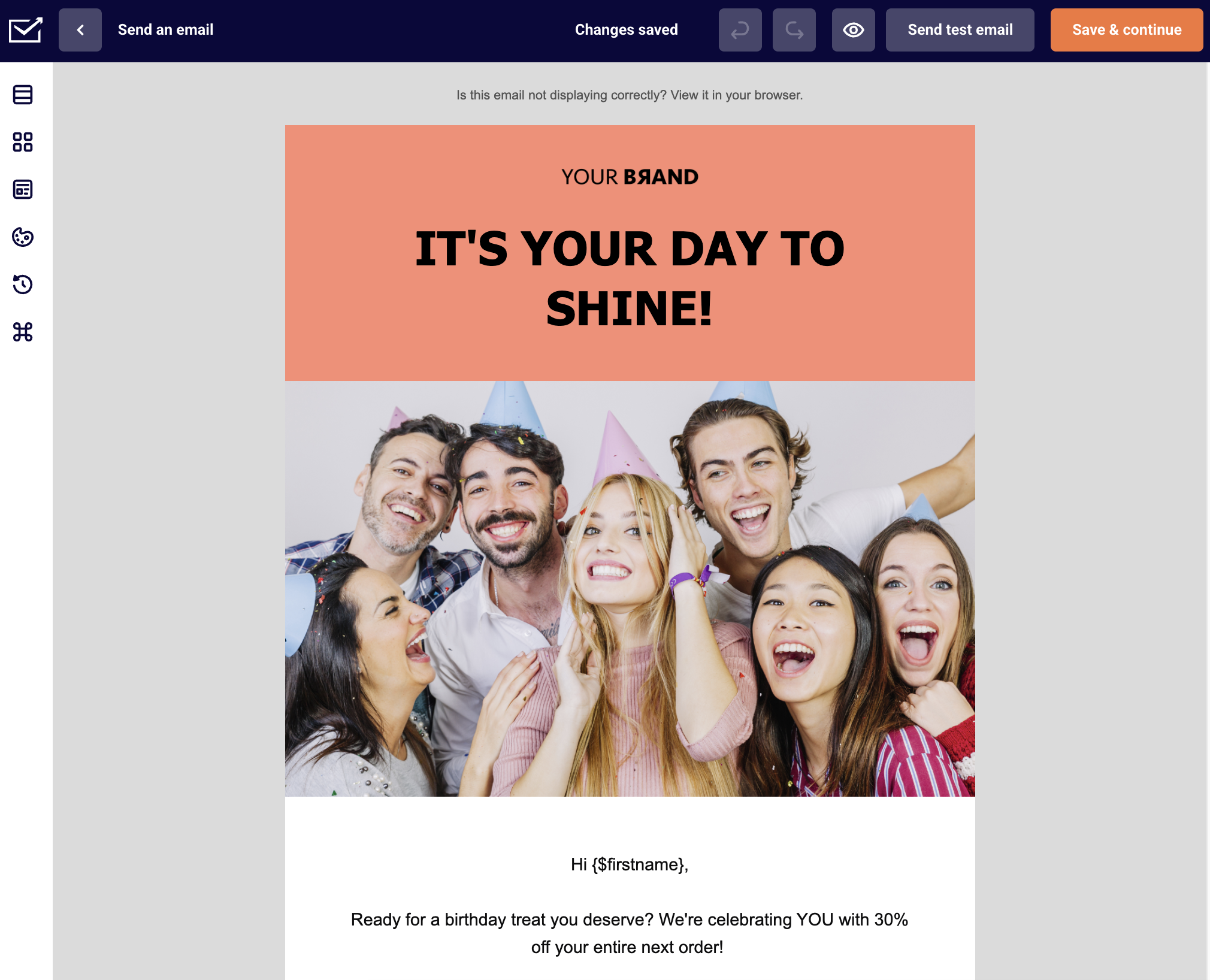
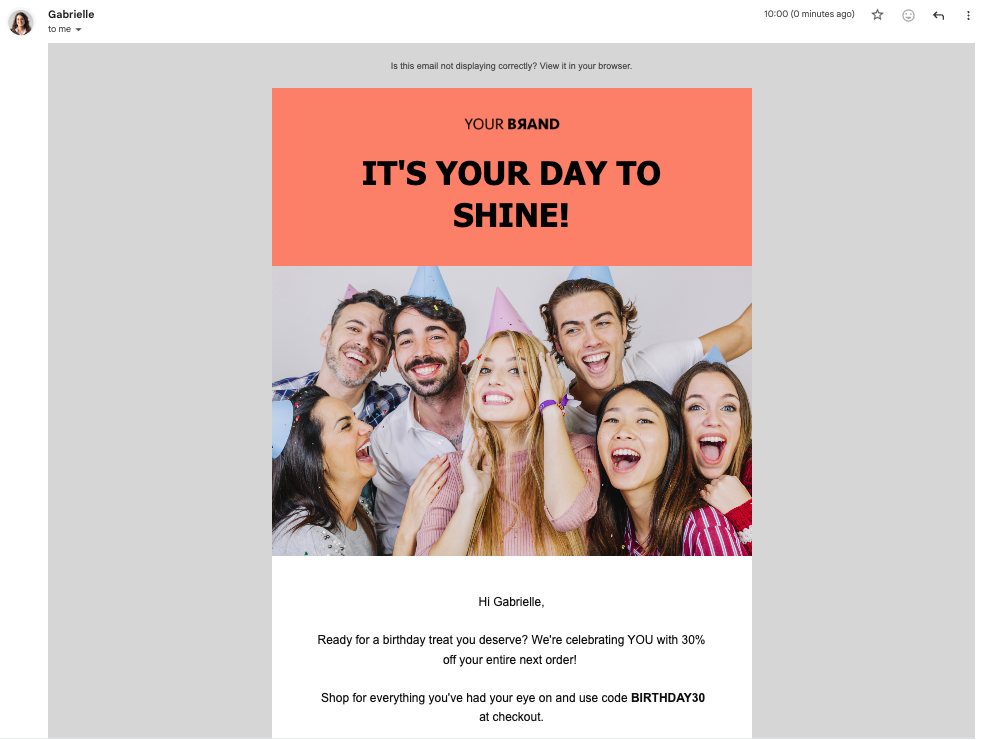
After setting the trigger, you can add any additional steps, e.g. a congratulatory email to be sent. It can include a message with personalization and a discount code or some other perk to surprise the recipient.
Do not forget to activate the automation workflow!
Once everything is set up, you can import your subscribers’ birthdays data or other anniversaries into the created field, and the automation will do its magic! Here is what the email might look in subscriber’s inbox:
If you got stuck on a specific task or can’t find a way to execute a particular job, contact our support team via LiveChat or support@sender.net – we’re here to help 24/7.