

How to embed a form on Hostinger
Embedding your Sender forms into Hostinger Website Builder is very straightforward. Make sure you’ve already created and published your form on your Sender account (see our Creating Signup Forms guide).
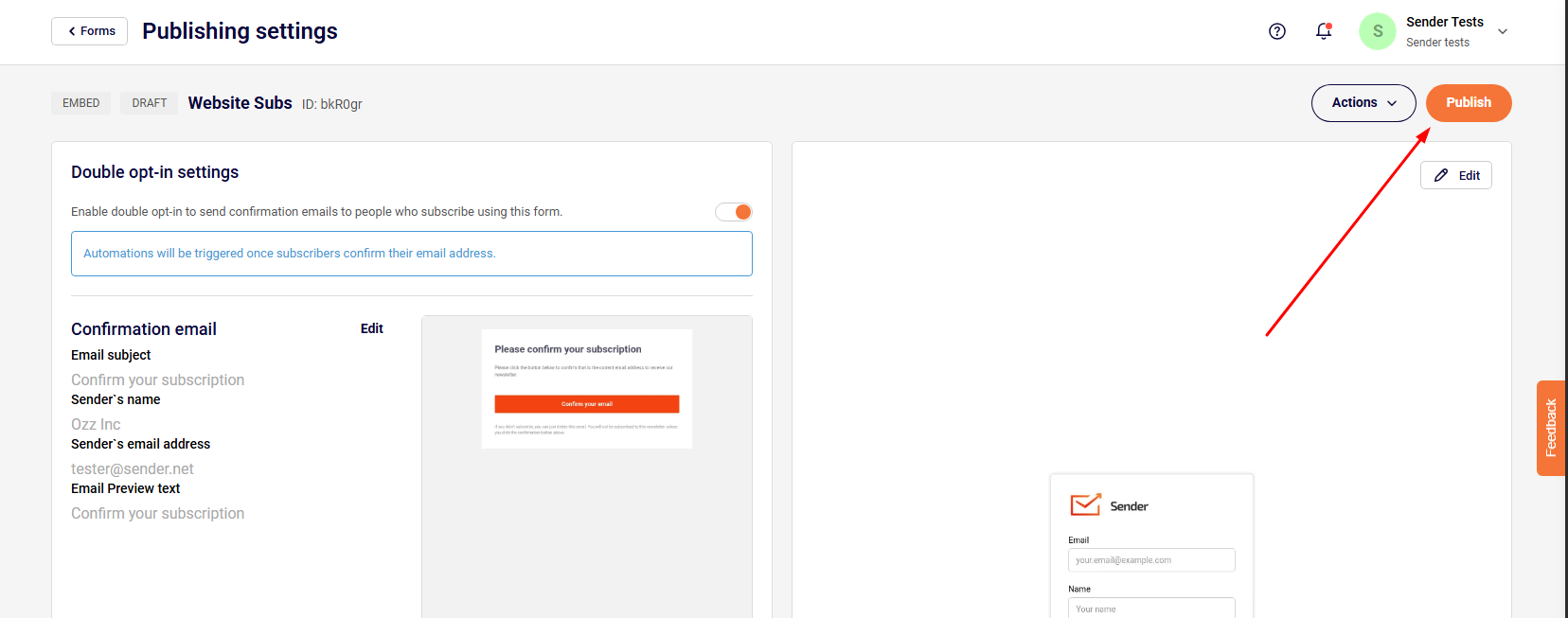
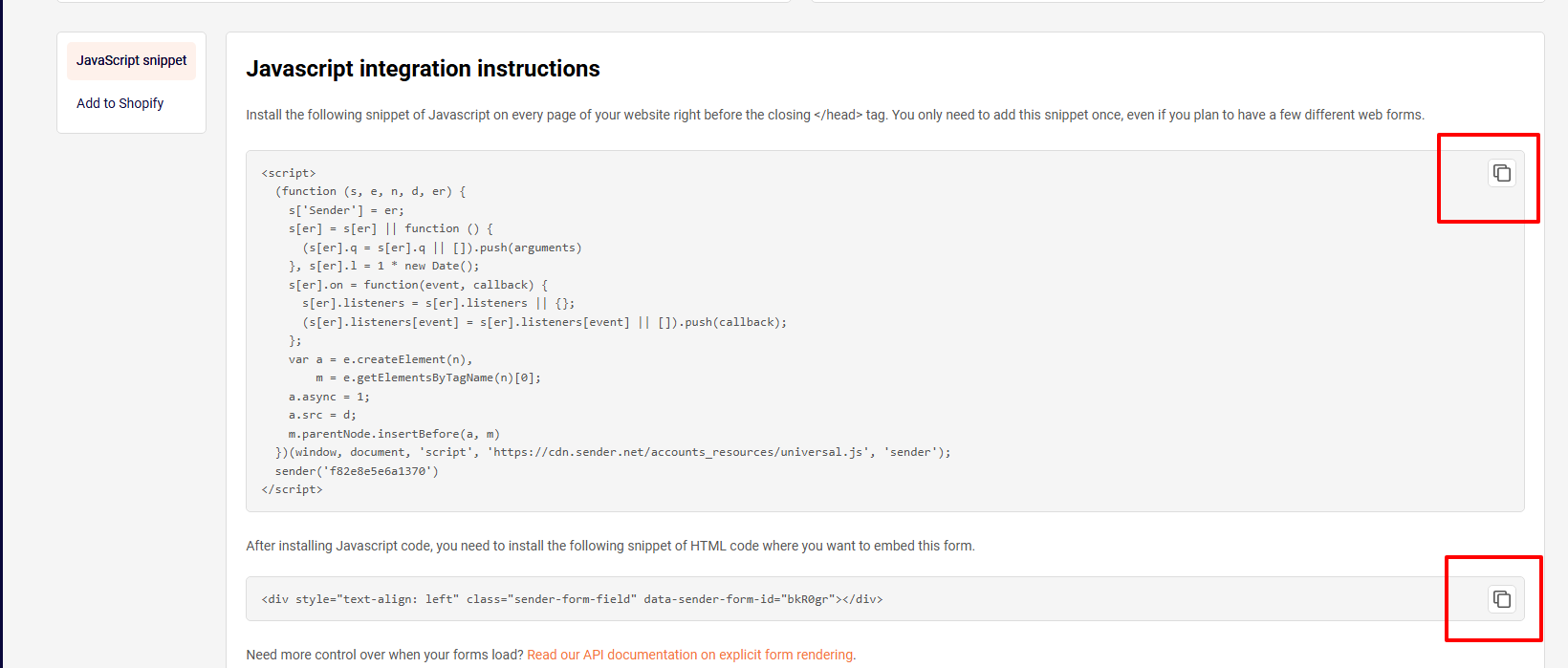
Sender will generate two embed code snippets. You can copy these from your form settings.
Follow this short video for the whole embedding process:
Remember to include both the JavaScript and HTML snippets in the same Embed Code box. Put the JavaScript first, then the HTML below it.
Tip: Embedded forms may not fully render inside the Hostinger editor canvas. Preview your page or publish changes to verify that the form appears and submits correctly.
That’s it!
If you got stuck on a specific task or can’t find a way to execute a particular job, contact our support team via LiveChat or support@sender.net – we’re here to help 24/7.