

Set unsubscribe confirmation
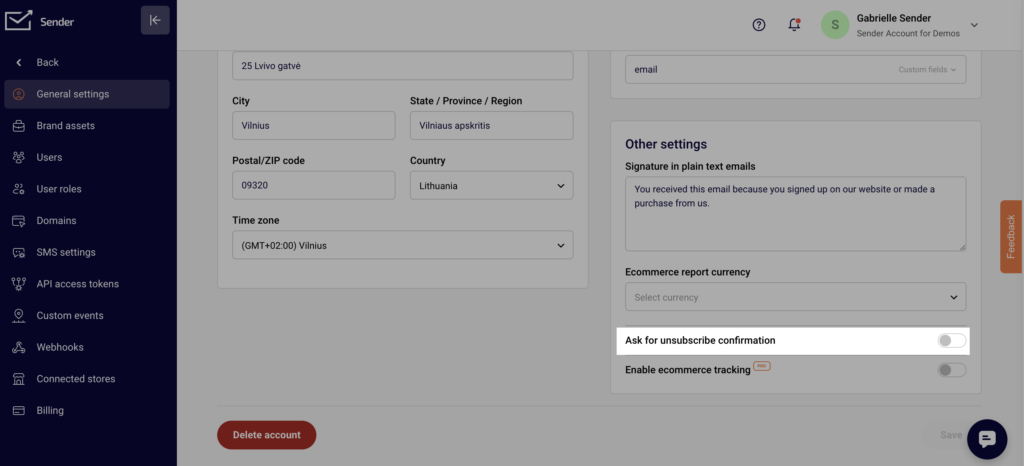
Setting up the Unsubscribe confirmation is a very easy process. Simply go to Settings, General settings and then enable the “Ask for unsubscribe confirmation” option that is under “Other settings”. Do not forget to save the changes!
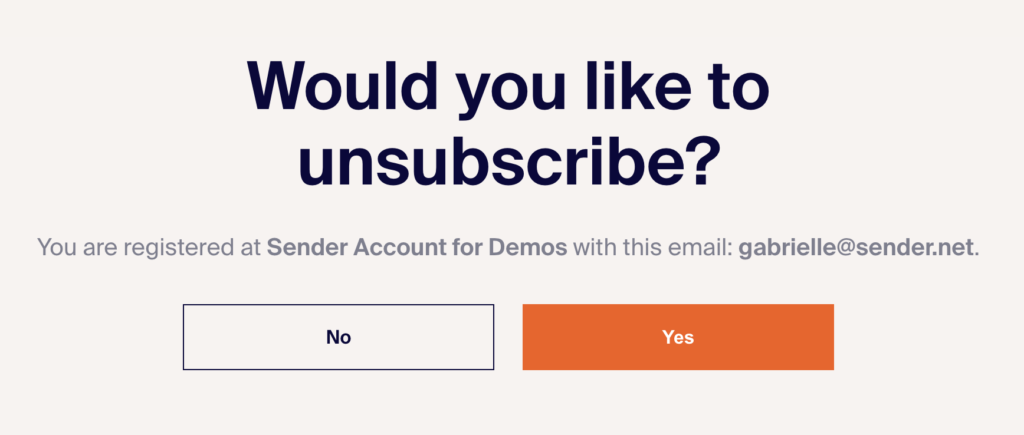
After your subscriber clicks the Unsubscribe button, they will be redirected to another page to confirm their unsubscription.
If you got stuck on a specific task or can’t find a way to execute a particular job, contact our support team via LiveChat or support@sender.net – we’re here to help 24/7.