

Subscribers Section Overview
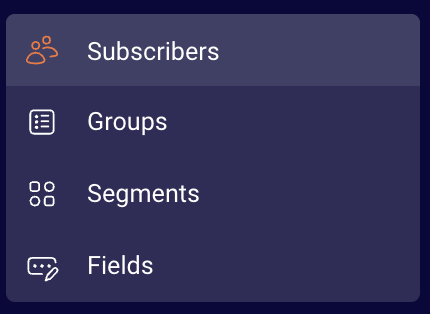
Subscribers section has several sections:
- Subscribers
- Groups
- Segments
- Fields
Subscribers
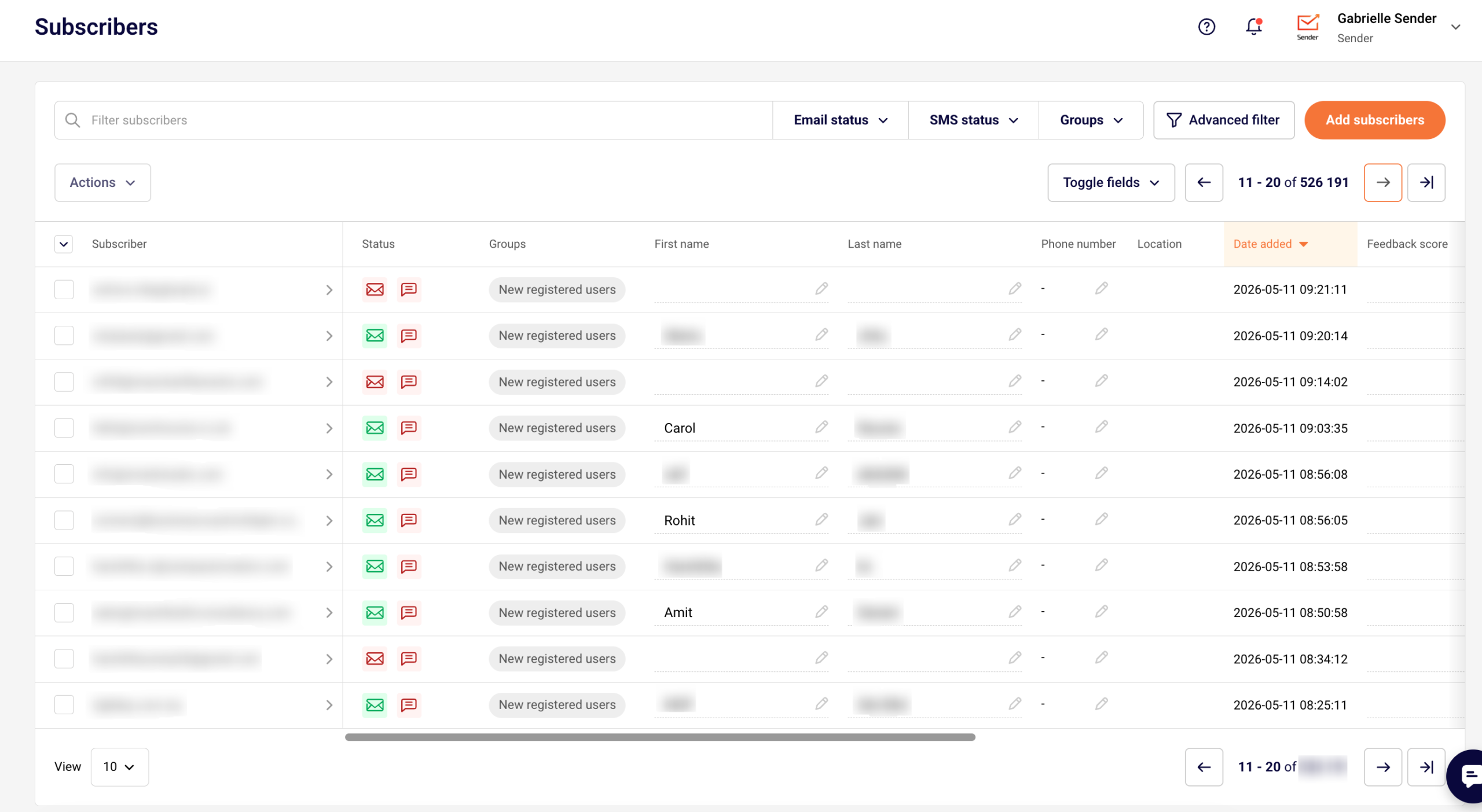
The subscribers section is the place where you find all subscribers in one place. Here you can find segmentation and filtration tools. These tools are used to classify different recipients by specific rules, statuses, or behaviors.
Subscribers will have a status icon next to the email address. The envelope icon is for Email and Transactional email statuses, the talk bubble is for SMS and transactional SMS statuses.
Once you hover over the icon, you can see the status for each of your subscribers, which can be: active, bounced, reported spam, unsubscribed, or non-subscribed.
More information on subscribers’ management can be found here.
Groups
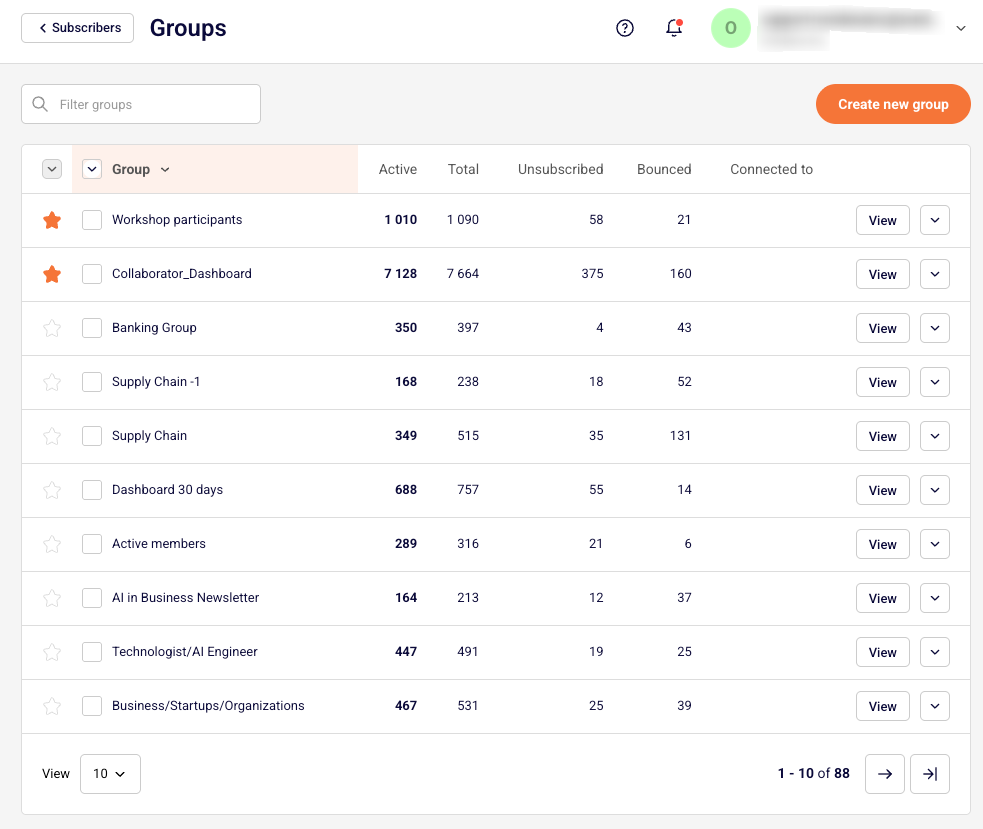
The second section is called Groups. You can think of group tags as labels for your contacts that help you stay organized. Group tags let you identify subscribers based on the information you have about them.
Basically, groups play a role similar to mailing lists, though they have a few differences. Each new subscriber must be assigned to a group upon import or attached to one later. The subscriber can receive multiple group tags.
Do not worry if you send a campaign to all of your groups because even if a subscriber belongs to all of the groups, they will receive a single copy of the campaign.
Group section stores saved groups (basically, mailing lists). Additional groups can be created, edited, and managed in this section.
More information on Groups can be found here.
Segments
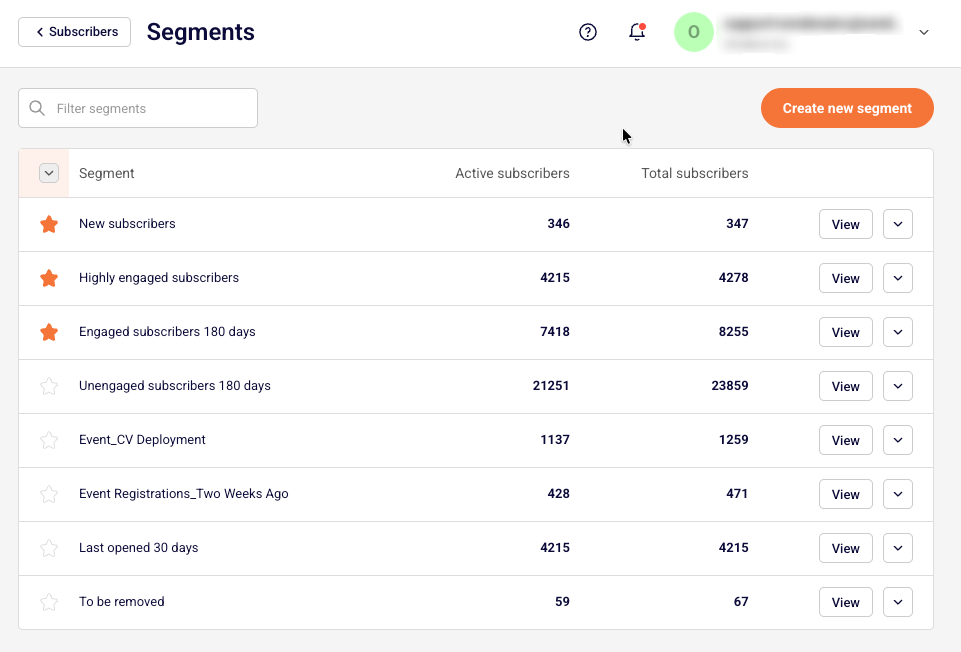
The segments tab stores grouped/arranged subscribers. Here you can access, edit, modify and create new segments.
More information on “Segments” can be found here.
Fields
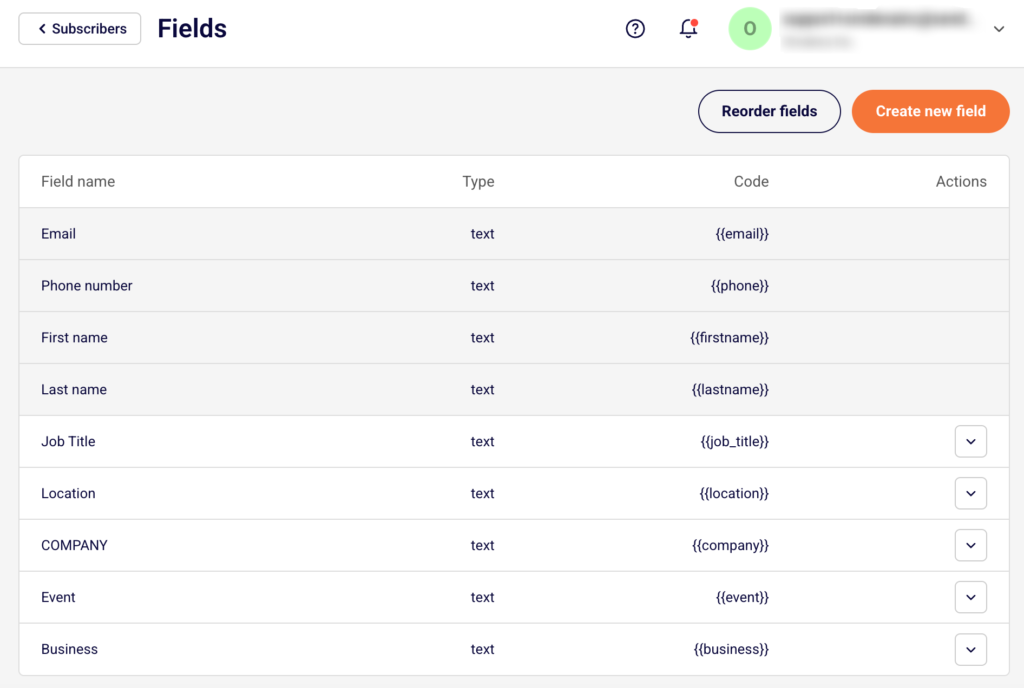
Let’s continue with the fields section. Here you can find already existing fields and create new custom fields for the subscribers.
A more in-depth guide on “Fields” can be found here.
If you got stuck on a specific task or can’t find a way to execute a particular job, contact our support team via LiveChat or support@sender.net – we’re here to help 24/7.