


We’re kicking off the new year with some updates we’ve been working on for a while now.
This month brings a refreshed Email Builder and a new Brand Settings feature—both aimed at making your life a bit easier when it comes to creating emails that look good and stay on-brand.
Refreshed Email Builder
We’ve given the Email Builder a pretty thorough overhaul. Here’s what changed:
- Premade section templates. No more building sections from scratch every time. We’ve added ready-to-use section templates to help you move faster.
- Premade block templates. Same idea here. Grab a premade block and customize it instead of starting from zero.
- Updated section and block handling. Sections and blocks now have their own labels, colors, and easier-to-use handles. The settings work the same way you’re used to—they just look a bit different now.
- Smoother editing experience. A few quality-of-life improvements: you can add sections and blocks directly on the canvas, resize images without jumping to another menu, and text editing feels snappier overall.
- Improved template options. We moved Change Template and Save Template to the left sidebar. Easier to find, easier to use.
- Template settings. Colors, sizes, and other style options can now be set across the whole template in one spot.
- Simplified review versions. Managing drafts and final versions is cleaner now, with better controls in the review section.
- Keyboard shortcuts. For those of you who like to keep your hands on the keyboard, we’ve added shortcuts to speed things up.
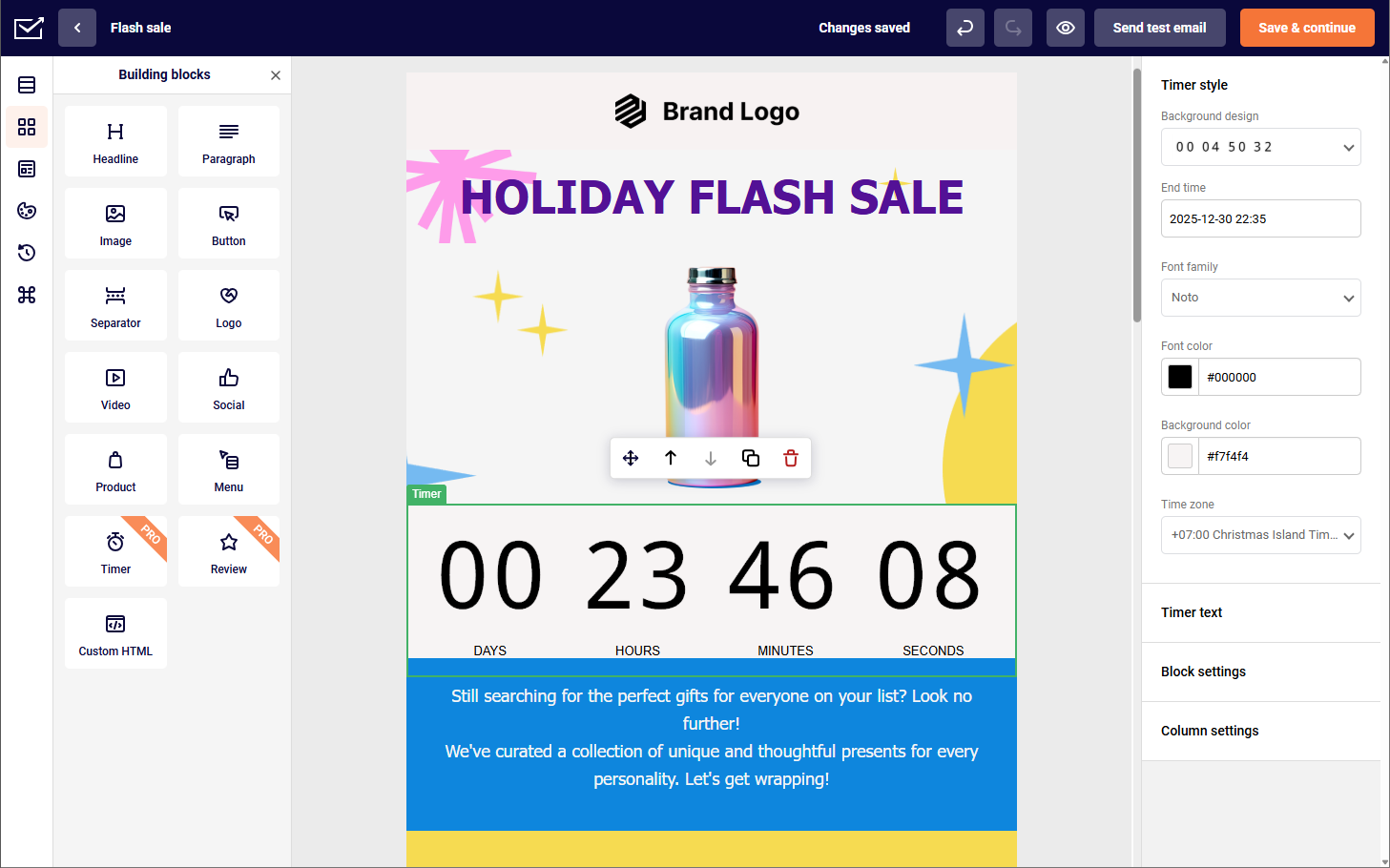
What’s in it for you? Building emails should feel less tedious. That’s really what all of this comes down to—more flexibility, less friction.
Your Very Own Brand Settings
You can now set up your brand styles once, and they’ll automatically apply whenever you create a new template or add a new block.
Why does this matter? Consistency. Your audience recognizes your brand by more than just your logo—colors play a huge role too.
And keeping those colors consistent across emails, your website, and other campaigns? That used to take more effort than it should.
Getting Started
Login into your account, click on ‘Account settings’ and then ‘Brand settings’.
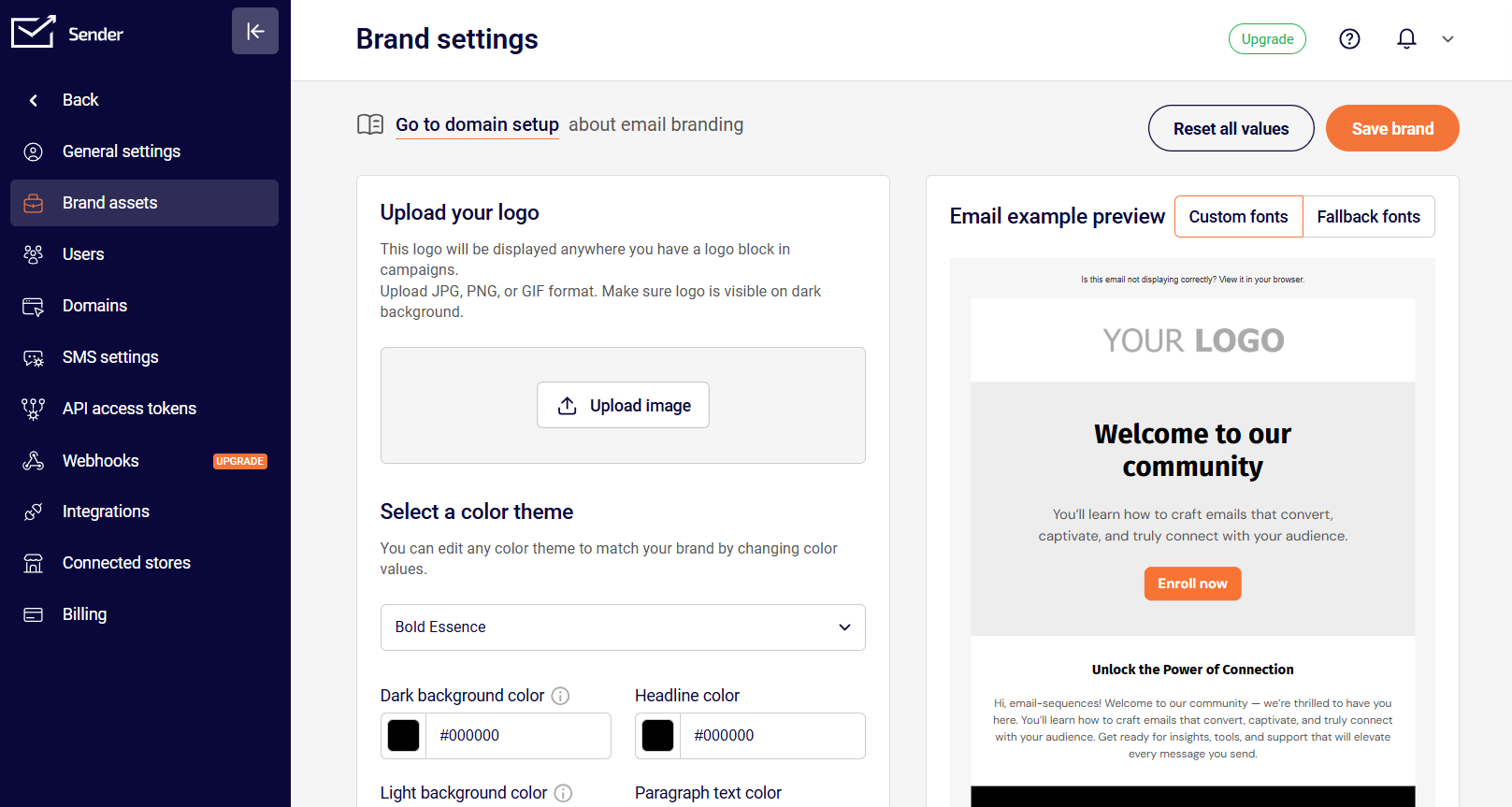
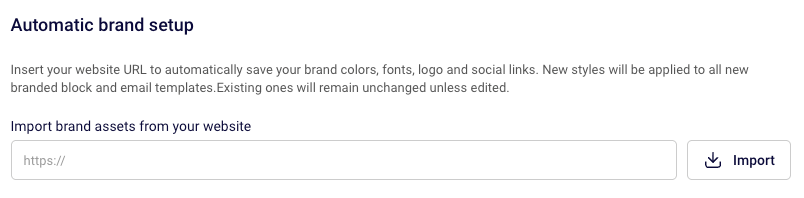
Here, we’d suggest trying the automatic brand setup first. It pulls in colors, fonts, your logo, and social links directly from your website. If the system doesn’t get everything right (it happens), you can tweak things manually.
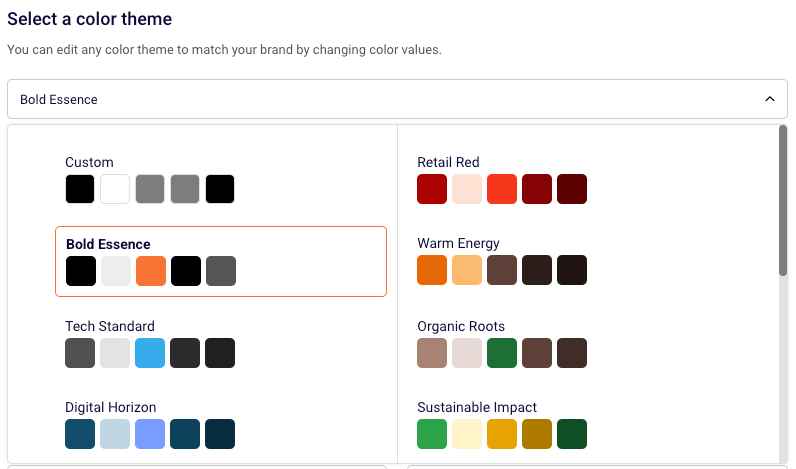
And if you don’t have set brand colors yet, or your website colors don’t quite translate to email, we’ve got a suggested palette you can pick from.
One-Click Logo Insertion
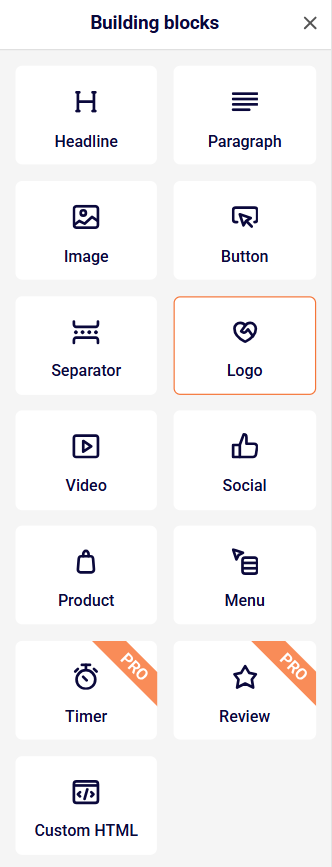
Once you’ve added your logo, dropping it into any template is a one-click thing. Put it wherever you want.
Colors That Follow You Around
The colors you set up will be available automatically when you’re building new templates and blocks. No re-entering hex codes every single time.
Fonts (and the Backup Plan)
You’ll pick a headline font and a paragraph font as your primary choices.
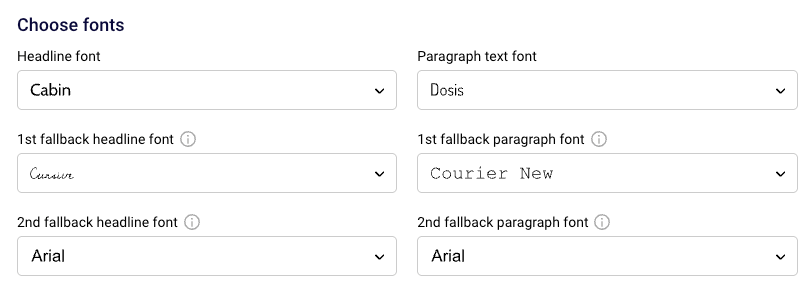
But here’s the thing—email providers like Gmail, Outlook, and Yahoo all handle fonts differently, and not all of them support every font. So we built in fallback options. If your primary font doesn’t work, the first fallback kicks in.
If that one fails too, there’s a secondary fallback. It keeps your design from falling apart just because someone’s using an older email client. You can preview how your email looks with fallback fonts right from the builder—just look for the option above the design area on the right.
Social Profiles
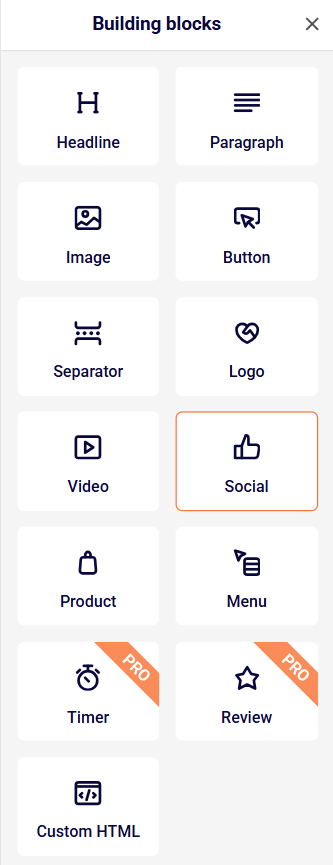
Just like with your logo, you can add your social links to any spot in a template with one click.
And the best part? Brand Settings is free for everyone, regardless of what plan you’re on.
Give them a try—they’re ready to go in the builder.
That’s it for January, but this is just the start. We’ve got a lot more planned for 2026, and we’re looking forward to sharing it with you.
Got questions? Our support team is available 24/7 if you need help with anything.