


Brand kit (logos, colors, fonts)
Store brand logos, colors, and fonts in one place to ensure every email template follows the same visual identity.

No Credit Card Required. Cancel Anytime.


No Credit Card Required. Cancel Anytime.
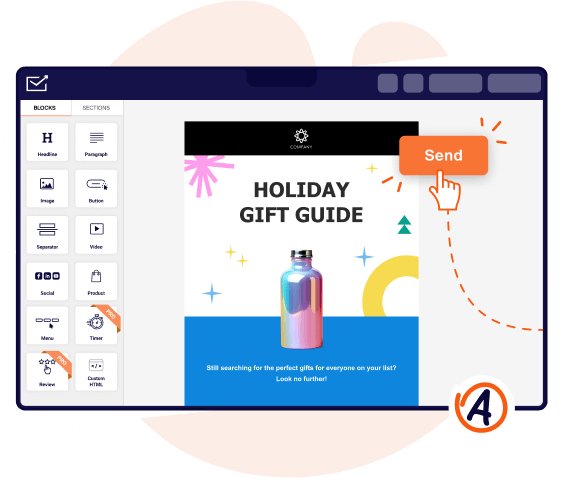
Built-in tools help teams edit, preview, test, and manage email templates efficiently across workflows.


No Credit Card Required. Cancel Anytime.
Design reusable email templates once and apply them across campaigns to save time and maintain consistency.
No credit card Required. Cancel anytime.
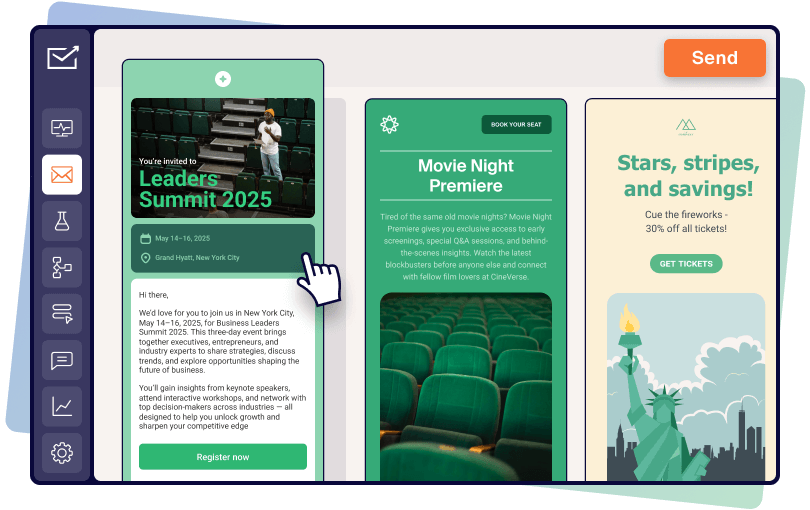
Yes. Sender allows you to save, duplicate, and reuse email templates for future campaigns. Once a template is created, it can be updated, copied, or adapted for new emails without rebuilding the layout. Reusable templates and saved sections help maintain consistent branding, reduce manual design work, and speed up campaign creation, especially for recurring promotions, announcements, or automated email workflows.
small business can use Sender’s email template builder to create reusable, professional email designs for promotions, announcements, newsletters, and customer updates without needing design or coding skills. The visual editor allows small teams to build templates quickly, apply consistent branding with global styles, and reuse saved layouts across campaigns. This helps maintain a professional appearance while reducing the time spent creating emails for recurring communications.
Ecommerce businesses can use Sender’s email template builder to design consistent templates for sales campaigns, product launches, abandoned cart emails, and post-purchase communications. Templates can include branded layouts, images, buttons, personalization tags, and reusable sections to speed up campaign creation. By reusing templates across campaigns, ecommerce teams can maintain brand consistency while scaling email marketing efforts efficiently as product catalogs and promotions change.
Yes. Sender’s free plan includes access to the email template builder, allowing users to create, customize, and reuse email templates using the visual editor. Free users can build branded templates, use ready-made layouts, apply basic styling, and preview designs across devices. This makes it possible to design professional email templates and run campaigns without upgrading, while paid plans unlock additional advanced features for growing teams.
The email template builder is available on all Sender plans, including Free, Standard, and Professional. Every plan allows users to design and reuse email templates using the visual editor. Higher-tier plans provide access to additional features such as advanced customization options, expanded testing tools, and larger sending limits, making it easier for growing businesses and teams to scale their email marketing efforts.
To set up the email template builder in Sender, open the email editor and choose a ready-made template or start with a blank layout. Customize the design by adjusting colors, fonts, and spacing, then add content blocks, images, and saved sections. Use preview and inbox testing tools to check how the template appears across devices and email clients before saving it for reuse in future campaigns.
