


Forms are the backbone of most websites on the internet — a key part of lead generation. They help capture leads, accept payments, and more. But picking the right online form builder? Well, that’s quite a Herculean task.
Most form builders promise the moon. But how to choose one that suits your online growth goals with email automation? Let’s take a look at some of the best online form builders and see how they cater to your online growth needs.
Disclaimer: This article evaluates the best form builders, including Sender, which our company owns. Form builder comparisons and assessments are based on research, industry standards, and user feedback. No commissions are earned from links in this article.
How to Build Online Forms
Crafting an online form is a relatively straightforward process. To build one, start by defining your goal—what information you want to acquire and from whom. After that’s done, choose a platform or tool like Google Forms, Sender, Jotform, or Microsoft Forms.
Start building one by adding fields such as text boxes, dropdowns, checkboxes, or file uploads. Use clear labels and logical organization to make it user-friendly. Add conditional logic if needed (e.g., showing questions based on previous answers—most online form builders worth their salt have this feature built in).
Then customize the design to match your brand and ensure mobile compatibility—use a pre-built template if necessary. Test your form to check functionality and clarity before sharing it via a link or embedding it on your website. Finally, set up notifications or integrations (e.g., email, Google Sheets, CRM systems) to manage responses efficiently and voilà—it’s ready for take-off!
Best Online Forms Builder Comparison Table
Here’s a quick comparison of the 19 best online form builders for 2025, highlighting their standout features and pricing. Whether you’re collecting leads, running surveys, or automating workflows, use this table to find the right tool for your needs.
| Form Builder Software | Key Features | Price |
| Sender | Drag-and-drop builder, behavior-based triggers, GDPR compliance, automation & analytics, mobile-responsive forms | Free plan available, Paid plans from $7/month |
| HubSpot | CRM integration, lead capture, automation workflows, multilingual support, progressive profiling | Free (limited), Premium with HubSpot Marketing Hub |
| Jotform | 10,000+ templates, conditional logic, autoresponders, payment integrations, analytics | Free plan available, Paid plans from $40/month |
| Mailchimp | Email signup forms, automated welcome emails, native audience syncing, multilingual support | Free for Mailchimp users, Paid plans from $10/month |
| Typeform | Conversational interface, conditional logic, AI-assisted form creation, detailed analytics | Paid plans from $25/month, No free plan |
| WPForms | Drag-and-drop editor, conditional logic, spam protection, save-and-resume, entry management | Free version available, Paid plans from $50/year |
| Gravity Forms | Payment integrations (Stripe, PayPal), conditional logic, data routing, multi-page forms | Paid plans from $59/year, No free plan |
| JetFormBuilder | Native Gutenberg integration, post submission, calculated fields, payment options | Free version available, Paid plans from $49/year |
| Ninja Forms | Gutenberg integration, file uploads, GDPR tools, add-on marketplace | Free version available, Paid plans from $59/year |
| Microsoft Forms | Excel & Power BI integration, real-time analytics, auto-grading quizzes, enterprise security | Included with Microsoft 365 plans |
| Zoho Forms | Zoho CRM integration, offline access, conditional logic, mobile apps | Free for 3 forms, Paid plans from $12/year |
| Feathery | Advanced conditional logic, API/database integration, white-labeling, real-time collaboration | Free plan available, Paid plans vary |
| AidaForm | Custom branding, logic jumps, analytics, integrations with Google Sheets & Zapier | Free plan available, Paid plans from $12/month |
| Fillout | No-code builder, dynamic forms, AI generation, workflow automation | Free plan available, Paid plans from $15/month |
| SurveySparrow | Conversational surveys, real-time dashboards, white-labeling, multi-channel sharing | 14-day free trial, Paid plans from $22/month |
| Cognito Forms | Conditional logic, calculated fields, approval workflows, HIPAA & GDPR compliance | Free plan available, Paid plans vary |
| Google Forms | Real-time collaboration, auto-grading quizzes, basic conditional logic | Free with Google account |
| Tally | Unlimited free forms, conditional logic, Notion-style interface, integrations with Notion/Airtable | Free plan available, Paid Pro plan optional |
| Wufoo | 400+ templates, branching logic, analytics, payment integrations, secure hosting | Free plan available, Paid plans from $16/month |
19 Best Online Form Builders for Every Need
The market is chock-full of online form builders with interesting features—but ‘interesting’ doesn’t mean useful or any better than what the next online form builder is offering.
Free online form builders come with restrictions, while a paid solution allows you to create unlimited forms, use advanced features that help you accept unlimited form submissions, and analyze form data. Using online form builders or a SaaS solution is one of the best ways to create forms quickly.
1. Sender — Free Online Signup Forms & Popups
Sender lets you create beautiful, professional, and responsive online forms to grow your email list, ask for personal details, or generate leads. Use Sender’s drag-and-drop builder to create and launch inline or pop-up forms for your website.
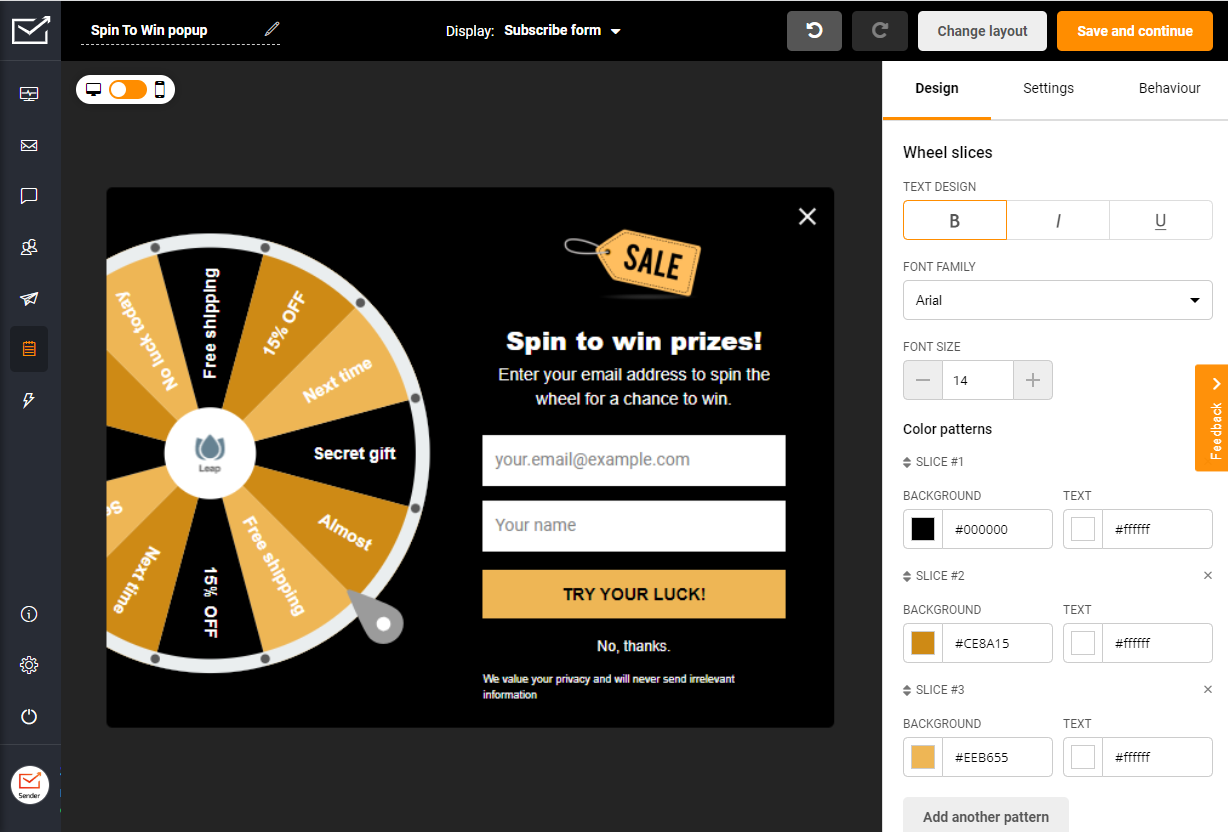
Sender pricing: Starts at $7/month for up to 1,000 subscribers and 12,000 emails/month | Generous Sender Free Plan available.
The best part of using Sender as a form builder is that you can track visitor behavior to show forms at the right time. For example, adding a smart exit-intent pop-up form that prompts a user to sign up for a free offer or discount when they’re just about to leave your website.
Unlimited custom fields, even on free accounts, full GDPR compliance, drag-and-drop form designer, and advanced features like showing form at a specific interval make Sender one of the best form creation tools you will find.
Standout Features
- Automated workflows & integrations. Easily connect with your existing CMS, website, and lead management solutions using advanced form integrations and automated workflows that can even send Slack messages;
- Full GDPR compliance. Secure platform with European data centers to comply with the latest privacy laws and protect user privacy;
- Real-time reports. Get real-time data about new form submissions on a central window (dashboard) for analyzing your performance;
- Landing page builder. Design and publish custom, conversion-ready landing pages with embedded forms—perfect for capturing leads, promoting offers, and maintaining consistent branding.
- Mobile responsiveness. Fully responsive popup and in-line forms that look good on mobile, tablets, and desktop screens
Form Examples

Best for:
Sender is ideal for a wide range of users: from niche website owners who need targeted lead capture without extra tools, to online businesses wanting a unified platform for email campaigns and sign-up forms.
Ecommerce brands can easily recover abandoned carts and grow customer lists, while bloggers and publishers can build subscribers naturally with embedded forms that match their content and audience.
See why businesses choose Sender:
2. HubSpot — Best Free Online Form Builder
If you use HubSpot’s free CRM, HubSpot form builder is an excellent option that you shouldn’t miss out on.
The online form creator is a part of Marketing Hub that is free to use for every HubSpot user. Primarily designed for lead generation, HubSpot form tool helps you build and launch your first form in minutes.
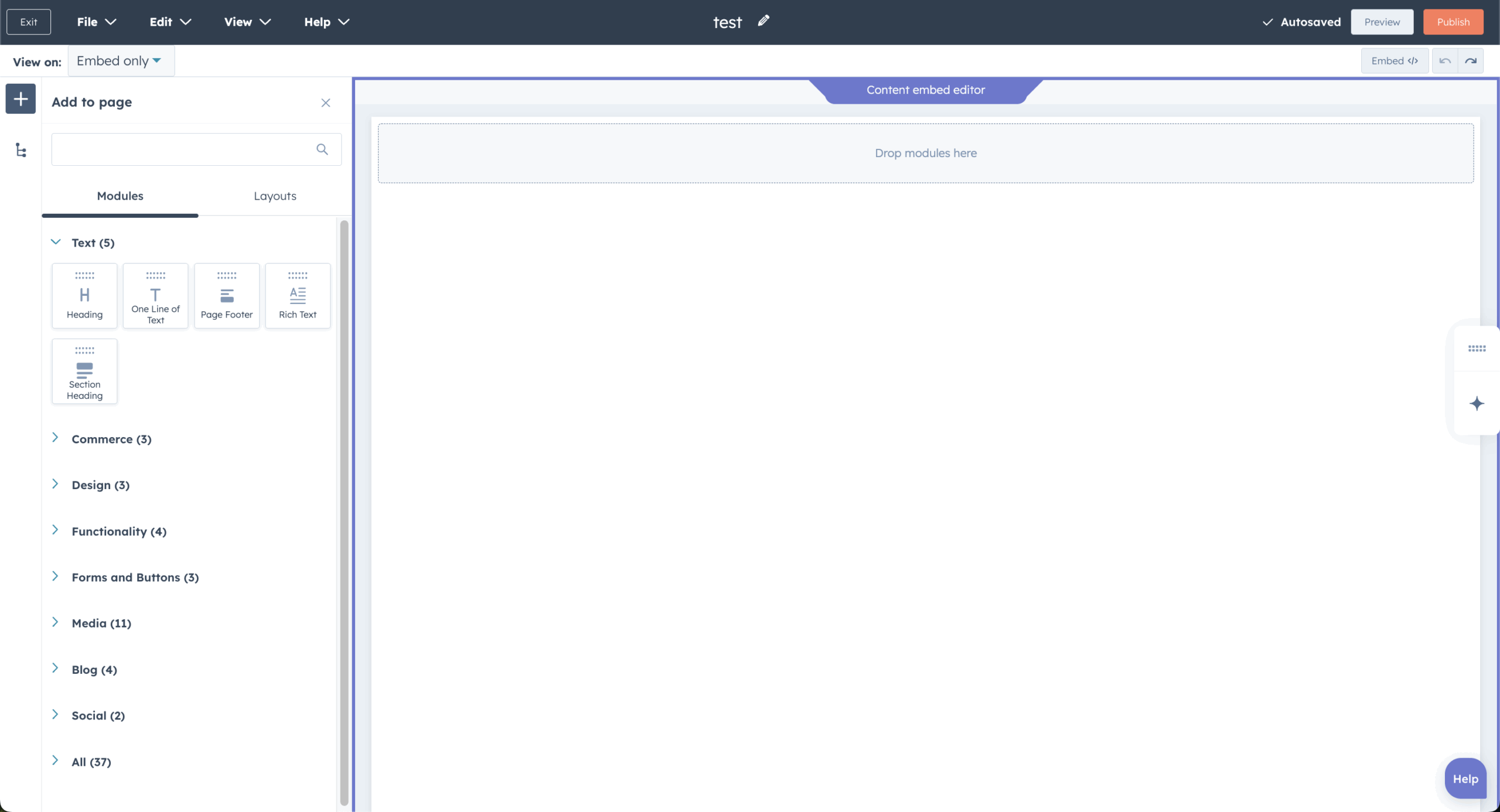
HubSpot pricing: HubSpot’s online form builder is free for HubSpot Marketing plan’s subscribers.
You can add the form to your website and automate adding all contacts to the HubSpot CRM. You can then use this information to set up and personalize email campaigns for nurturing leads based on your campaign goal. It makes the whole process really simple, even for a first-time user.
Though it’s a nice online form builder app for creating forms and comes with many templates, its real potential can only be unlocked when you’re a premium HubSpot user, which comes with a hefty price tag.
Standout Features
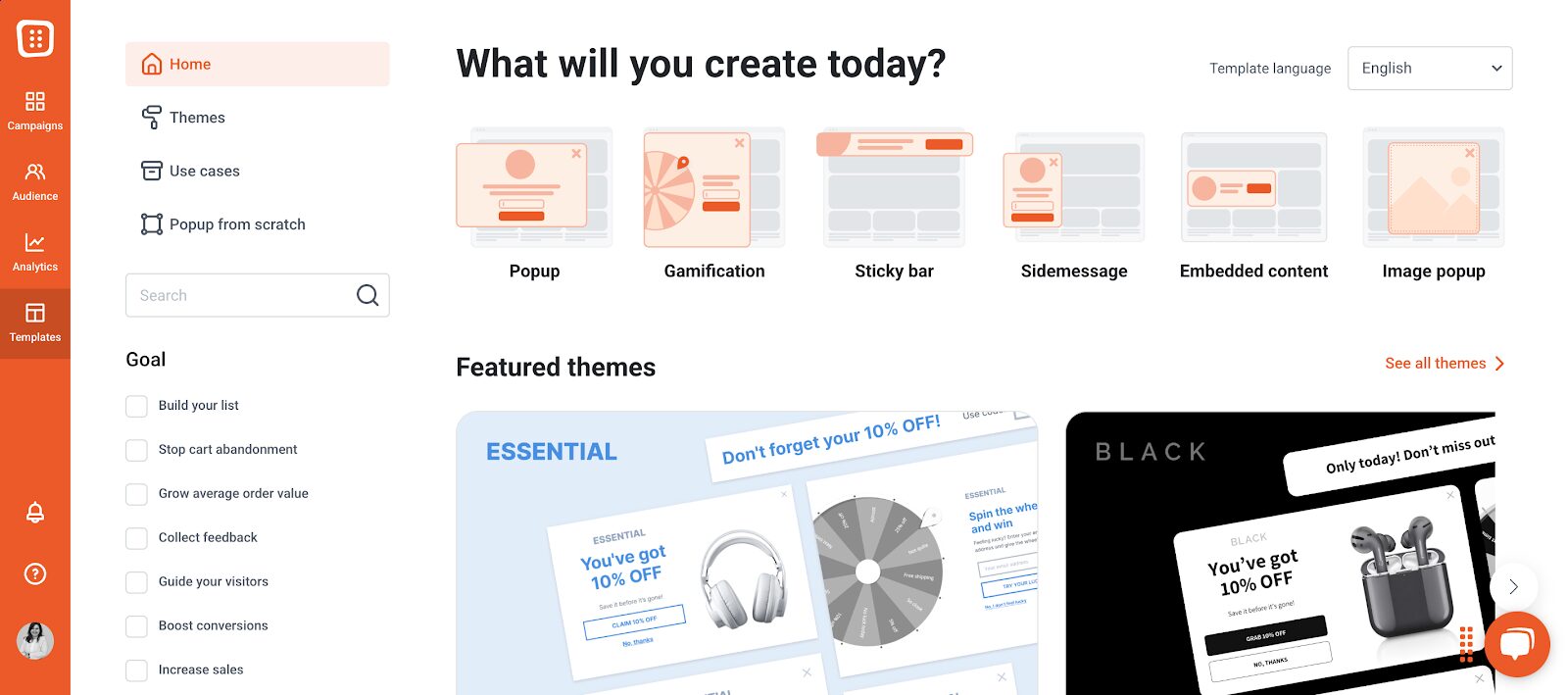
- Step-by-step form builder. Guide users through the form completion process with a clean, multi-step layout that boosts completion rates and reduces overwhelm;
- Translation functionality. Reach global audiences with forms that can be localized into multiple languages—ensuring a consistent, branded experience no matter where your users are located;
- Progressive Profiling. Automatically reveal new form fields to returning visitors based on previously collected data registered on HubSpot—perfect for building rich contact profiles without asking for the same information twice.
Form Examples
Best for:
HubSpot is perfect for existing users who want forms that integrate directly with HubSpot CRM, capturing leads, enriching contact data, and triggering automated follow-ups seamlessly.
It’s also a top choice for businesses using marketing automation, allowing teams to transform form submissions into dynamic workflows, segmented email campaigns, and personalized customer journeys—all within one unified platform.
3. Jotform — Powerful Forms Builder with Most Templates
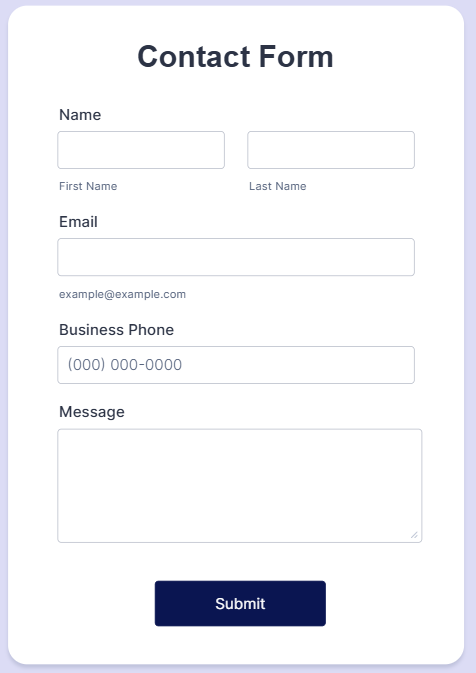
Then there’s Jotform—a well-respected online form builder known for the largest form templates library on the internet and a clean UI.
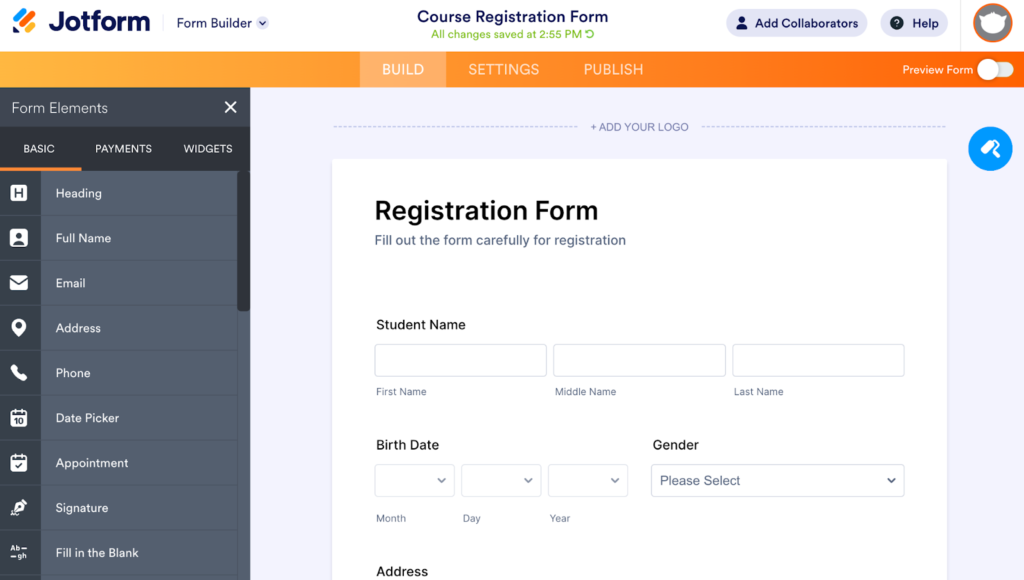
Jotform pricing: Paid plans start at $40/month, billed annually. Free plan available.
Jotform has the easiest form-building experience out there. It asks you about your needs, shares relevant templates, and gets you started with customization.
There are more than 10,000 templates in the Jotform marketplace, and the best thing about them is that you can easily customize them as you want. You could choose one based on your need, industry, or profession and get started in minutes.
Plus, advanced features like conditional logic, email notifications, thank you page, etc., give you total control without overwhelming you. With a free pricing plan that allows you to publish 5 forms, it’s a nice tool to test your online form-building skills.
Standout Features
- Powerful form analytics. Track views, submissions, conversion rates, and drop-off points right from your dashboard to optimize performance and engagement;
- Advanced conditional logic. Show or hide fields, send custom emails, or redirect users based on their responses—perfect for creating personalized, multi-path form experiences;
- HIPAA compliance (on paid plans). Collect and store sensitive healthcare data securely, making Jotform a trusted choice for clinics, therapists, and healthcare providers.
Form Examples
Best for:
Jotform is ideal for online marketers, ecommerce platforms, and newsletter creators who need versatile, professional-looking forms.
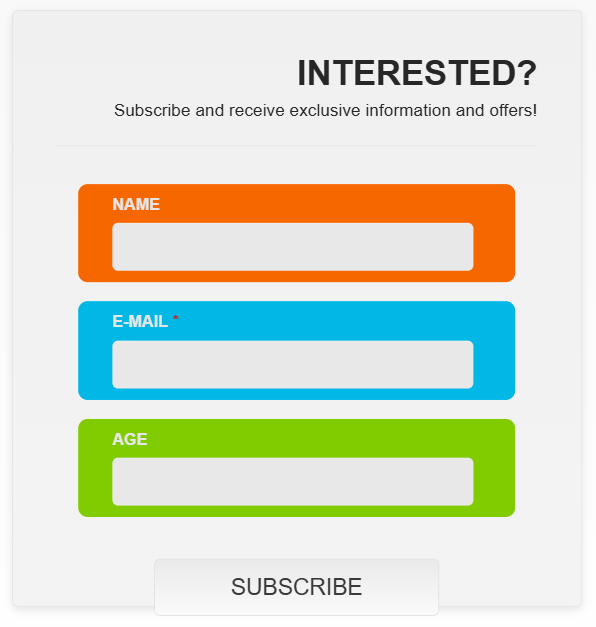
It enables advanced lead capture with conditional logic and autoresponders, supports direct product sales and payments through integrations with Stripe, PayPal, and Square, and offers customizable, branded signup forms that connect seamlessly with email tools like Mailchimp and Constant Contact.
4. Mailchimp — Simple Online Signup Forms
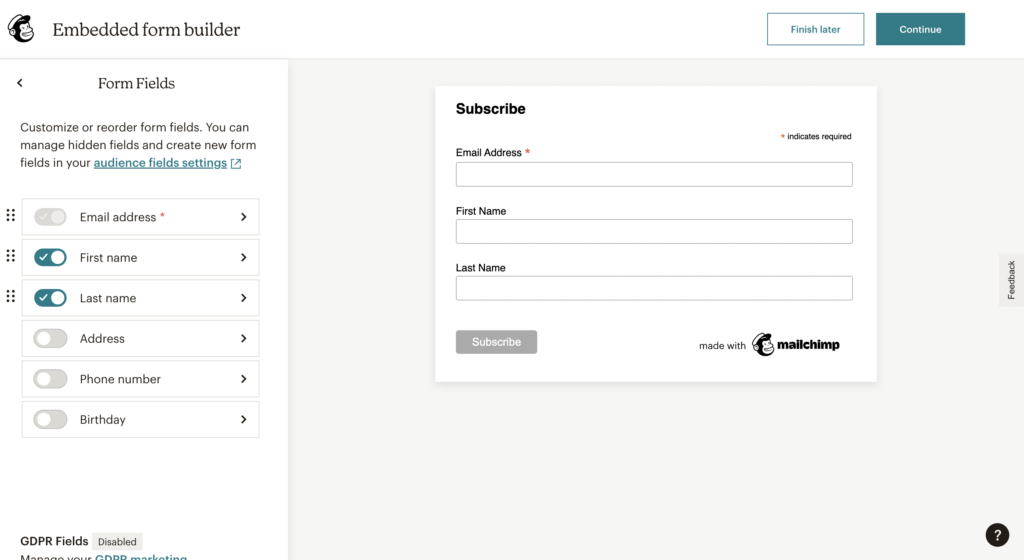
Mailchimp form builder bundles with a Mailchimp account and lets you create online signup forms. It lets you create, design, and launch a beautiful online form to accept user signups for your newsletter and be a part of your audience.
Mailchimp pricing: Paid plans start at $10/month | Free for Mailchimp users.
MailChimp form builder allows you to customize every aspect of the signup process, including the ‘thank you’ page and welcome email. So, you can take complete control of the user onboarding experience. It also lets you translate your form into 50+ languages.
The best thing about MailChimp is its simplicity, but sometimes it can be pretty limiting too. For example, there are only limited design customizations available. All in all, it’s a decent option if you just need a basic signup form. But if you’re planning something big, it’s better to look for Mailchimp alternatives.
Standout Features
- Native Audience Syncing. Forms are directly tied to your Mailchimp audience, so every signup is instantly captured and available for segmentation, automation, and campaigns;
- Automated workflows. Trigger automated welcome emails or entire onboarding sequences the moment someone submits a form.
Form Examples

Best for:
Mailchimp is ideal for existing Mailchimp users who want to create and manage signup forms directly within the platform, eliminating the need for third-party tools.
It’s a strong choice for SMBs starting out in email marketing, offering a unified space for forms, automation, and audience management. Content creators also benefit from easy-to-embed signup forms that grow subscribers and trigger automated welcome emails effortlessly.
5. Typeform — Best Form Builder for Wix & Websites
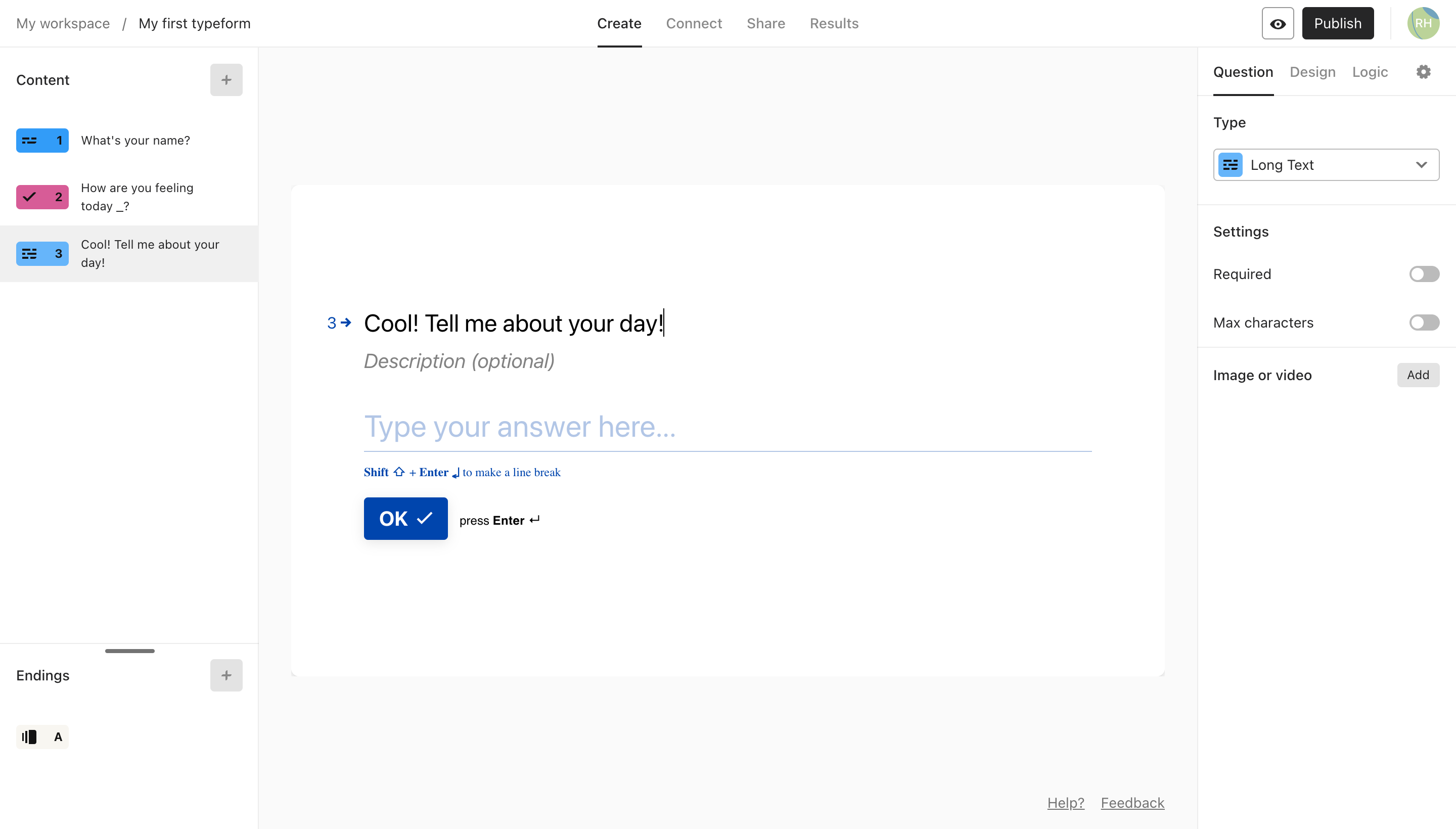
Typeform lets you build responsive and visually stunning forms—if that weren’t the case, I doubt you’d be seeing this online form builder here.
Typeform pricing: Paid plans start at $25/month for up to 100 responses. No free plan available.
Forms created on Typeform differ slightly from those built using standard online form builder software, such as Google Forms. How so? Well, for starters, they use form branching to create dynamic flows, making the whole procedure feel like interacting with a human.
During my hands-on, I found Typeform to be best if your website is built on the Wix platform. This form creator software easily syncs up with Wix using the Typeform Embed app. With it, you can add interactive, one-question-at-a-time forms that feel conversational and boost completion rates.
If you’re a WIX user who needs an online form builder to nurture your leads, conduct a product survey, or dig deeper into user behavior with questionnaires—Typeform is the way to go.
Standout Features
- Question-by-question drop-off analysis. Track where users abandon your form with detailed step-level insights—perfect for optimizing flow and improving completion rates;
- AI assistance. Use AI to generate form questions, guide user responses and give layout suggestions;
- Fully GDPR-compliant. Built-in privacy tools help you collect consent, manage data securely, and stay compliant with EU data regulations—no extra configuration required.
Form Examples


Best for:
Typeform is perfect for marketers, UX professionals, customer research teams, and creative agencies seeking to create engaging, conversational forms.
It enables the collection of in-depth insights through adaptive surveys, quizzes, and feedback forms while allowing beautifully branded, functional designs that align with a client’s visual identity and enhance user interaction.
6. WPForms — Best WordPress Free Form Builder
WPForms is another standout, no-nonsense form builder. With over 2,000 templates available you can create contact forms, surveys, payment forms, newsletter signups, and more without writing a single line of code.
Plus, WPForms Lite offers a solid free version that covers basic form needs, so you can test-drive their approach before upgrading to a premium plan.
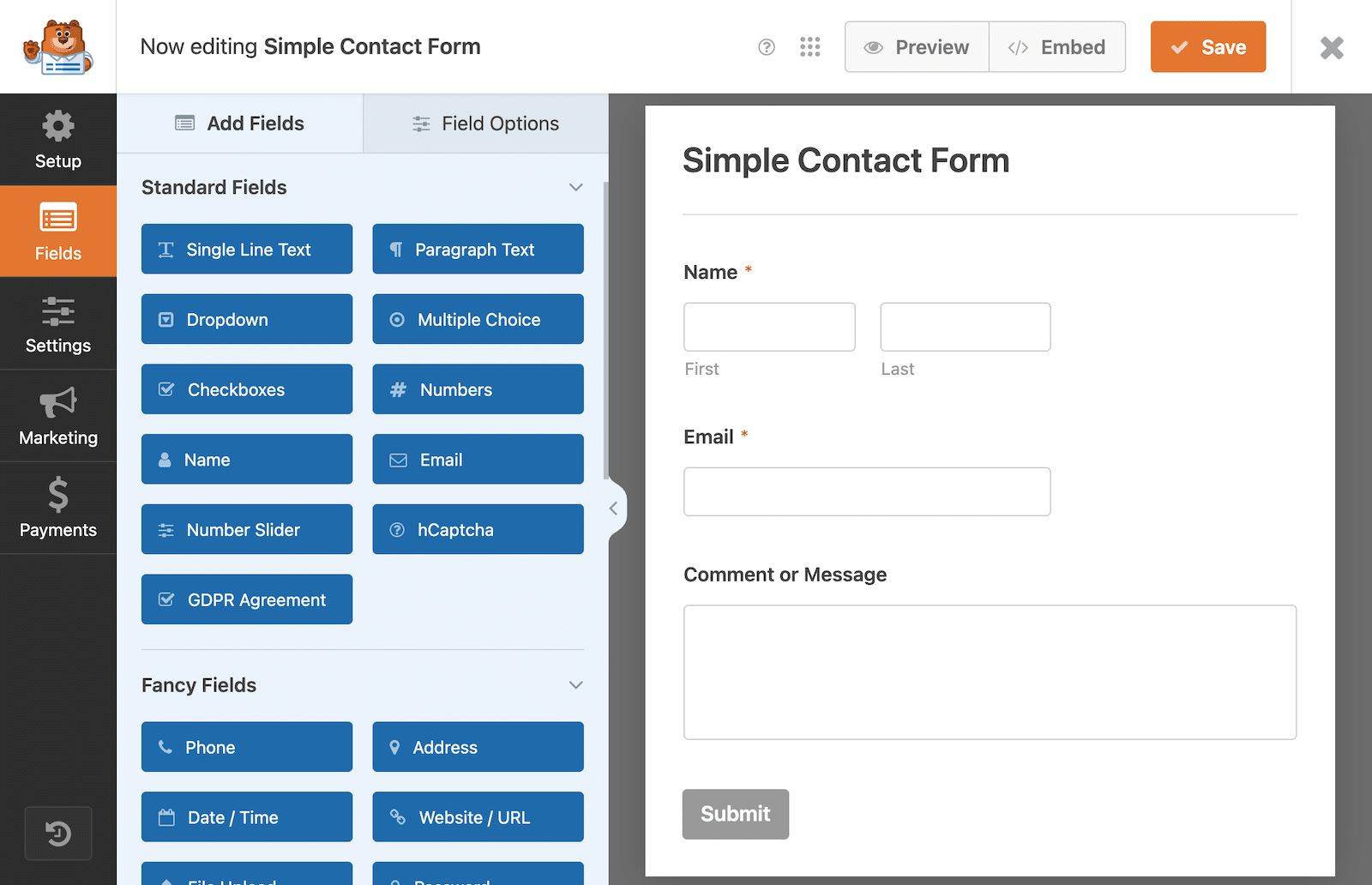
WPForms Pricing: Paid plans start at $50/year for a single website. Free version available.
What sets WPForms apart is their focus on user-friendly design and its intuitive form builder that gets you started in no time. Their conditional logic keeps forms clean by showing only relevant fields, helping users save time, while built-in spam protection (including multiple CAPTCHA options) runs automatically in the background.
WPForms handles everything from simple contact forms to complex multi-page submissions with progress bars, and even lets users save their progress to finish later. Worth mentioning is their entry management system that makes it easy to search, organize, and track all your form submissions without drowning in data.
Standout Features
- Smart Conditional Logic. Forms automatically adapt, helping form takers fill out only what’s relevant, reducing abandonment;
- Save and Resume Functionality. Users can save their progress on long forms and come back later to finish, boosting completion rates significantly;
- Comprehensive Spam Protection. Multiple CAPTCHA options plus built-in background filtering that works automatically, even on the free version;
- Advanced Entry Management. Powerful search and filtering tools let you find specific submissions by keywords, IP addresses, payment details, and more.
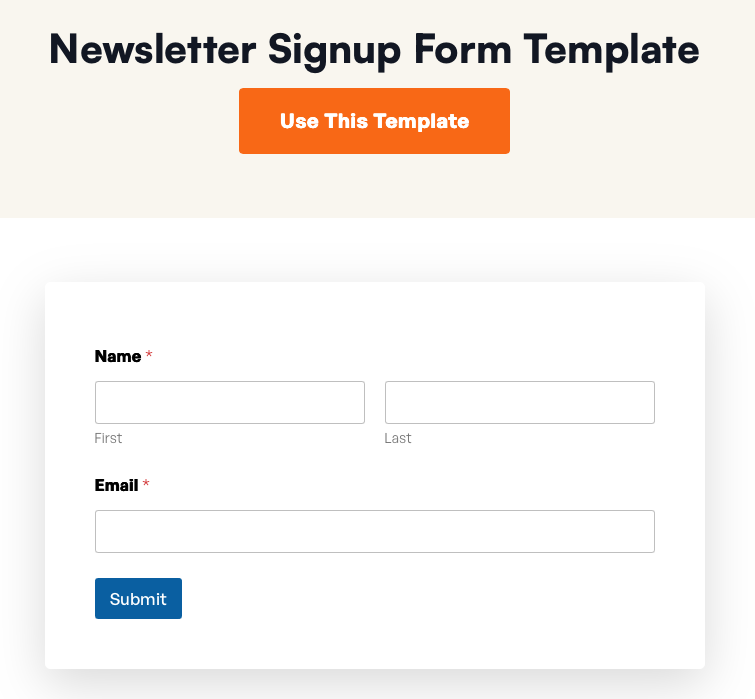
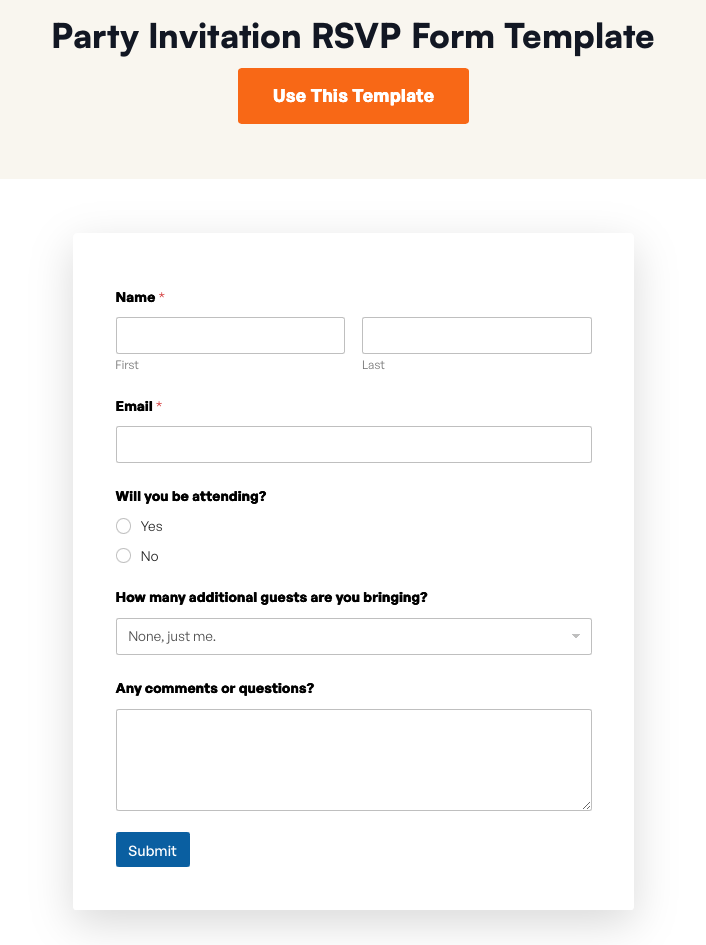
Form examples
Best for:
WPForms is ideal for small and midsize businesses that want professional, polished forms without the complexity or expense of enterprise tools. It’s equally suited for industry newcomers—especially WordPress or ecommerce beginners—who need powerful, user-friendly form functionality that works right out of the box, no coding or technical expertise required.
7. Gravity Forms — Best for Payment Forms
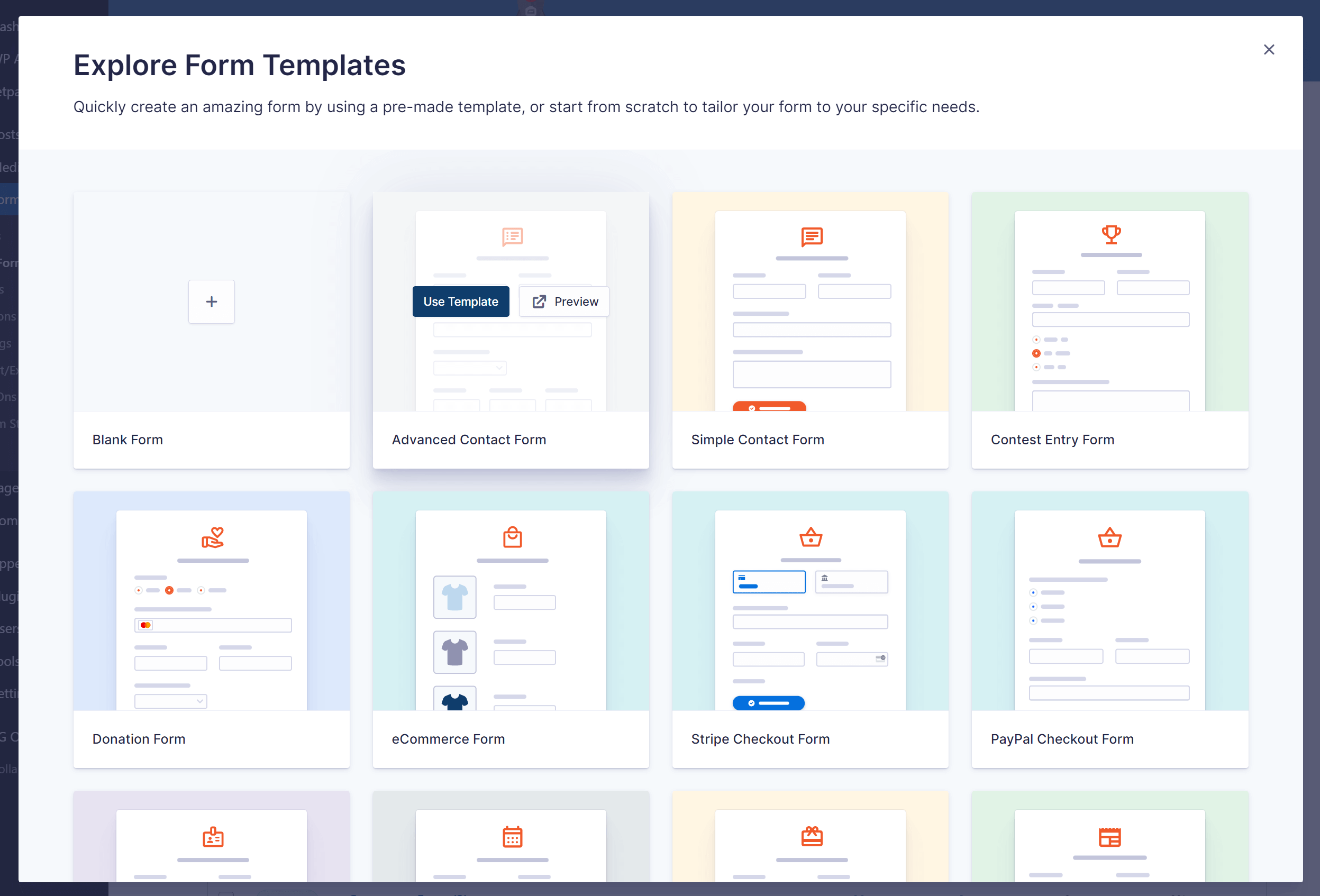
Gravity Forms is another great tool that helps you create custom forms for your website. You can design interactive forms for subscriptions, sales, registration, etc. But it’s widely known for solid payment integration features, making it useful for WordPress websites accepting payments online.
It’s a great solution for any online business with WordPress websites looking for features like an easy-to-use drag-and-drop builder, conditional logic, data routing, etc.
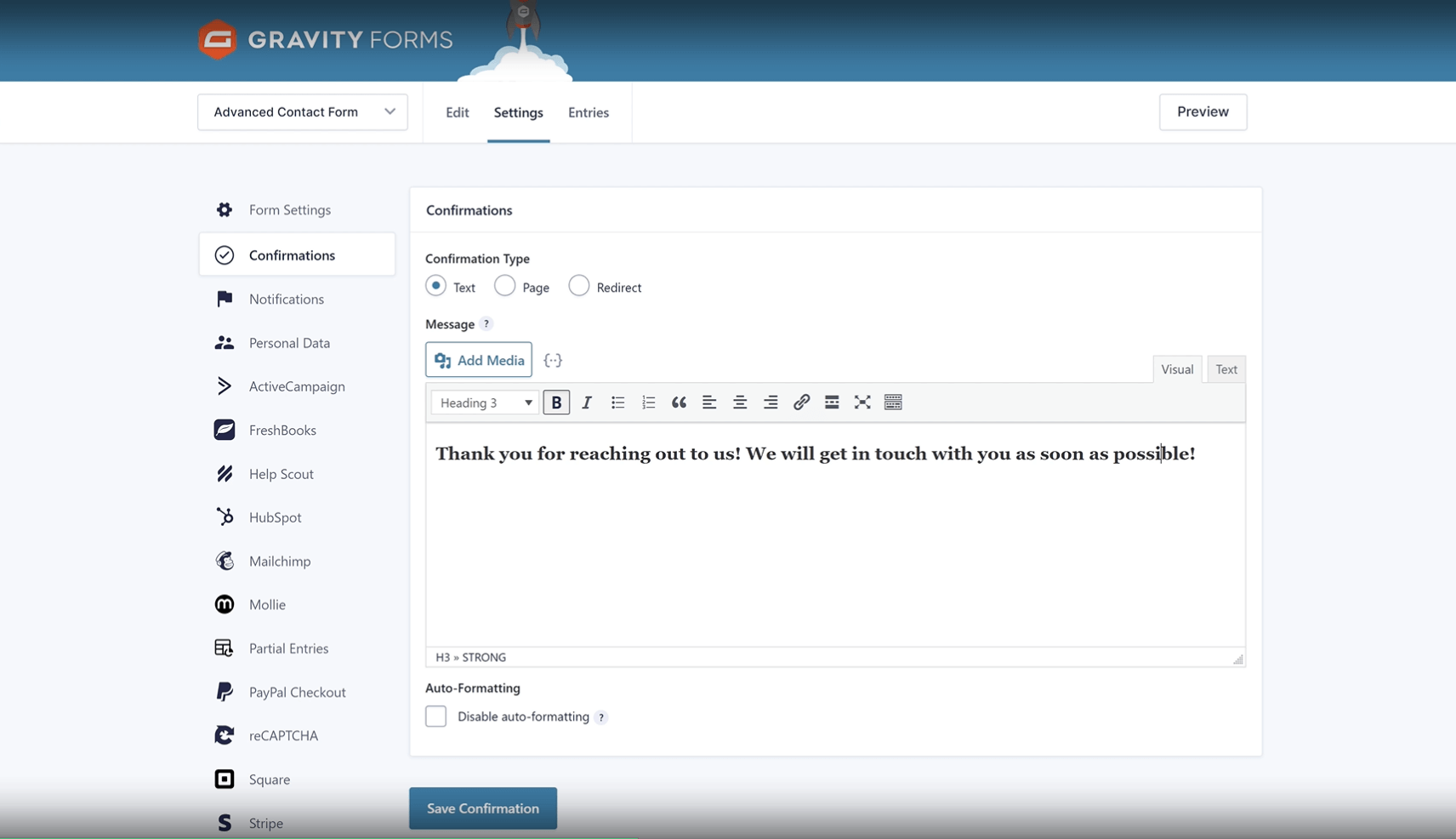
Gravity Forms pricing: Paid plans start at $59/year for a single website. No free plan available.
Gravity Forms did face its share of criticism back in 2015, when several security flaws came to light. However, the team has since turned things around, strengthening the platform with robust security measures and frequent audits.
The plugin feels deeply integrated into the WordPress dashboard, making the entire form creation process intuitive and seamless—just as you’d expect from a premium form builder. It’s a mature, reliable choice for users who want enterprise-level flexibility without leaving their WordPress environment.
Standout Features
- Drag and drop form builder. Build professional forms without coding using their intuitive visual editor that lets you add, rearrange, and customize fields effortlessly;
- Paginated and responsive forms. Create multi-page forms that break complex submissions into manageable steps while looking perfect on any device automatically;
- Email logic and data routing. Smart conditional logic sends different emails to different people based on form responses, streamlining your workflow completely;
- Payment integrations, APIs and Webhooks. Connect with payment processors, third-party apps, and custom systems using robust integration options and real-time data transfer.
Form Examples
Best for:
Gravity Forms is ideal for ecommerce websites that need customizable product order forms and streamlined checkout flows—though it’s best paired with a dedicated ecommerce platform for inventory management.
It’s also a great choice for businesses accepting online payments, offering seamless Stripe and PayPal integrations that make collecting payments effortless, all without the need for coding.
8. JetFormBuilder — Best for Gutenberg Forms
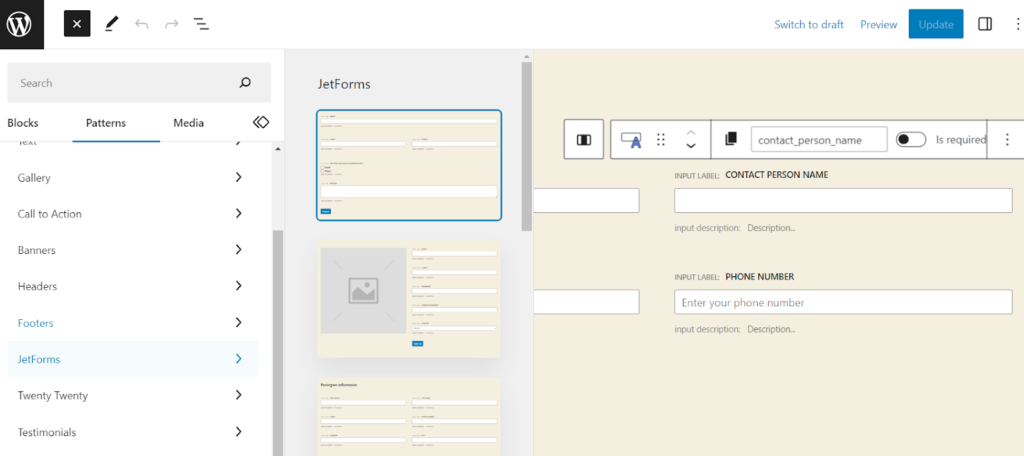
JetFormBuilder is a powerful form-builder plugin for WordPress native editor that allows you to create customized and advanced forms for your website.
With its block-friendly drag-and-drop builder, you can design forms for a variety of purposes, such as subscriptions, sales, registration, surveys, feedback, and more.
JetFormBuilder pricing: Starts at $49/year for up to 1 website. Free version available.
One of the standout features of JetFormBuilder is its conditional logic, which lets you create forms that adapt to user responses. This allows for a more personalized and engaging user experience.
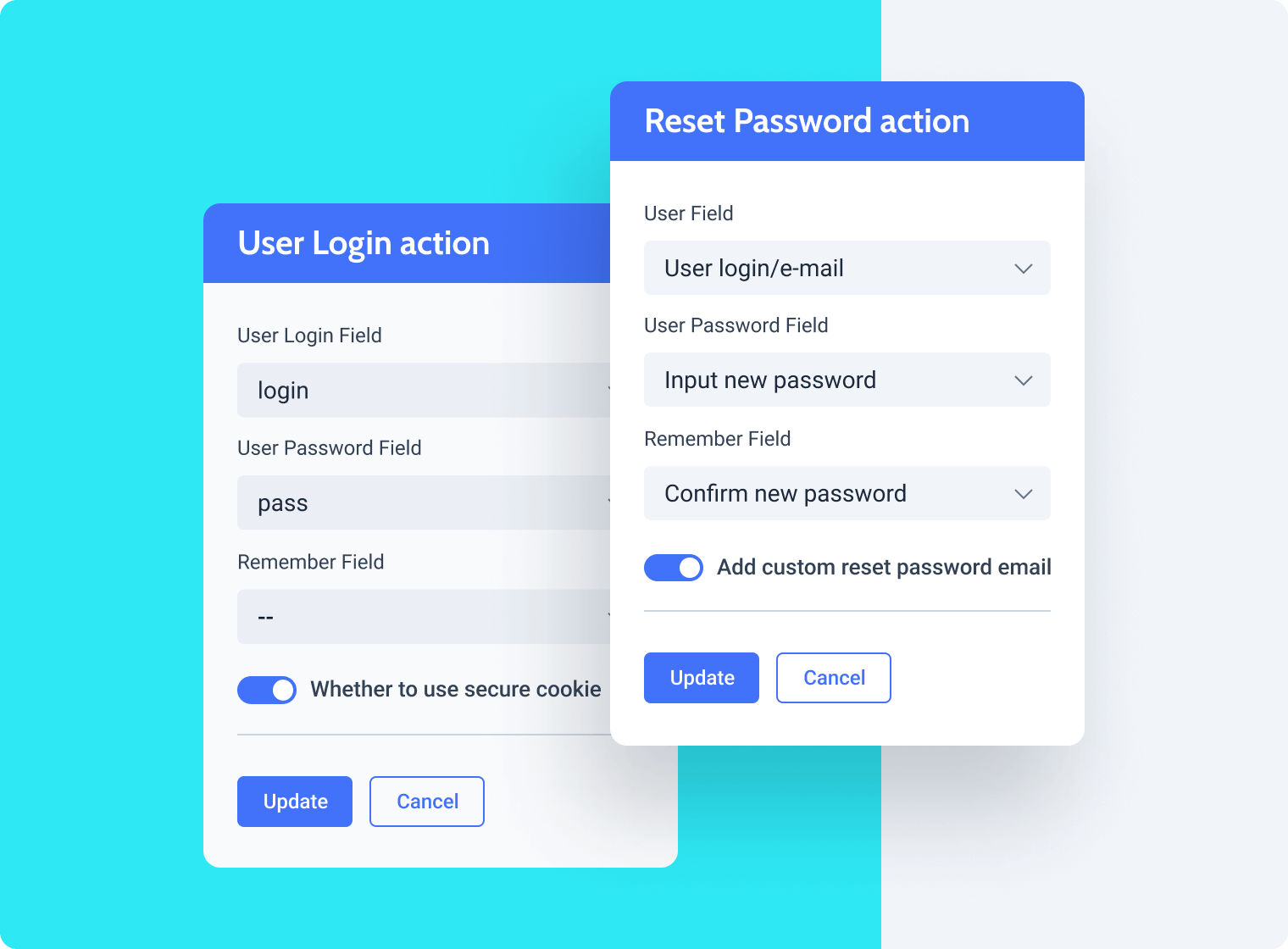
JetFormBuilder also provides a range of payment integration options, making it a great choice for businesses that accept payments through well-known payment gateways such as PayPal and Stripe.
This WordPress plugin is a good asset for building front-end submission forms, like guest posts and product or service placements, with the ability to publish posts instantly or after admin approval.
Standout Features
- Native Gutenberg integration. Build and customize forms directly within the WordPress block editor—no need for shortcodes, third-party builders, or separate dashboards;
- Post submission capabilities. Let users submit posts, reviews, or listings from the front end, and choose whether to publish immediately or hold for admin approval;
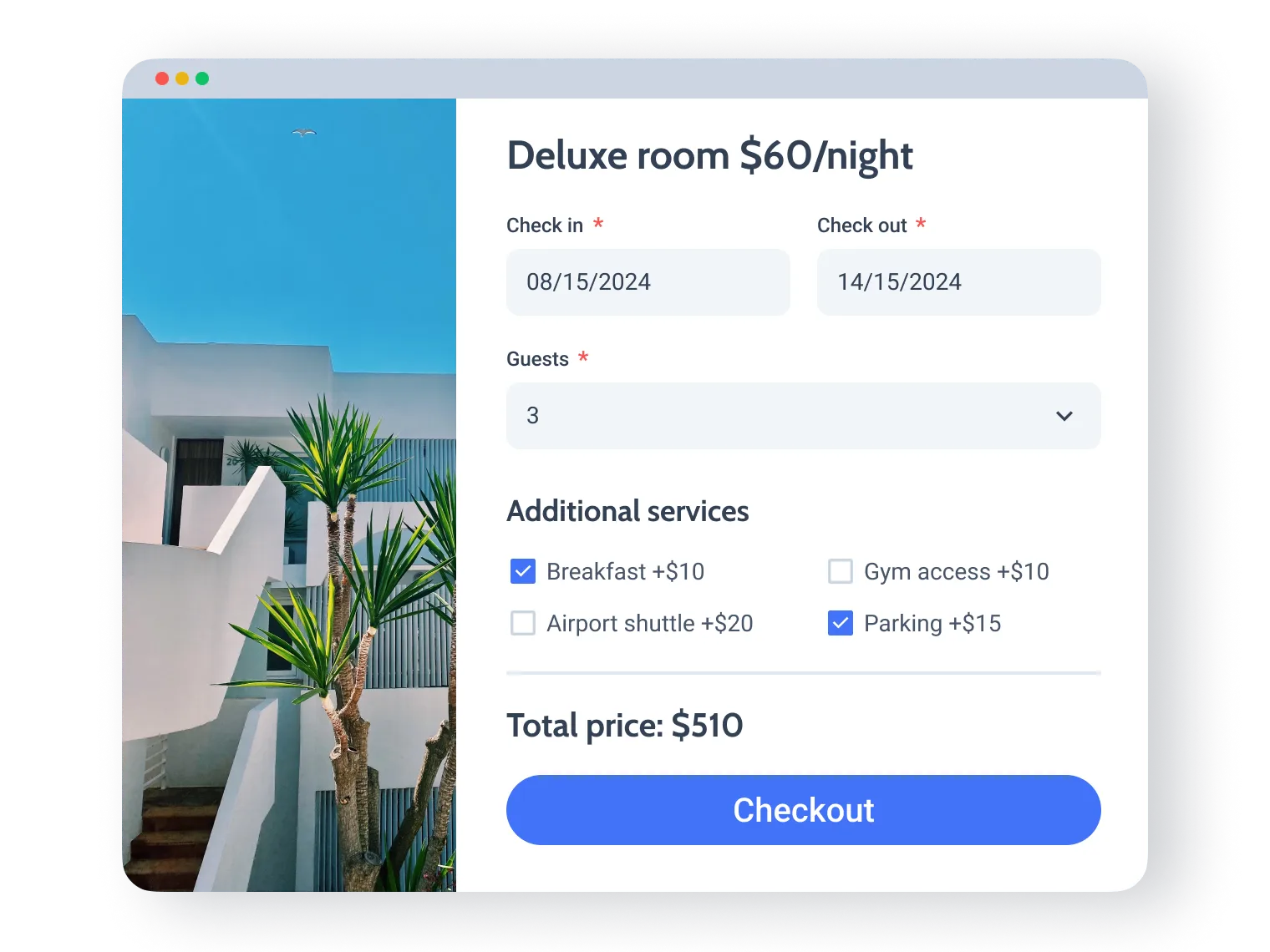
- Calculated fields. Perform real-time math inside forms—useful for quoting tools, service estimators, or anything requiring price calculations.
Form Examples
Best for:
JetFormBuilder is perfect for WordPress users who want to build advanced forms directly within the Gutenberg block editor. It’s also a great fit for content-driven websites like blogs, directories, or communities needing custom submission and moderation workflows.
Small businesses using WooCommerce can benefit too, with dynamic pricing fields, conditional logic, and product forms that simplify bookings and custom orders.
9. Ninja Forms — WordPress Online Form Creator
Ninja Forms help you build beautiful forms for your WordPress without much fuss. You can use forms for accepting donations, file uploads, lead generation, and more.
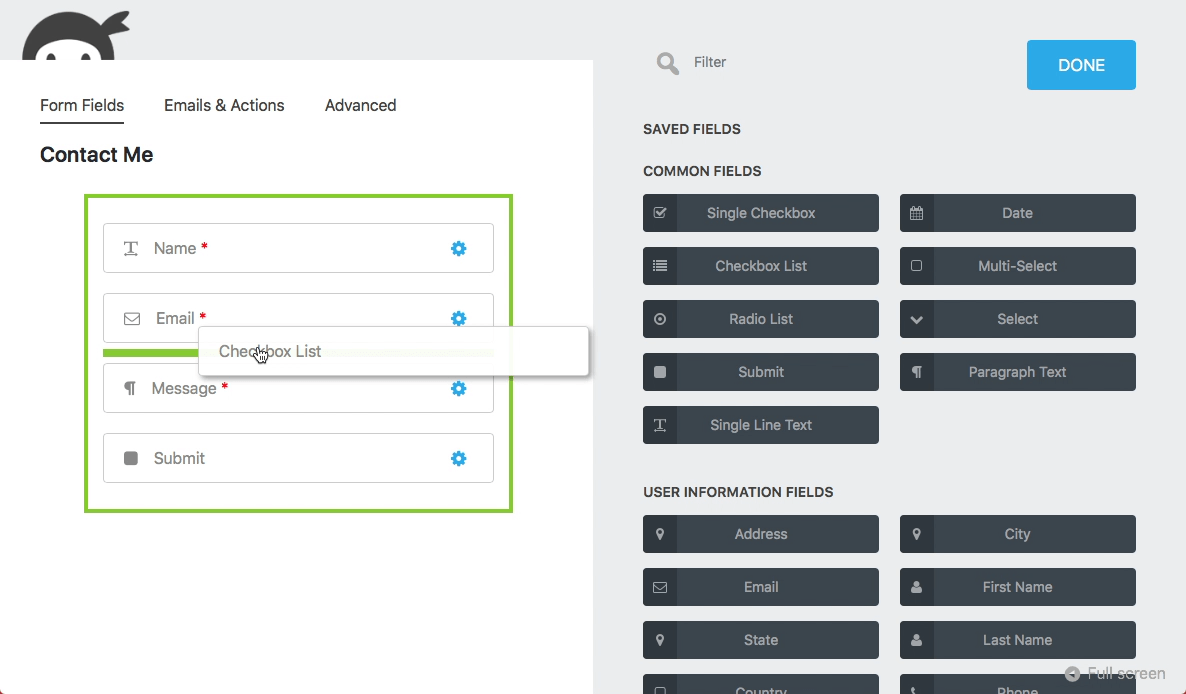
Ninja Forms pricing: Paid plans start at $59/year for one website. Free version also available.
Ninja Forms uses a modular approach to enhance form functionality and add advanced features. For example, you can buy add-ons to use conditional logic for your form fields and so on.
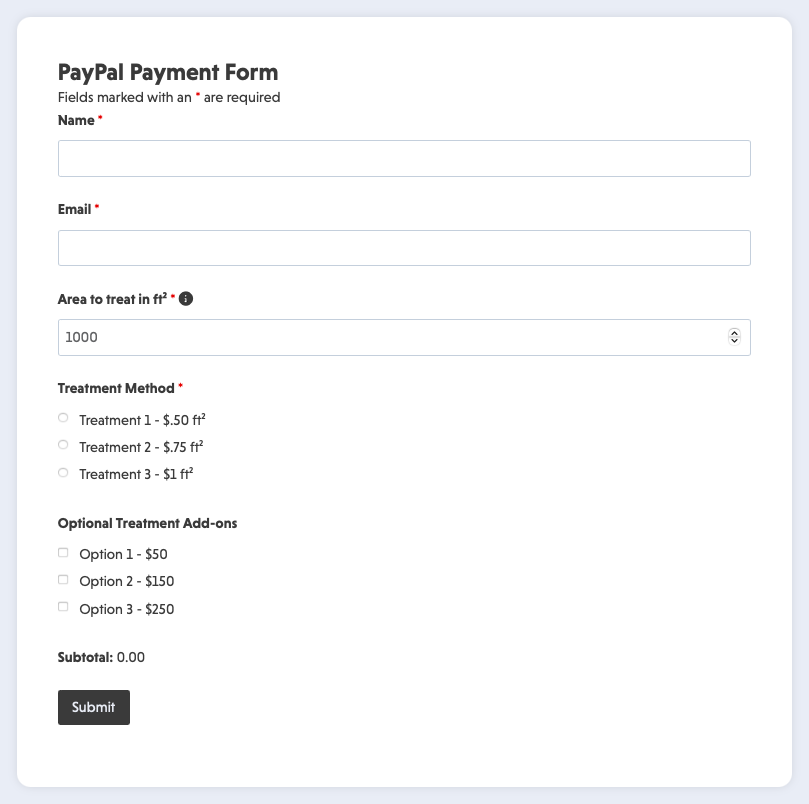
You can also create unlimited forms with a payment plan. However, if you need advanced functionality like conditional logic and custom layouts, you must buy add-ons (plugins) by spending over and above your current plan. So, if you want a full-package form builder, it’s best to avoid Ninja forms for now.
Standout Features
- File Uploads and Submission Exports. Allow users to upload files directly through your forms and easily export all submission data for reporting, backups, or migration;
- GDPR compliance. Add consent checkboxes, privacy notices, and data access request fields to your forms—ensuring compliance with data protection regulations right out of the box;
- Native WordPress Block Integration. Manage forms using the Gutenberg block editor, making it effortless to build and style forms directly within your WordPress pages and posts.
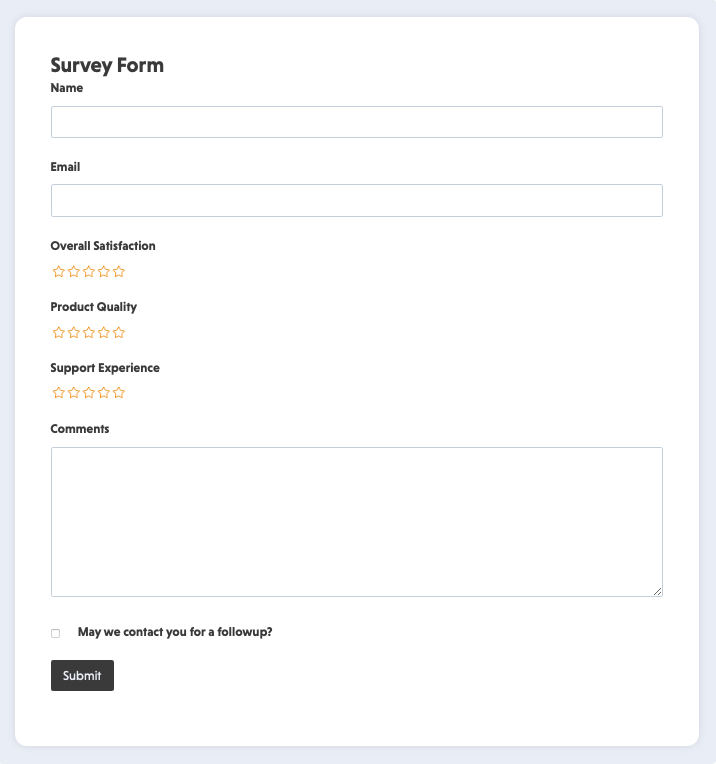
Form Examples
Best for:
Ninja Forms is great for bloggers who want to collect reader feedback, newsletter signups, or guest post pitches through simple, customizable forms. It’s also ideal for WordPress users who prefer building forms directly within their dashboard using a native, block-based editor.
For new websites, Ninja Forms offers a budget-friendly solution with a free core plugin and optional paid add-ons for scalable growth.
10. Microsoft Forms — Best for Data Collection & Analysis
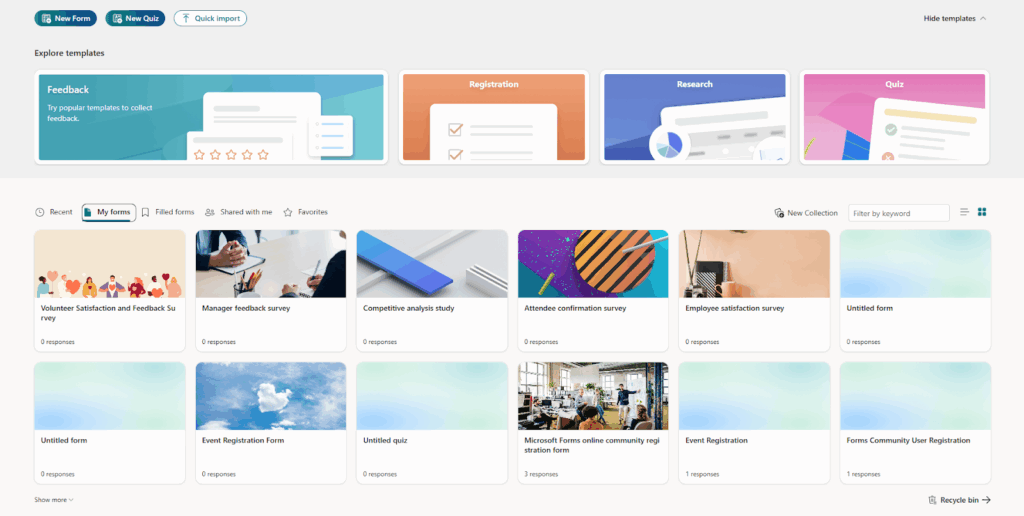
Microsoft Forms is a straightforward yet powerful tool designed for businesses, educators, and organizations already using Microsoft 365.
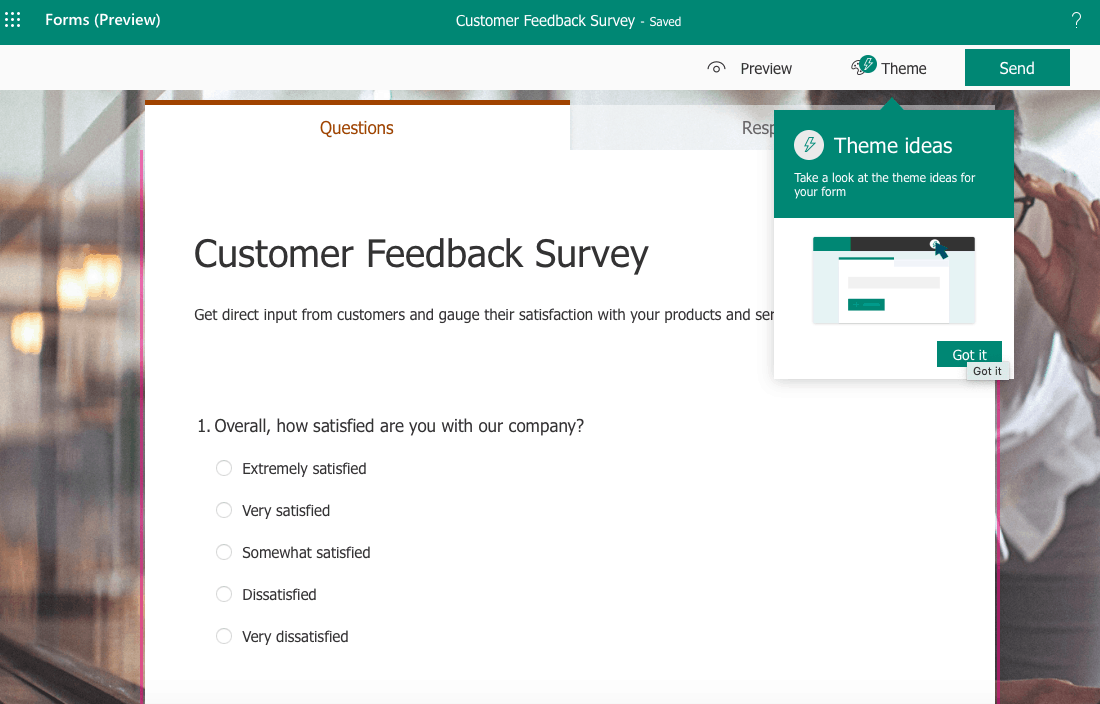
Microsoft Forms pricing: Microsoft Forms comes free with Microsoft 365 suite subscription. Paid Microsoft 365 plans that include Forms start at $11/month.
As expected from such an industry behemoth, it simplifies data collection through intuitive survey, quiz, and feedback forms—not only does it automatically visualize results with charts and pull data seamlessly to Excel for deeper analysis, it does so with remarkable ease and efficiency, eliminating the need for complex setup or manual data handling.
I can’t say I was surprised that Microsoft Forms knocked it out of the park with its real-time analytics, automated scoring, and seamless integration with Teams, SharePoint, and Google Analytics—making it a powerful solution for collaborative data tracking, reporting, and smarter decision-making across teams.
Whether gathering employee feedback, conducting classroom assessments, or running customer satisfaction surveys, Microsoft Forms offers secure, compliant data handling with enterprise-level privacy standards.
Standout Features
- Seamless Microsoft 365 integration. Automatically sync responses with Excel, Teams, and SharePoint for real-time collaboration and data management;
- Built-in data analytics. Generate instant charts and visual summaries, or export results for deeper analysis in Excel or Power BI;
- Automated grading & quizzes. Create assessments with instant scoring and feedback—ideal for educators and trainers;
- Enterprise-level security. Benefit from Microsoft’s advanced compliance, encryption, and privacy controls to keep sensitive data protected.
Form examples
Best for:
Microsoft Forms is ideal for businesses, educators, and teams already using Microsoft 365 who want a simple yet efficient way to collect, analyze, and share data.
It’s perfect for organizations conducting employee feedback surveys, classroom quizzes, or customer satisfaction assessments, with built-in analytics that visualize responses instantly. Integrated seamlessly with Excel, Teams, and Power BI, it helps transform form submissions into actionable insights, streamlining collaboration and decision-making across departments.
11. Zoho Forms — Best Form Builder for Business Automation
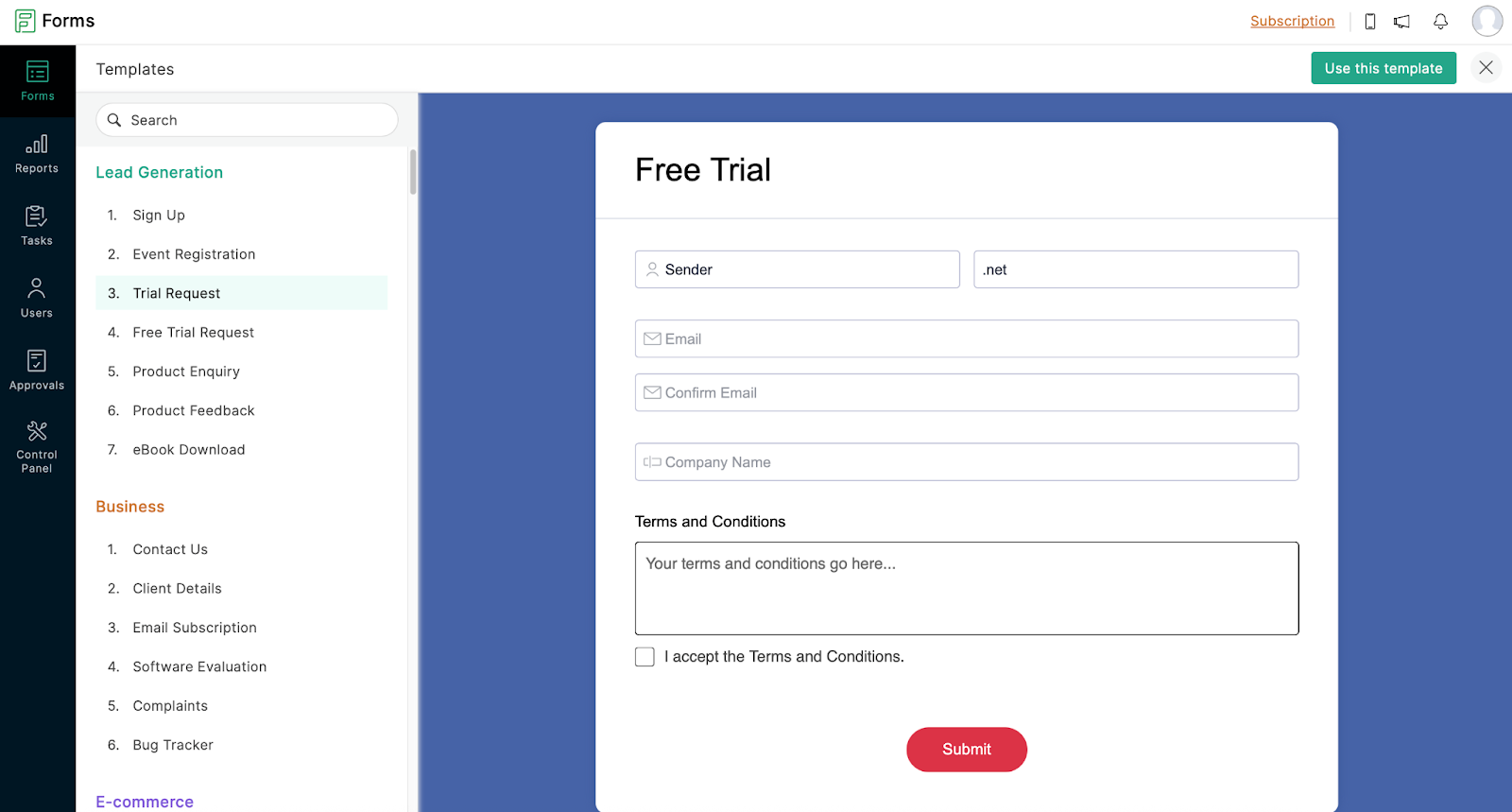
Zoho Campaigns‘ form builder offers a robust and standout solution for businesses looking to collect leads, gather contact information, or integrate seamless data capture into their marketing workflows.
Zoho Forms pricing: Paid plans start from $12/year. Free plan available for up to 3 forms.
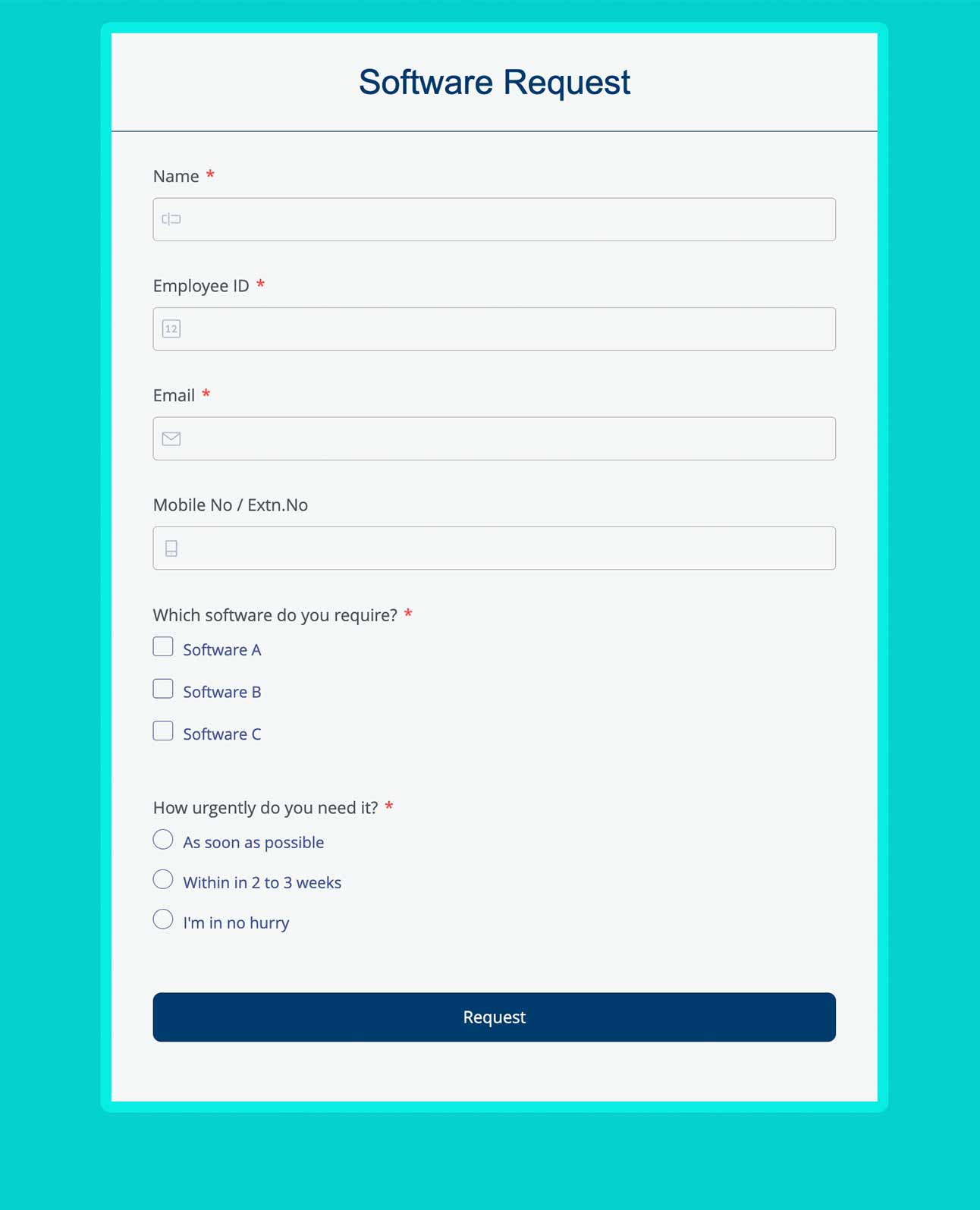
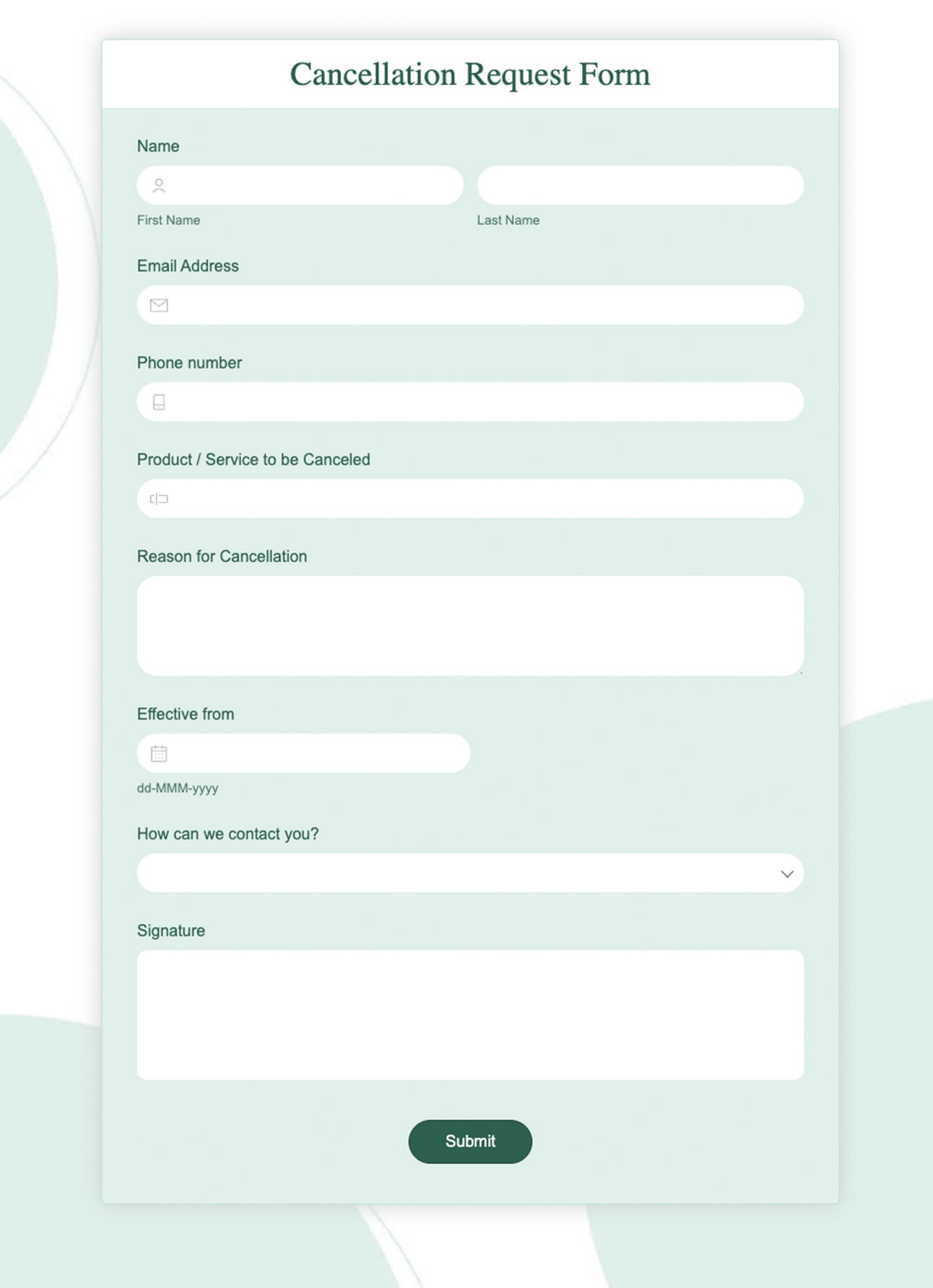
Like a couple of other form builders on this list, Zoho’s form builder is fully customizable and designed with ease of use in mind. The drag-and-drop interface makes it simple to design and publish inline or pop-up forms on your website.
What sets Zoho Campaigns tool apart is its deep integration within the Zoho ecosystem, particularly with Zoho CRM and Zoho Campaigns itself. This integration enables automatic syncing of your existing forms with your CRM or email automation tools, making it a smart choice for businesses that value form automation and want to reduce repetitive tasks.
While it doesn’t focus as much on exit-intent triggers like Sender, Zoho’s strength lies in its scalability, integration, and mobile support. An excellent and more holistic solution for businesses looking for more than just basic data collection.
Standout Features
- Offline form access. Collect data anywhere—Zoho Forms works offline, letting you gather form responses in the field and sync automatically once you’re online again;
- One-click CRM integration. Automatically send form entries straight into Zoho CRM—no copy-pasting, no spreadsheets, just real-time, organized lead data;
- Payment-enabled forms. Accept payments right from your forms using Stripe, PayPal, and more. Ideal for businesses dealing with orders, bookings, and event registrations.
Form Examples
Best for:
Zoho Forms is ideal for businesses already using Zoho tools and teams needing mobile or offline access. As a mobile form builder, it seamlessly connects with other business apps to automate workflows and centralize data, while its mobile-friendly design allows teams to create, fill, and manage forms on iOS or Android—perfect for field operations and remote data collection.
12. Feathery — Best for Advanced Logic & Custom Workflows
Feathery is an AI-powered form builder designed for teams that need deep customization, automation, and flexible logic-based workflows.
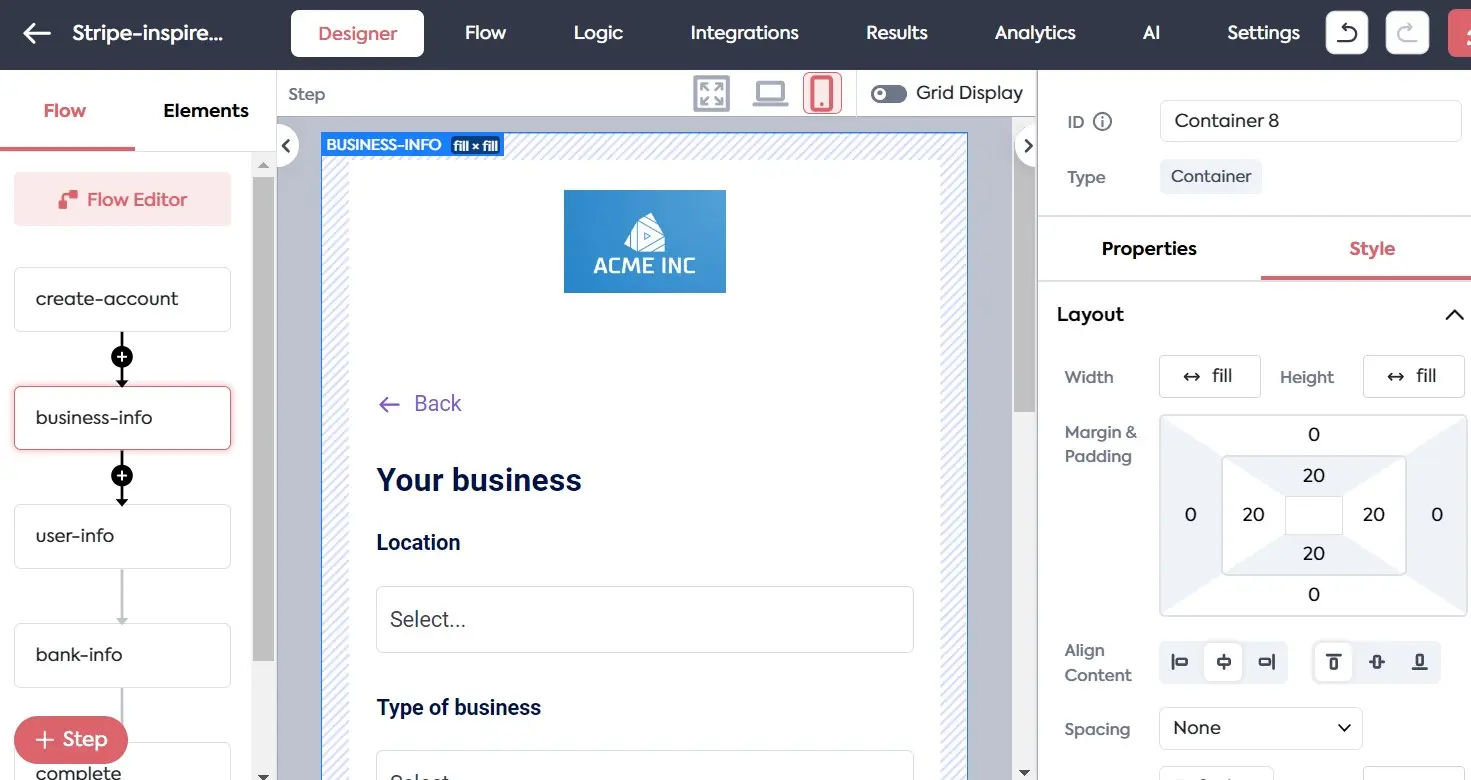
Feathery pricing: Paid plans are custom priced. Free plan available for up to 5 forms.
Its intuitive drag-and-drop interface lets you design responsive, branded forms that adapt dynamically to user input, enabling personalized form experiences without writing complex code.
With advanced conditional logic, API integrations, and real-time data syncing, Feathery bridges the gap between no-code simplicity and developer-level control. Similarly to Sender and MS Forms, I enjoyed that you can connect directly to databases or CRMs, trigger automations, and visualize data flow with ease—all while maintaining sleek design consistency across your brand.
Standout Features
- Advanced conditional logic. Create adaptive, multi-branch workflows that tailor the user journey based on responses and behavior;
- Direct API and database integration. Sync form data instantly with your backend, CRM, or custom app—no middleware required;
- Real-time collaboration. Enable teams to co-edit, test, and deploy forms simultaneously for faster development cycles;
- Fully white-labeled experience. Customize every visual and interaction detail to maintain brand consistency across embedded forms.
Form examples:
Best for:
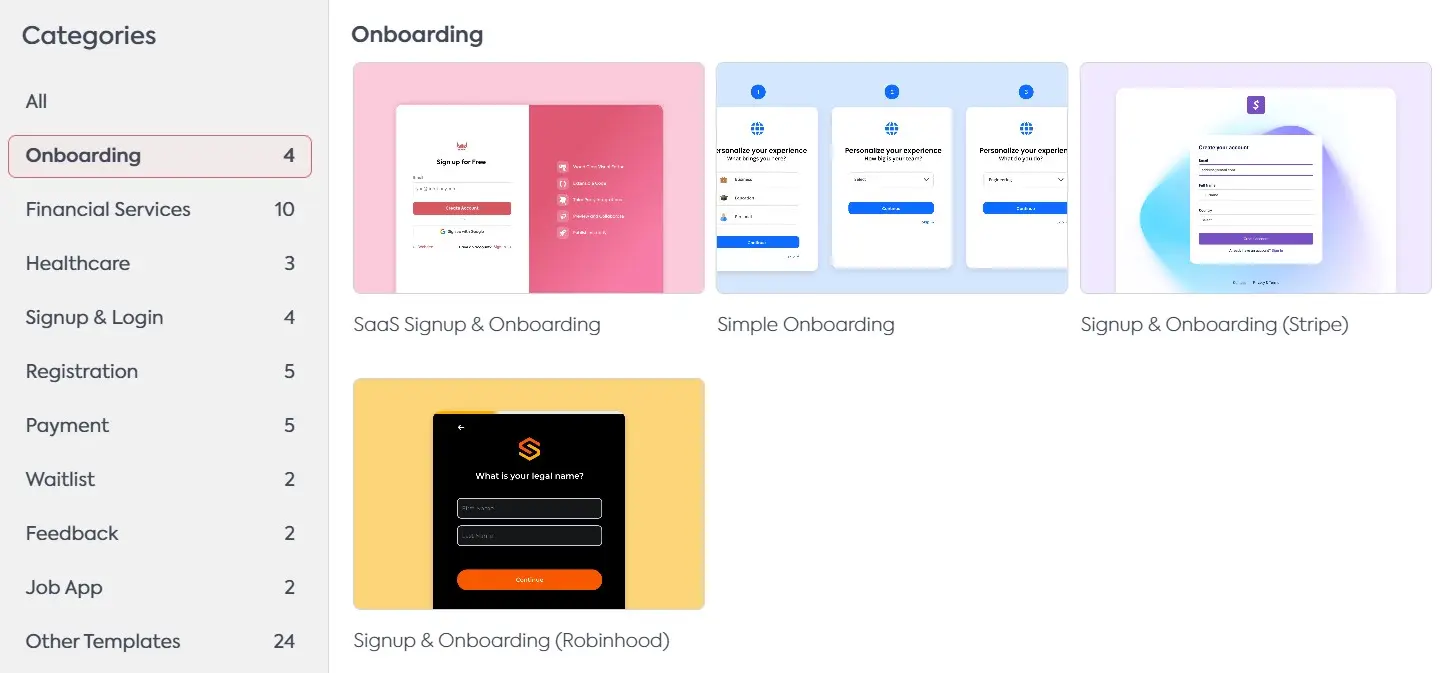
Feathery is ideal for product teams, SaaS platforms, and developers who need highly dynamic, logic-driven forms integrated into modern workflows. It’s perfect for building onboarding forms, sign-up flows, or multi-step applications that require real-time validation and automation without sacrificing flexibility or design.
13. AidaForm — Best White-Label Form Solution for Agencies
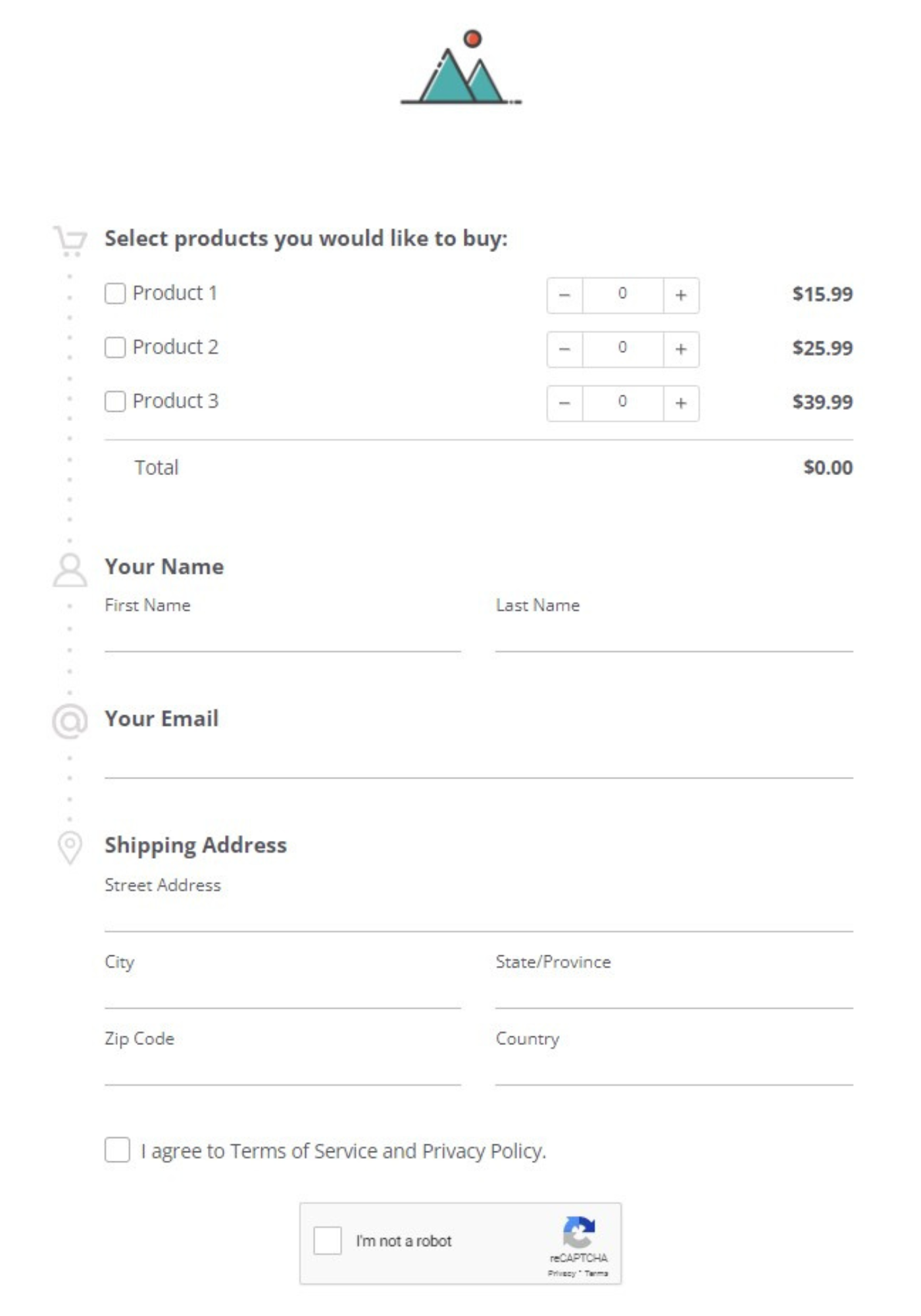
AidaForm is yet another user-friendly form builder that offers great functionality without needing to write a single line of code. It comes with plenty of customization options and supports everything from file uploads to a wide range of question types.
With AidaForms you also get features like real-time response tracking, automatic email alerts, and secure data storage, making it ideal as a white-label form solution for agencies looking to offer branded, client-ready forms.
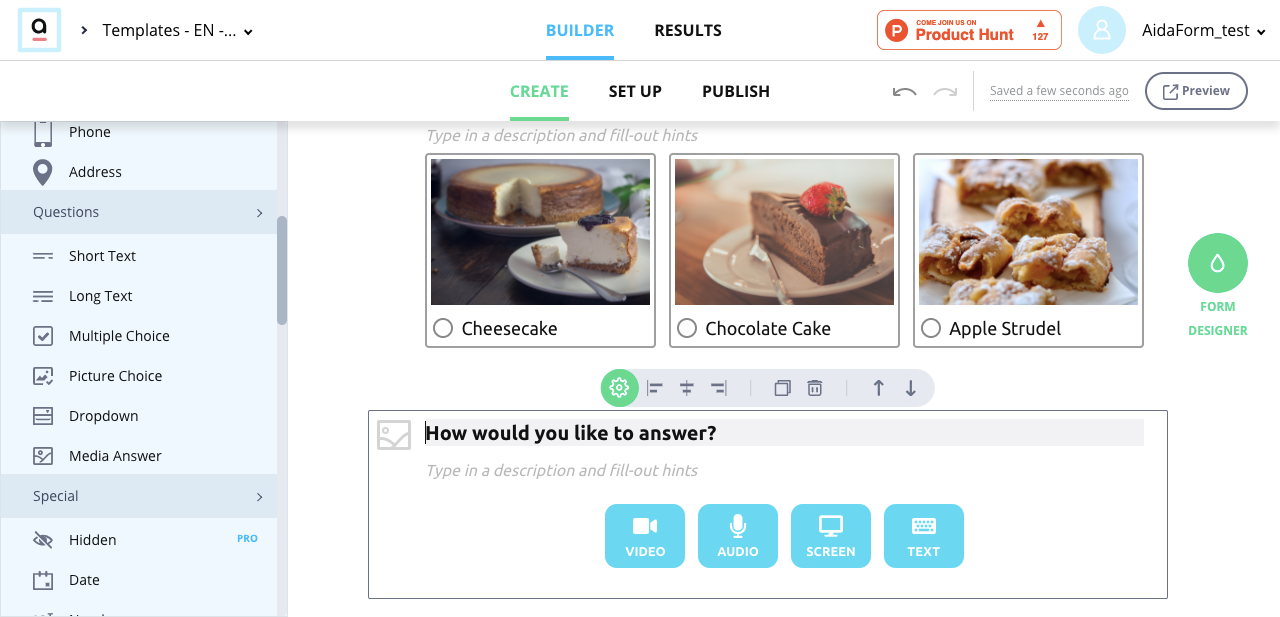
AidaForm pricing: Paid plans start at $12/month for up to 1,000 responses per month. Free plan is available.
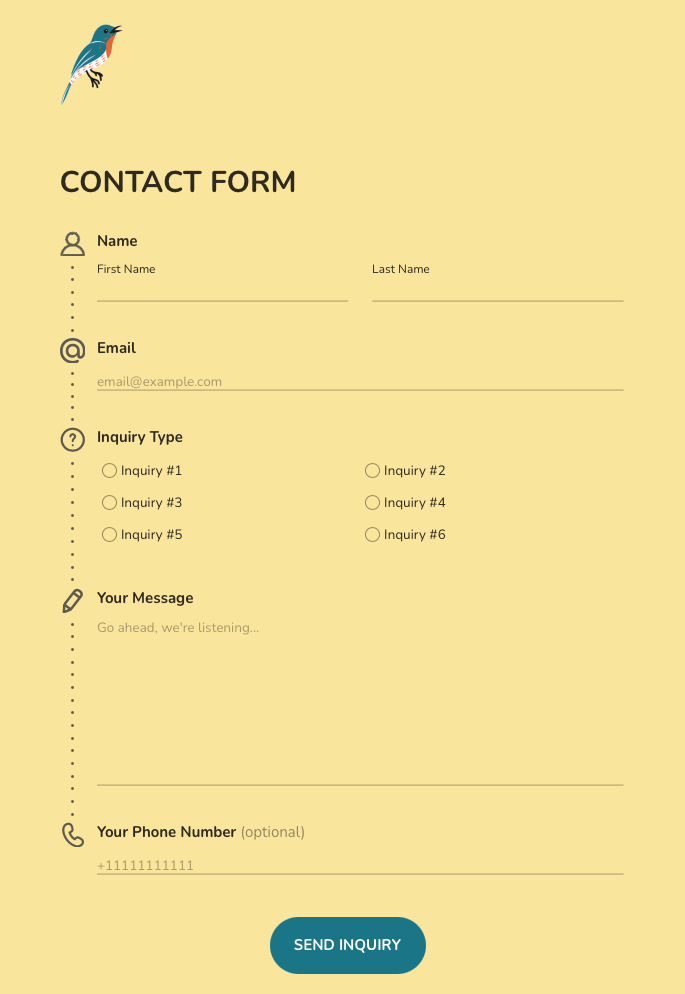
AidaForm makes form building simple while packing in powerful features like conditional logic and custom branding that support a wide range of use cases. Its intuitive interface lets you create everything from basic contact forms to complex surveys, complete with logic jumps, file uploads, and media inputs.
With seamless integration options for tools like Zapier and Google Sheets, AidaForm helps automate your workflow and keep data organized. It also includes built-in response tracking and email notifications, so you’re always in the loop.
Standout Features
- Compliant with latest security protocols. Ensures data privacy with SSL encryption, GDPR compliance, and CAPTCHA to protect against spam and unauthorized access;
- Smart Conditional Logic. Dynamically show or hide fields based on user input, creating a smoother and more personalized form experience;
- Real-time analytics. Monitor submissions as they come in with built-in stats and visual dashboards to track performance and engagement.
Form Examples
Best for:
AidaForm is perfect for event organizers who need branded registration forms with payment options, response tracking, and automated confirmations to simplify attendee management.
It’s equally useful for SMBs seeking versatile forms for lead capture, feedback, and orders with built-in integrations and analytics. Agencies can also benefit, creating fully customizable, white-labeled forms with domain branding to deliver professional, client-ready solutions.
14. Fillout — Best Web Form Builder (No-Code)
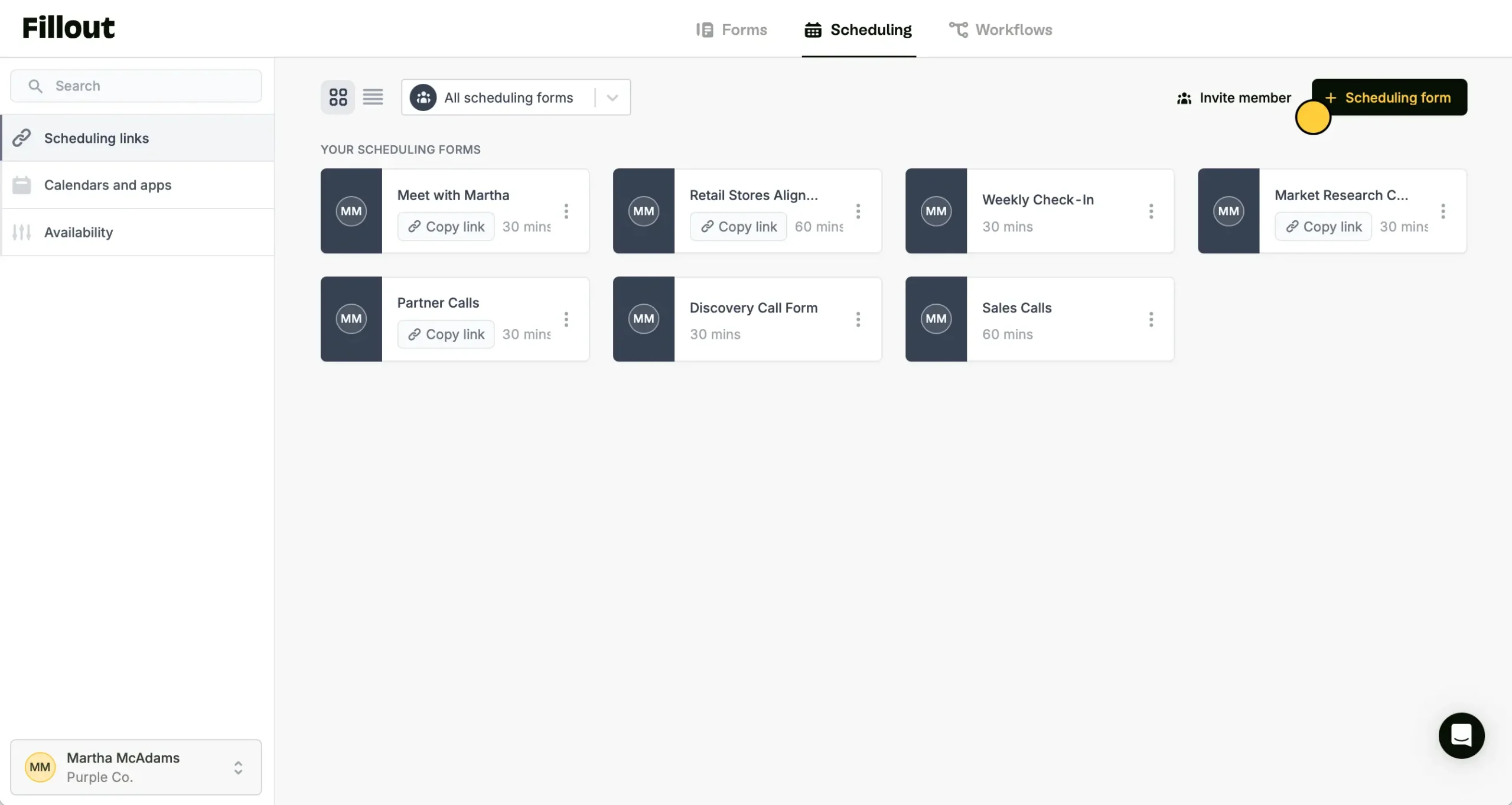
Fillout is a top-tier no-code form builder that simplifies the way you collect and manage data.
Designed for both individuals and businesses, it’s perfect for everything from market research and customer feedback to event planning and more.
Fillout pricing: Paid plans start at $15/month for 2,000 responses/month limit and unlimited forms. Free plan available.
Fillout stands out for its smooth integration with a wide range of third-party apps, making it easy to automate workflows and sync data across platforms. It also offers advanced capabilities like conditional logic, allowing forms to adapt based on user responses for a more personalized experience.
The built-in analytics tools give users clear, real-time insights to help drive smarter decisions. Whether you’re conducting in-depth research or gathering quick feedback, Fillout is built to handle a variety of data collection needs with ease.
Standout Features
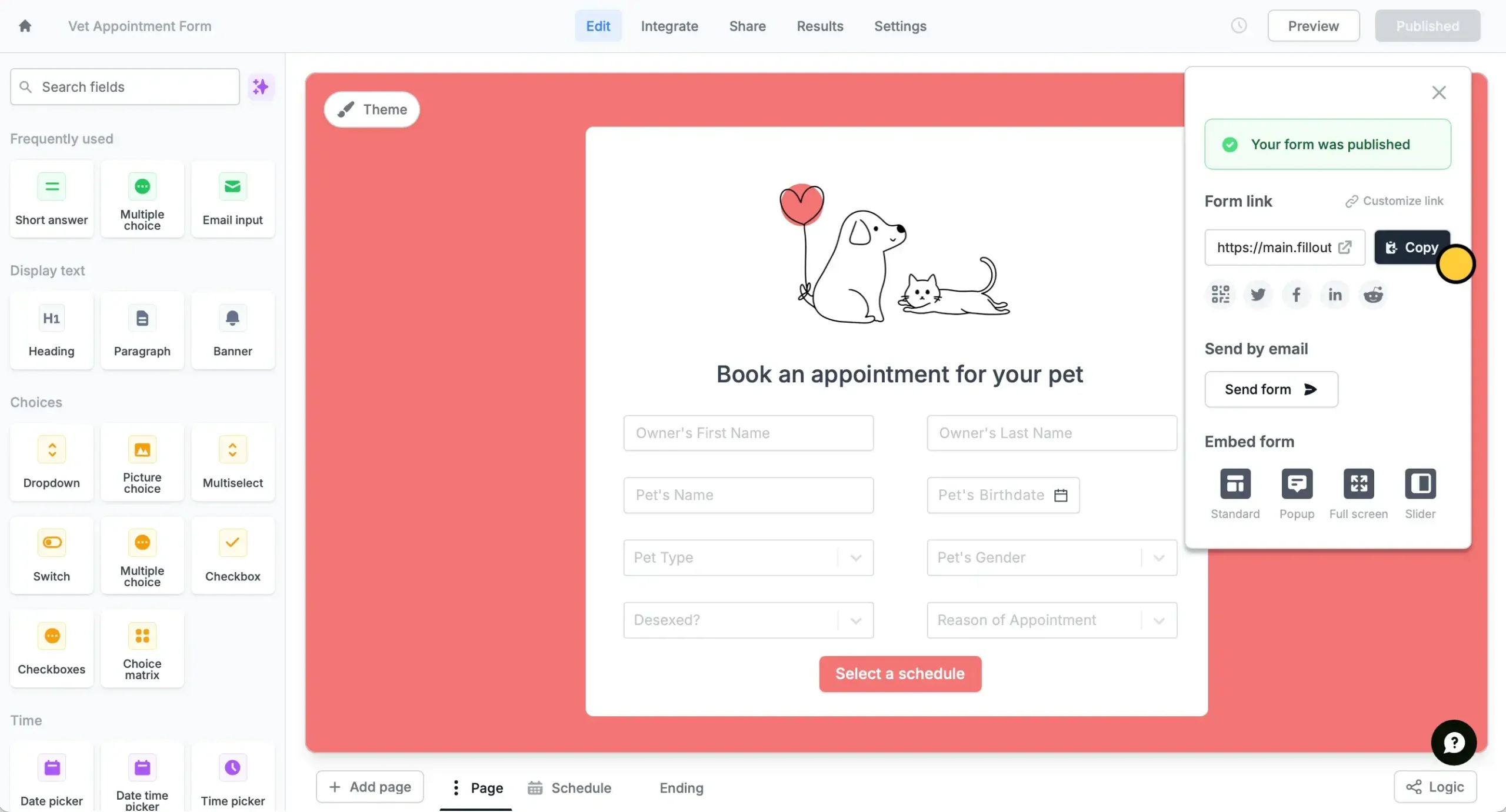
- Dynamic forms. Smart forms that adapt in real-time based on user responses, creating personalized experiences that feel more like conversations than questionnaires;
- AI-form builder. Skip the manual setup and let AI generate your entire structure from a simple prompt, then customize forms as needed;
- Automated workflows. Connect your forms to trigger actions across multiple integrations automatically—from sending emails to updating spreadsheets without manual intervention.
Form Examples

Best for:
Fillout is ideal for marketing professionals running lead generation campaigns, offering advanced conditional logic, payment processing, and smooth CRM integrations to streamline the funnel. It’s also a strong choice for non-profits, simplifying donations, volunteer signups, and event registrations at an affordable price.
Small businesses benefit too, using Fillout for client intake, appointment booking, and onboarding without the complexity of enterprise tools.
15. SurveySparrow — Engaging and Versatile Online Form Builder
SurveySparrow turns the traditional form-building experience on its head by offering an engaging, chat-like interface for creating forms and surveys.
This makes the process of filling out forms less tedious but also significantly “improves response rates up to 40%”.

SurveySparrow pricing: Paid plans start at $22/month. 14-day free trial available.
SurveySparrow’s feature-rich platform also includes customizable templates, logic branching, and multi-language support that enables a tailored survey creation process. With its advanced analytics and reporting, you can effortlessly extract meaningful insights from your data, helping to inform business decisions and strategies.
Standout Features
- Conversational surveys. Deliver engaging, one-question-at-a-time surveys that feel more like chats than forms—boosting completion rates and improving user experience;
- Multi-channel sharing. Distribute surveys via email, SMS, QR code, social media, or embedded on your site—reaching your audience wherever they are;
- Real-time analytics & dashboards. Monitor responses live, visualize trends, and generate reports instantly.
Form Examples


Best for:
SurveySparrow is ideal for SMBs, marketers, CX teams, agencies, and consultants seeking engaging, conversational feedback tools. It enables employee and customer experience surveys with logic branching, real-time analytics, and sleek, customizable designs, while offering white-labeled, branded surveys compatible across devices to enhance client engagement and data collection.
16. Cognito Forms — Best for Advanced Form Logic
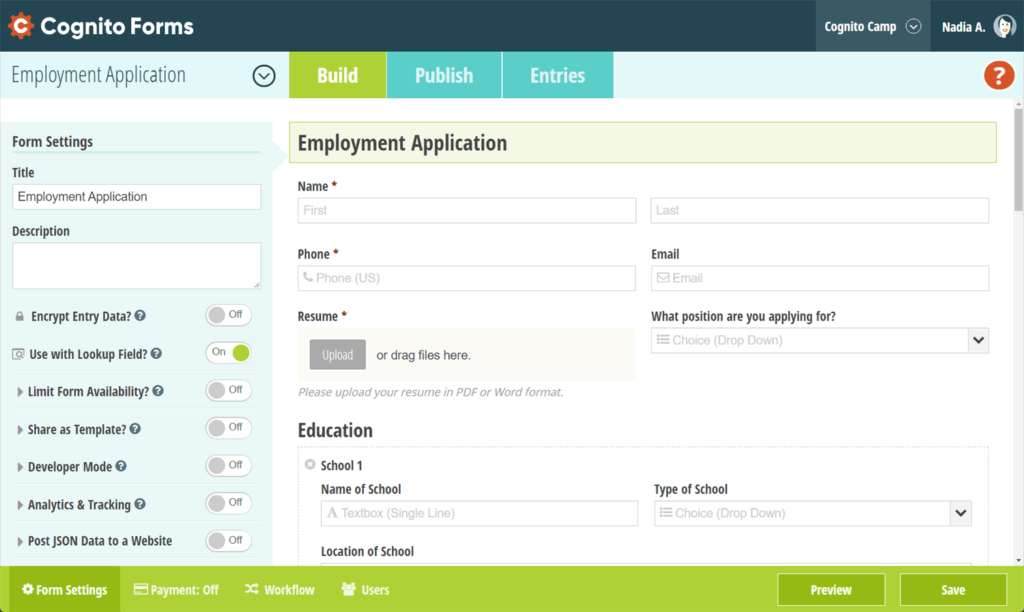
Cognito Forms is a robust online form builder built for users who need advanced logic, complex data handling, and professional-grade workflows. While not the most user-friendly tool on the market, the effort definitely pays off.
Cognito Forms pricing: Paid plans start at $19/month. Free plan available for 100 entries/month.
Its intuitive drag-and-drop editor supports powerful conditional logic, calculations, and form validation, making it ideal for businesses managing detailed registrations, order forms, or applications.
With Cognito, I was able to do real-time calculations, create multi-page forms, and even collect electronic signatures or payments with ease. This form builder also offers strong data security and compliance features, including HIPAA and GDPR support, ensuring that sensitive data stays protected.
With deep integrations via Zapier, Microsoft Power Automate, and native data exports, this relatively new player in the market has carved itself a place among the most established platforms—even if it takes a bit of time to get adjusted to its nuances.
Standout Features
- Advanced conditional logic. Build dynamic, multi-step forms that adapt instantly to user inputs;
- Calculated fields. Perform automatic math operations for quotes, invoices, or budget estimates directly within the form;
- Data encryption & compliance. Protect submissions with strong security standards, including HIPAA and GDPR compliance;
- Approval workflows. Automate form review and approval processes to streamline internal operations and reduce manual follow-up.
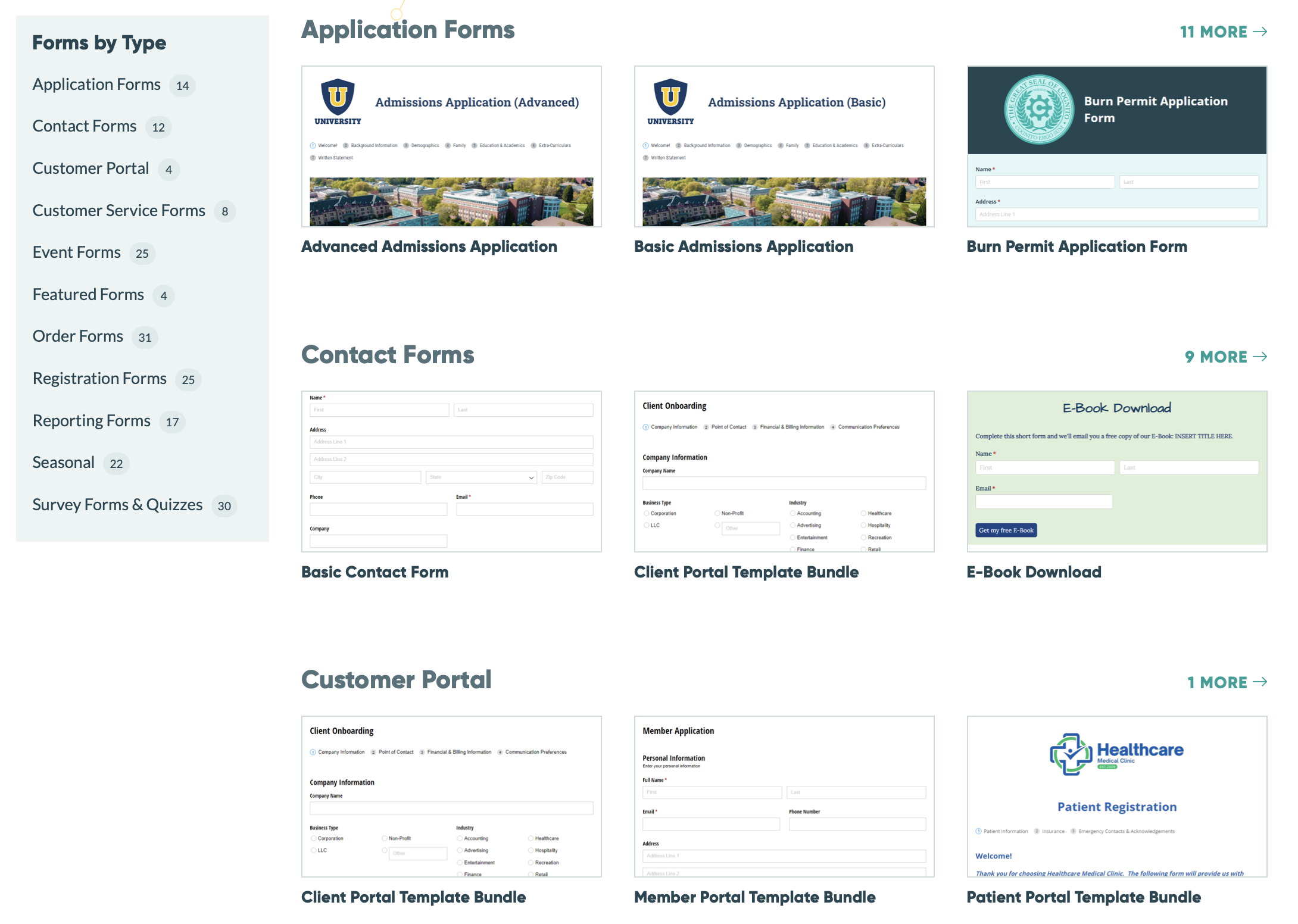
Form examples:
Best for:
Cognito Forms is perfect for organizations that require complex, data-driven forms—such as service providers, educational institutions, or healthcare teams. It’s particularly valuable for professionals managing detailed workflows, conditional approvals like job applications, or calculations within their forms.
17. Google Forms — Free Form Creator for Simple Forms
Google Forms is a free and simple form builder that helps you quickly create basic online forms. Generally, they are used to conduct surveys or ask for information. You can embed them on any web page or share a link directly.
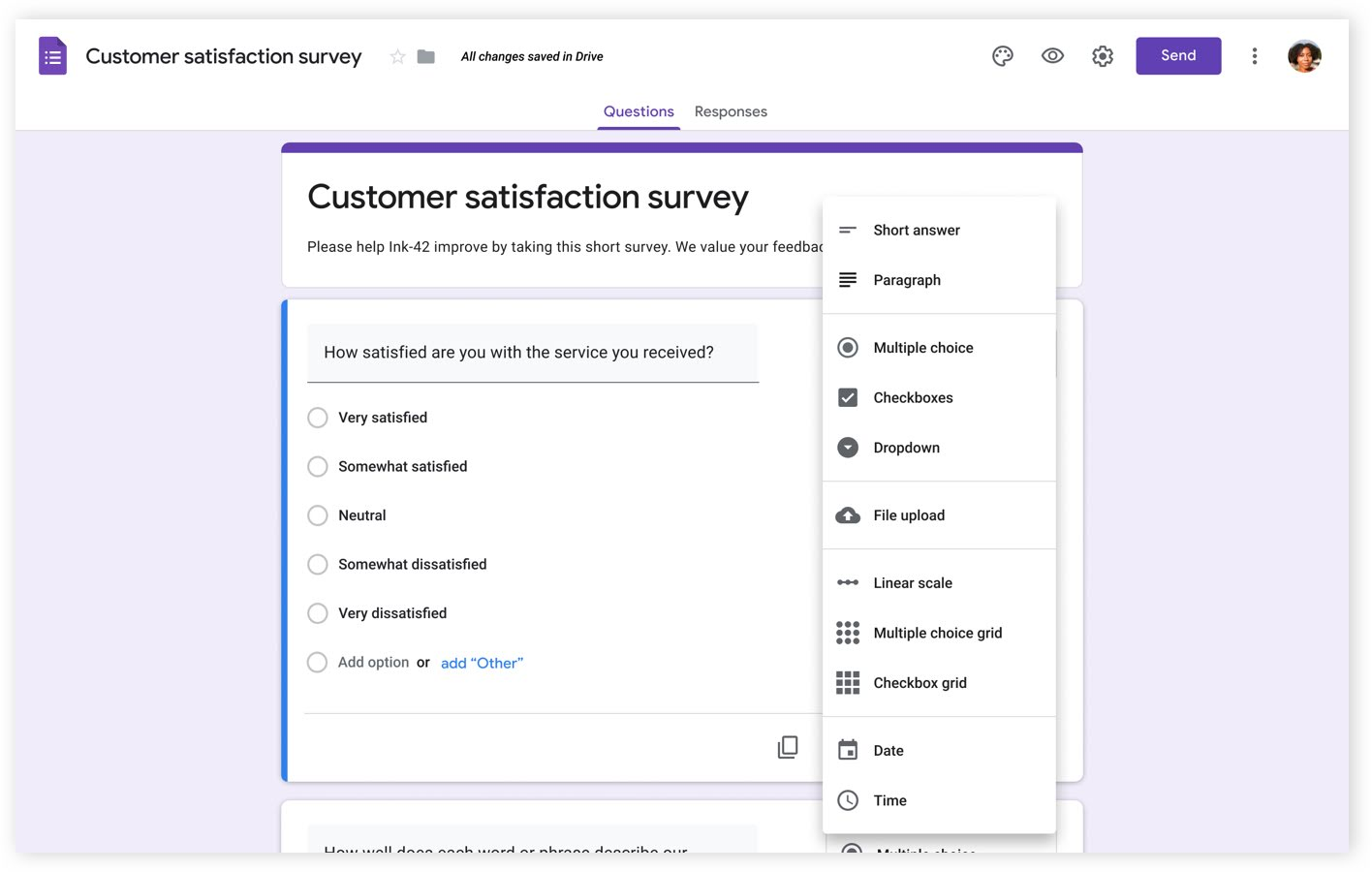
Google Forms pricing: Free to use as long as you own a Gmail account.
The simplicity of Google Forms is great. But that’s precisely what makes them unsuitable for a modern online business—they lack the professionalism and seriousness that will engage a visitor on your website.
While it’s suitable for a simple online project, accepting event registrations, or conducting a poll, you can’t benefit much from the free form builder. The lack of customization features, obsolete layouts and templates, and advanced analytics restricts you from using it in any online funnel.
From my experience, it’s better to use Google Forms for hobby projects and conducting direct user surveys. But when it comes to gathering leads or accepting signups? You’ll be better off with alternative form builders from this list.
Standout Features
- Real-time collaboration. Multiple users can build or edit a form simultaneously—ideal for teams, classrooms, or shared projects within Google Workspace;
- Conditional logic. Show or hide questions based on previous answers, allowing for basic personalization without needing complex form software;
- Quiz mode with auto-grading. Turn forms into quizzes with point values, correct answers, and instant feedback—especially useful for educators and trainers.
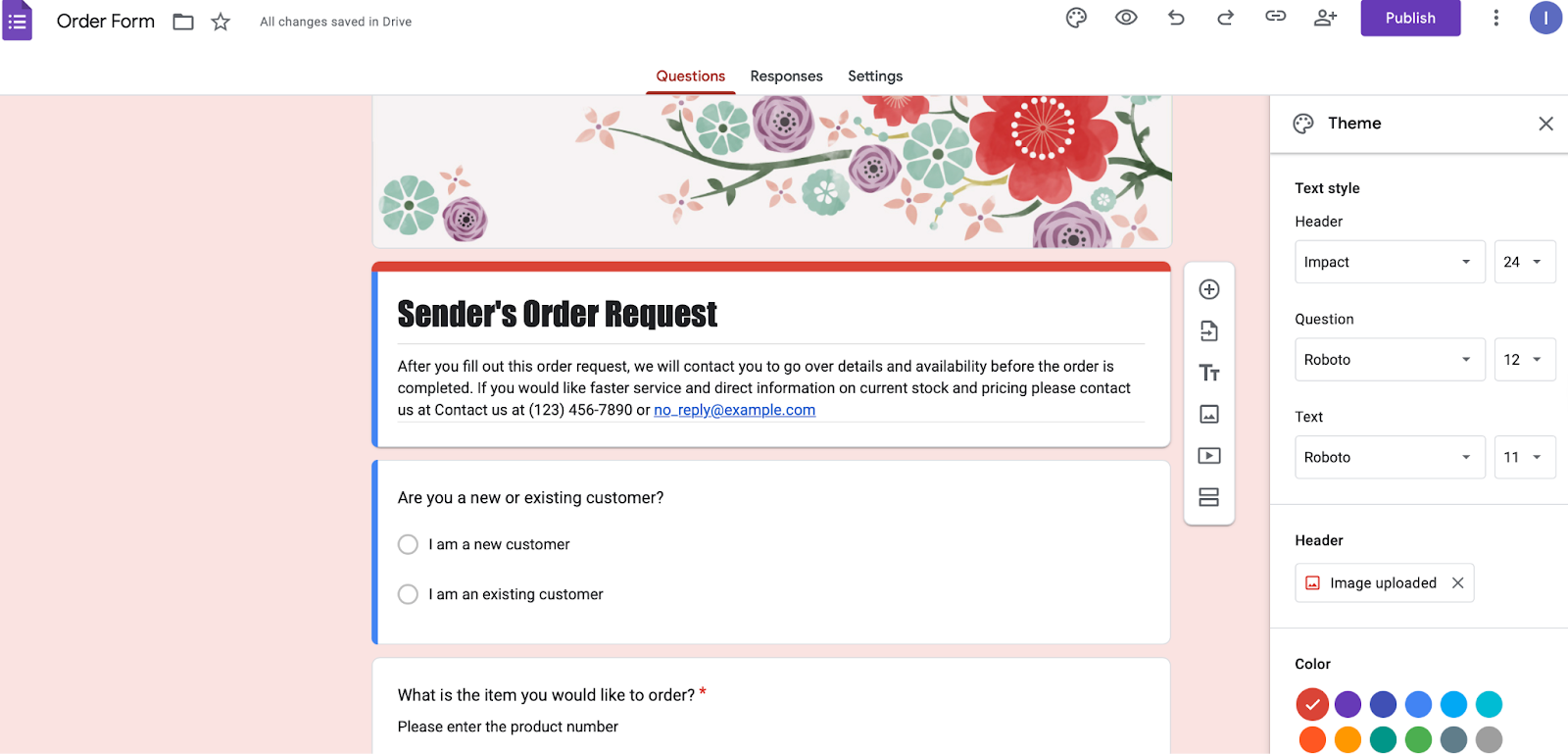
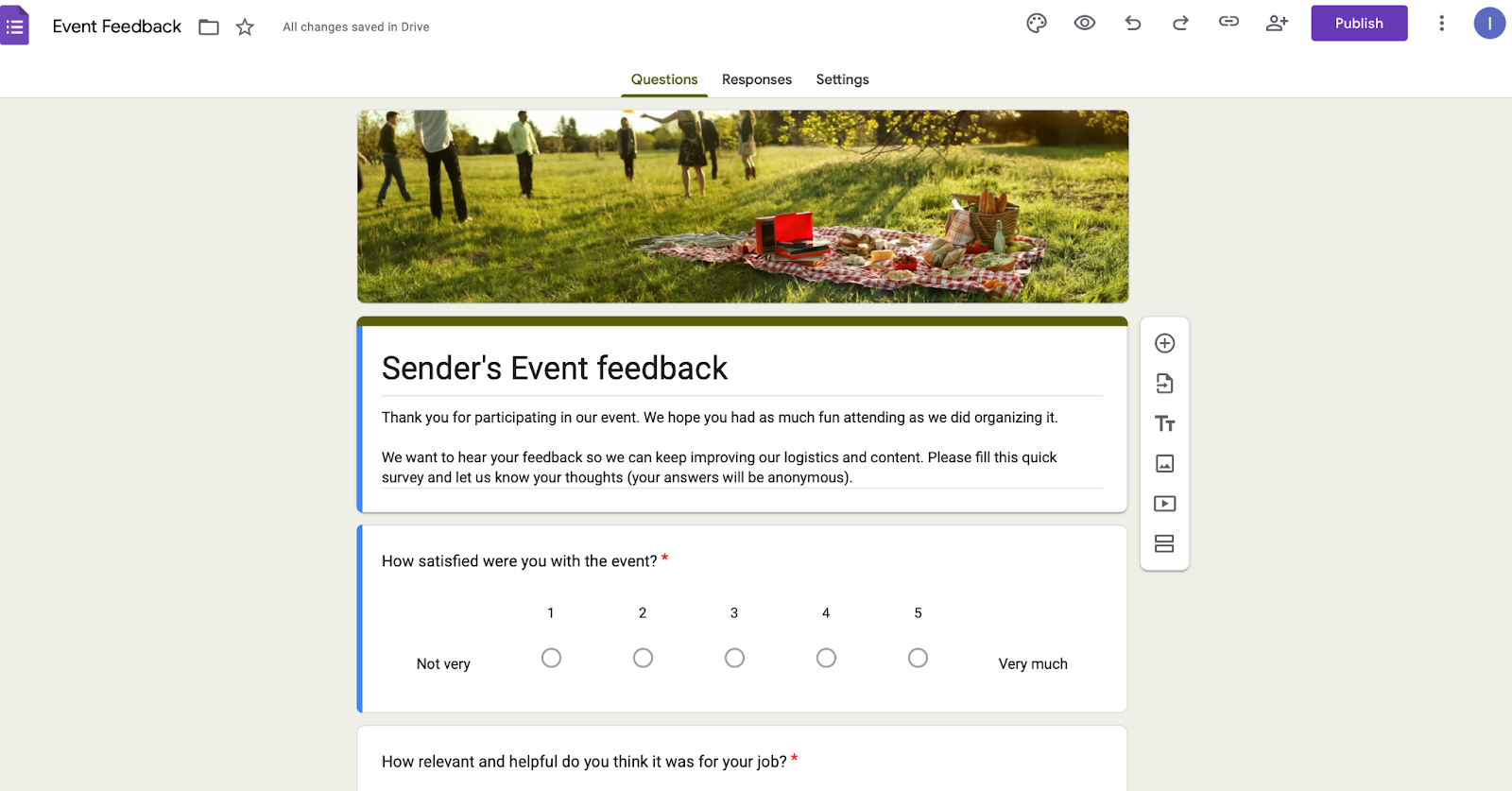
Form Examples
Best for:
Google Forms is ideal for educators, students, nonprofits, community organizers, and small businesses needing simple, no-cost forms.
It streamlines quizzes, surveys, and assessments, supports real-time response tracking within Google Workspace, and helps manage tasks like volunteer signups, event RSVPs, donation pledges, and internal feedback—all without requiring technical expertise or a budget.
18. Tally — Best Free Alternative to Google Forms
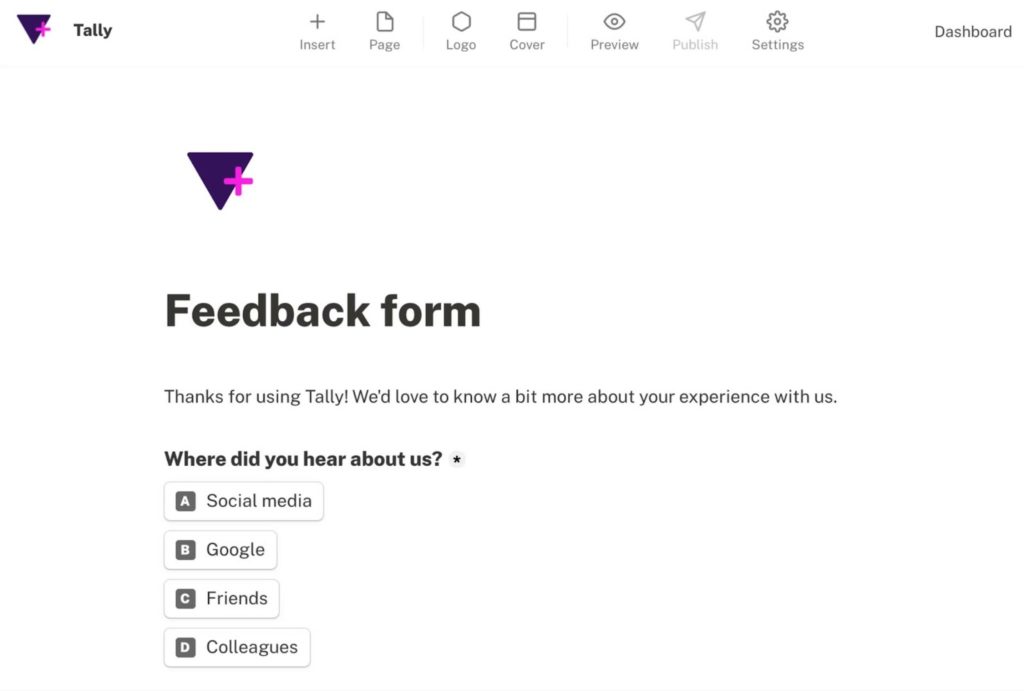
Tally is a sleek, modern, and surprisingly powerful form builder that feels as easy as Google Forms but offers far more flexibility and design control.
Tally pricing: Paid plans start at $23/month. Free plan is available.
Its minimalist interface and intuitive ‘Notion-like’ editing experience allowed me to easily build forms instantly—just start typing and add logic, payments, or integrations with simple commands.
Unlike Google Forms, Tally gives you complete creative freedom, allowing custom branding, conditional logic, and integrations with tools like Notion, Airtable, and Zapier, all without a subscription.
With unlimited forms, responses, and question types on the free plan, Tally truly bridges the gap between simplicity and sophistication, making it the best Google Forms alternative for professional use.
Standout Features
- Unlimited free forms. Create and share as many forms as you want—no hidden limits or paywalls;
- Notion-style interface. Build and style forms naturally with a clean, text-based editor that’s effortless to use;
- Advanced customization. Add conditional logic, payment fields, and custom thank-you pages—all within the free version;
- Seamless integrations. Connect instantly with Notion, Airtable, Google Sheets, and Zapier to automate data collection and workflows.
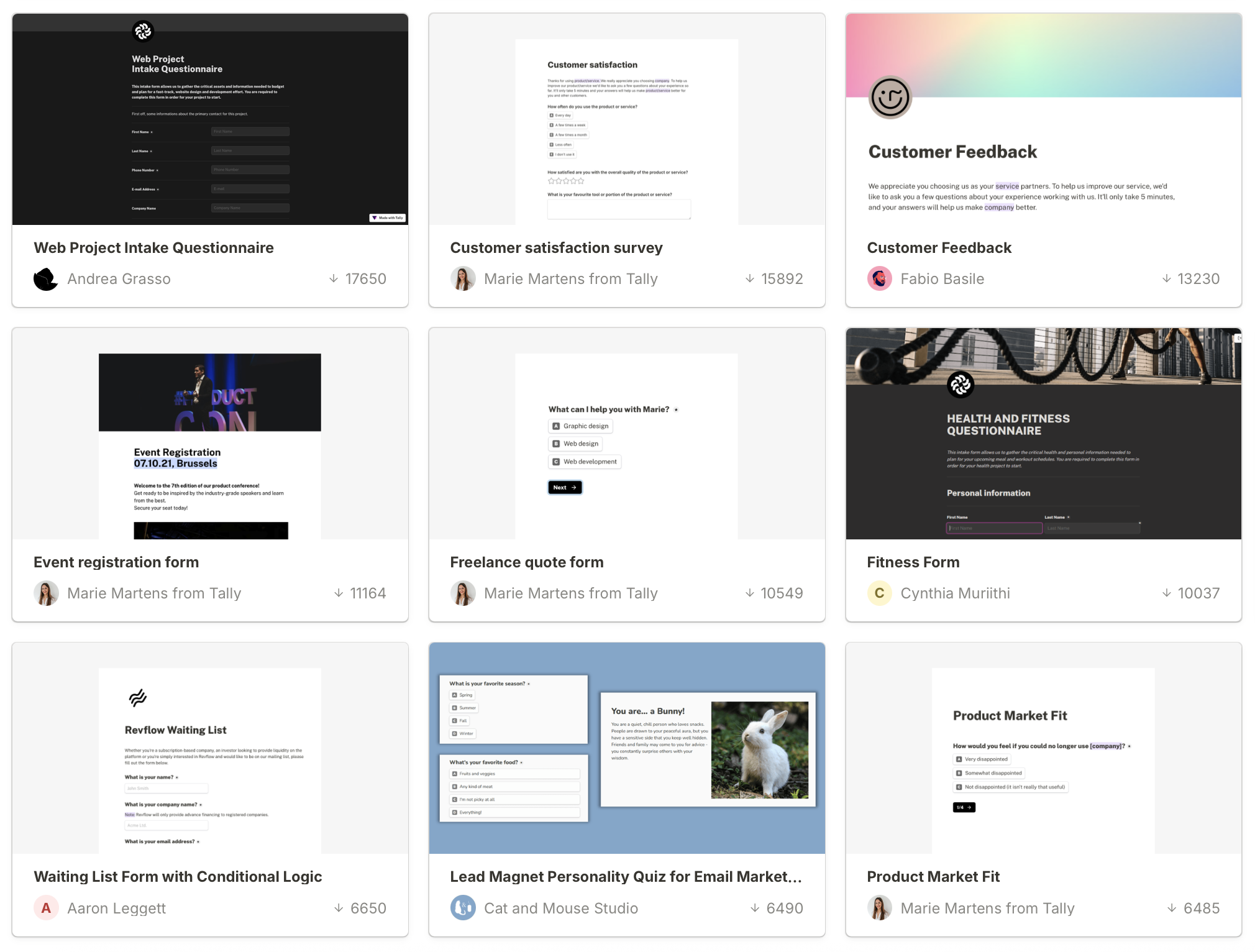
Form examples:
Best for:
Tally is ideal for individuals and small teams who love the simplicity of Google Forms but need more customization, branding, and integration power. It’s a great fit for creators, educators, and small businesses managing surveys, signups, or client onboarding forms.
19. Wufoo by SurveyMonkey — Best Alternative to Google Forms
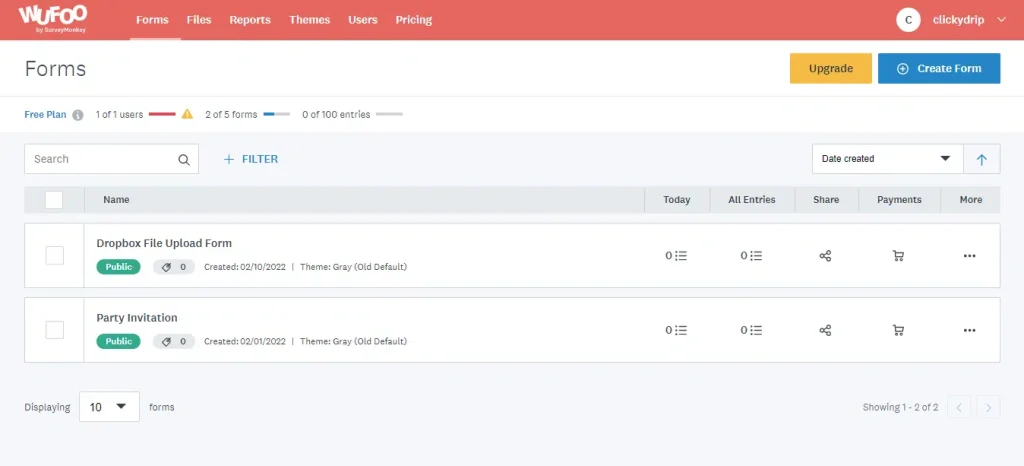
Last but not least, Wufoo (powered by SurveyMonkey) is a simple, no-nonsense form builder that allows you to create contact forms, registration forms, payment forms, etc., for your website.
Wufoo pricing: Paid plans start at $16/month for up to 10 forms and 1,000 responses (per month). Free plan available.
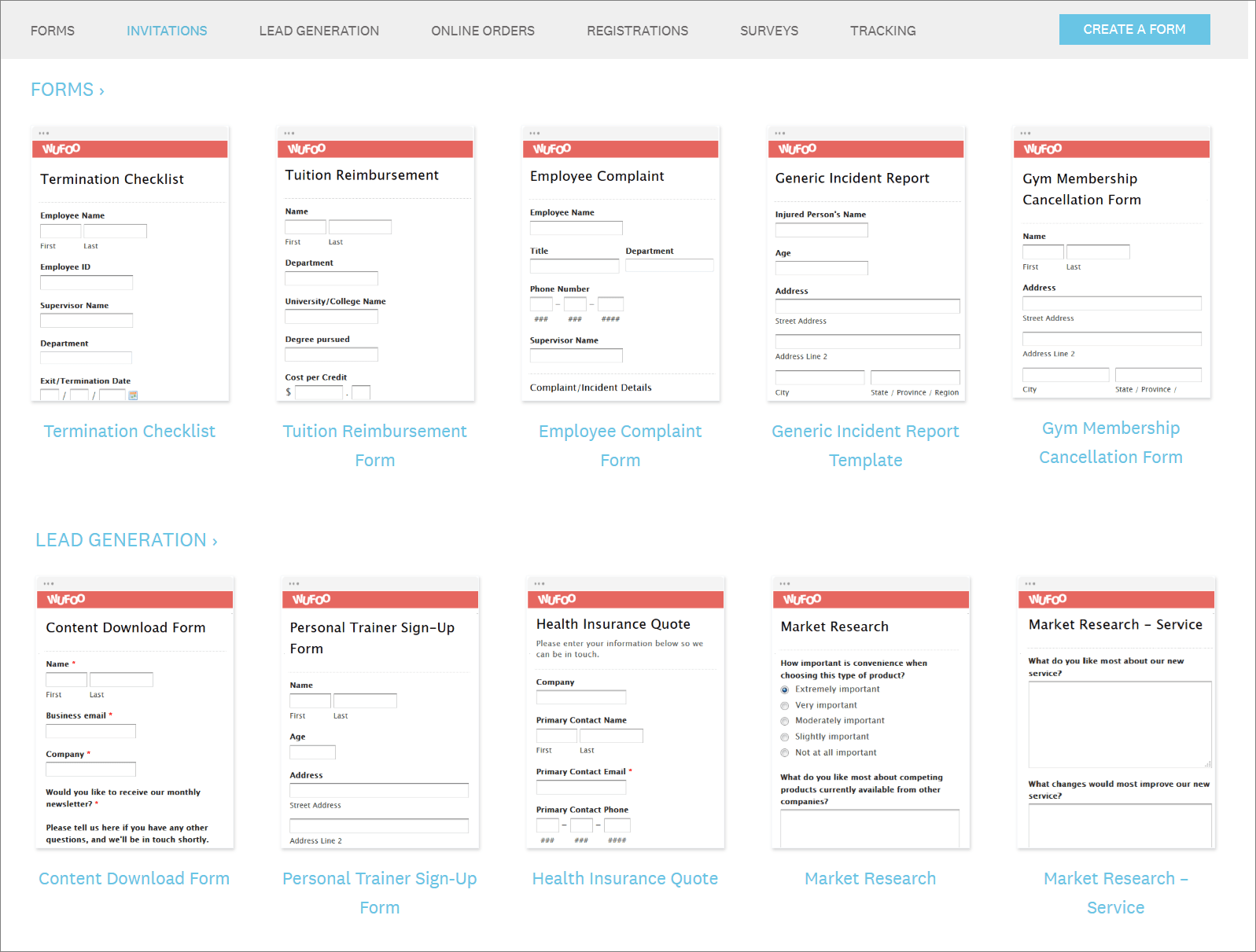
While the UI feels obsolete, the form builder can be seen as a strong alternative to Google Forms. It has an in-built feature to create themes for all your forms, helping you maintain standardized design principles. Plus, the 400+ templates can be a time saver.
The form builder supports all modern features, such as real-time analytics, dynamic condition-based fields, branching logic, and more. You can also integrate with payment processors like Stripe, Paypal, and others to accept payments online.
All in all, this is a good tool for someone who doesn’t want a fancy tool but still would like to explore online form builders. But if you want a better UI, you should definitely take a look at Wofoo alternatives on this list.
Standout Features
- Conditional logic & branching. Customize the user journey with field and form rules that show or hide questions, send confirmations, or redirect users;
- Multi-user collaboration. Assign roles and permissions to team members, making it easy to collaborate on form building, data review, and workflow management across departments;
- Secure cloud hosting. All forms and data are hosted on secure, cloud-based servers with 256-bit SSL encryption—ensuring privacy and compliance for sensitive submissions.
Form Examples
Best for:
Wufoo is ideal for market research firms, eCommerce businesses, and digital influencers looking to create detailed, branded forms. It offers advanced logic, branching, and templates for surveys and data collection, supports product orders and payments via Stripe or PayPal, and enables customizable, visually consistent forms for collaborations, signups, or contests.
Best Free Form Builder
After thoroughly testing each form builder and stacking up their best features, I set out to find which one truly delivers the best functionality—without requiring to pay up front.
Although fully functioning, Google Forms was quickly ruled out for being too limited for serious use. HubSpot looked promising, especially with its generous 1 million contact limit. But many of its top features are locked behind a paywall, not to mention that it’s clearly geared toward users already deep in the HubSpot ecosystem.
In the end, Sender came out on top as the go-to form builder. What really sets it apart is its smart behavior-based form triggers—this tool allows forms to appear precisely when users are most engaged, such as after scrolling a certain distance or showing exit intent, maximizing conversions without feeling intrusive.
Combined with mobile-friendly design, solid integrations, and a library of ready-to-use templates, Sender’s Free Forever plan offers more than enough for most users to build high-performing forms without spending a dime.
FAQs
Which form builder is most secure?
The most secure form builder is Sender. Not only does it encrypt all data in transit and at rest, but it also complies with GDPR and other major privacy standards (i.e., SPF, DKIM & DMARC). Sender includes built-in spam protection, role-based access control, and secure data storage—ensuring every customizable signup form keeps your subscribers’ information fully protected.
Can I migrate data between form builders?
Yes, you can migrate data between most form builders. Platforms, including Sender, allow you to export form submissions as CSV or Excel files and import them into another tool. Some builders also support API or native integrations for seamless data transfer, ensuring you retain contacts, fields, and submission history during migration.
Which form builder integrates best with email marketing tools?
The email marketing platform with the best built-in online form builder is Sender. Its intuitive drag-and-drop form creator lets you design customizable signup forms, pop-ups, and surveys without coding.
Every form integrates instantly with your email lists and automation workflows, making it easy to capture leads, grow audiences, and launch targeted campaigns—all from one secure platform.