


I’ve spent a decent portion of my career as a digital marketing consultant implementing lead generation best lead generation tools for clients ranging from scrappy startups to corporate giants. After countless strategy sessions, implementation headaches, and data analysis deep-dives, I’ve seen firsthand which platforms deliver results and which fall short.
My team and I have tested these solutions across industries, budgets, and business models—sometimes learning the hard way so you don’t have to.
The right lead generation tools can help you understand your target audience better, analyze website traffic, optimize email marketing campaigns, and ultimately drive more quality leads. In other words, lead generation? Important.
Capterra, G2, Trustpilot, and Reddit to create an objective evaluation. Learn more about our review methodology
What is Lead Generation Software?
But before we continue to lead generation softwares worthy of your investment, let’s define what exactly they are.
Lead generation software helps you bring order to the chaotic process of generating, managing, and nurturing high intent leads, ultimately helping you close deals. It often features data enrichment tools which add valuable information to your leads, such as company size, job title, and industry.
The best lead generation platform helps you with lead qualification as well as capturing them, monitor your digital interactions, and follow up based on their interests.
Here’s what lead generation software promises:
- Automated lead capture. Finds and collects leads for you;
- Enhanced targeting. Lead scoring and forecasting help pinpoint and target the most interested customers efficiently;
- Time savings. Reduces manual effort in lead generation automation tools;
- Improved efficiency. Focus your marketing on the right audience.
Best Lead Gen Tools at Glance
Before we jump into each lead generation software here’s a TL;DR table:
| Lead generation software | G2 Rating | Tool Type | Free Plan | Best For |
| Sender | 4.5 | Email Marketing | Yes (2,500 contacts) | Ecommerce and small businesses |
| ActiveCampaign | 4.5 | Email Marketing | 14-day free trial | Marketing and sales teams |
| Skrapp | 4.4 | Lead and Email Finder | Yes (100 credits) | B2B Sales Teams |
| Saleshandy | 4.6 | B2B lead database & prospecting | 7-day free trial | Sales teams and agencies |
| Leadfeeder | 4.3 | Contact Finder | Yes (100 leads) | B2B companies with web traffic |
| Leadsforge | 4.5 | Search Engine | 14-day free trial | Sales teams and agencies |
| Zoho One | 4.4 | CRM | 30-day trial | Growing enterprises |
| AeroLeads | 4.0 | Contact Finder | Free trial | B2B sales teams |
| VerifiedEmail | N/A | Email Verification | Yes (200 credits) | Marketing, agencies, sales teams |
| ConvergeHub | 4.8 | CRM | Free trial | Small businesses needing CRM |
| Lusha | 4.3 | Contact Finder | Yes (40 credits) | Sales and recruitment teams |
| BIGContacts CRM | 4.5 | CRM | Yes (100 contacts) | Startup sales and service teams |
| Cience | 3.7 | Lead Generation | No | Outbound sales and B2B firms |
| Facebook & Instagram | 4.2 | Social Media/Contact Finder | No | Ecommerce and local businesses |
| Unbounce | 4.2 | Landing Page Builder | 14-day trial | Marketers and agencies |
| HubSpot | 4.4 | CRM | 14-day trial | Agencies and in-house teams |
| Totango | 4.4 | CRM | No | SaaS companies |
| Overloop | 4.4 | B2B Sales | No | B2B outreach |
| OptinMonster | 4.4 | Lead Capture | No | Ecommerce and publisher websites |
| Hunter.io | 4.4 | Email Finder | Yes (25 searches) | Sales and lead gen teams |
| Reply.io | 4.6 | Sales Outreach | 14-day trial | Sales and outreach teams |
| Leadpages | 4.3 | Landing Page Builder | 14-day trial | Digital marketers and entrepreneurs |
| Keap | 4.2 | CRM & Automation | 14-day trial | Small business automation and CRM |
| Apollo.io | 4.7 | Sales Finder | Yes (1,200 credits) | Marketing and advertising |
| LinkedIn Sales Navigator | 4.3 | Sales Outreach | 30-day free trial | B2B, tech, sales |
Quick Picks: Best Lead Generation Software for Every Need
Use this list to quickly match your business needs with the right platform—no scrolling required.
- Best Free Plan: Sender (2,500 contacts and 15,000 monthly emails with full automation access.)
- Best for Startups/SMBs: BIGContacts CRM (Free for 100 contacts with visual pipeline and mobile CRM.)
- Best Budget Option: Sender (Paid plans from $7/month—less than a coffee subscription.)
- Best for Enterprise/Agencies: HubSpot (Closed-loop reporting, content management, and comprehensive inbound tools.)
- Best for Email Automation: ActiveCampaign (AI-powered sequences with 900+ native integrations from $15/month.)
- Best for B2B Prospecting: Apollo.io (200M+ contact database with built-in email sequencing.)
- Best for Cold Outreach: Hunter.io (Email finder with verification to protect sender reputation.)
25 Best Lead Generation Software Reviewed
After testing dozens of platforms across different industries and business models, I’ve narrowed down the field to these solutions that consistently deliver results.
Each tool serves specific needs and business types, from startups looking for simple contact management to enterprise software lead generation requiring sophisticated features, automation, and multi-channel campaigns.
The key is matching the right platform to your specific requirements, budget, and team capabilities rather than choosing based on features alone.
Sender — Email Lead Generation and Quality Lead Nurturing
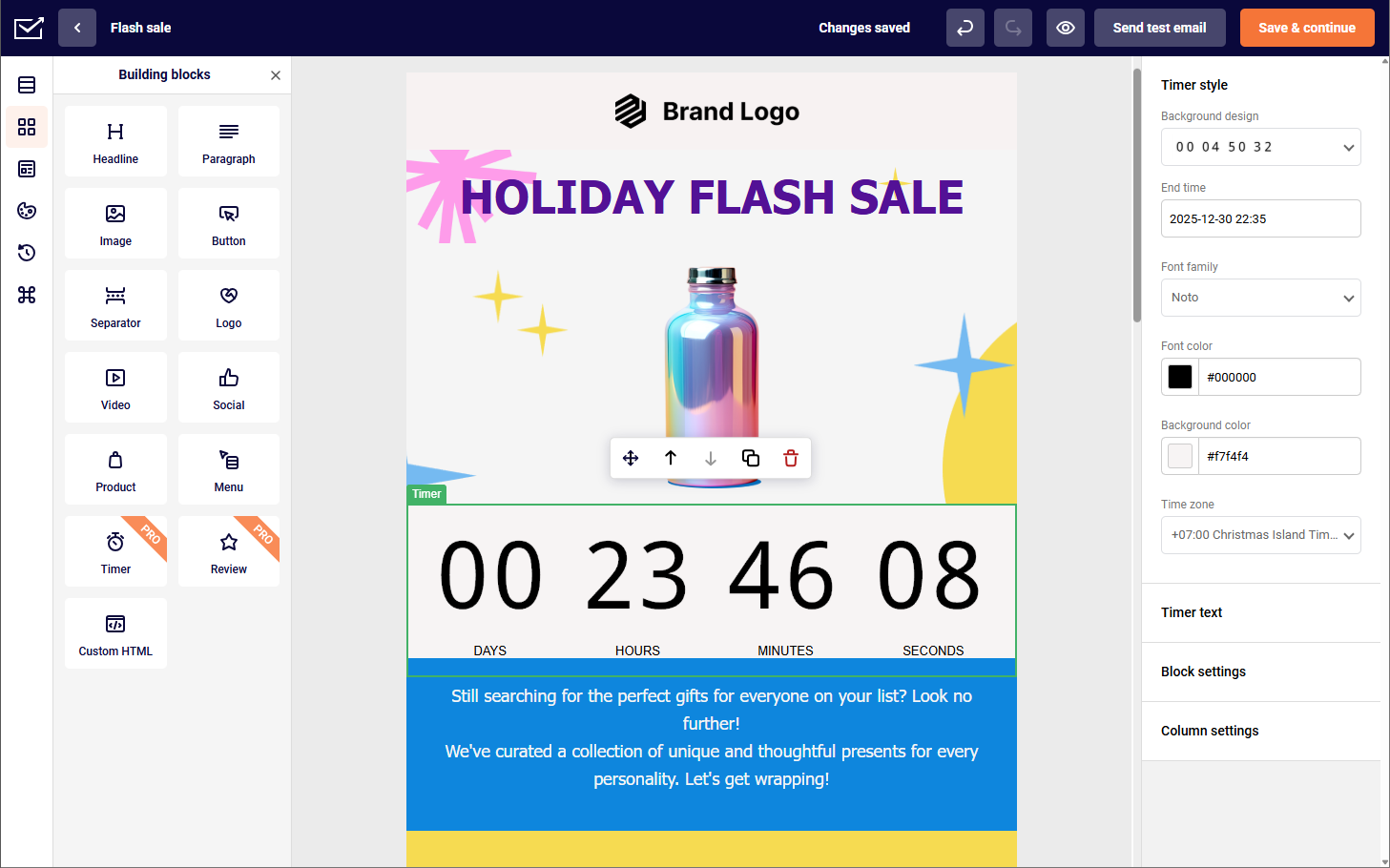
Sender’s got this really intuitive email builder that just works. I mean, you can set up campaigns without pulling your hair out, which is more than I can say for some platforms.

The easy-to-use form and popup builder removes those annoying technical roadblocks that usually stop you from capturing leads. Plus, those high-converting popup and form layouts? It’s built on what actually works, not just what looks pretty.
The fully automated email & SMS flows handle the nurturing while you’re sleeping, and their behavioral automation triggers jump into action the moment a visitor does something interesting.
Here’s the thing, though—the analytics dashboard doesn’t just throw numbers at you. It actually tells you what’s working and what needs fixing. The CRM software integration is pretty smooth too, updating contact profiles automatically so your sales team knows who to call first.
Sender’s Key Features
- Easy to use signup form and popup builder;
- High-converting popup and form layouts;
- Fully automated email & SMS flows;
- Behavioral automation triggers;
- Integrations with leading ecommerce platforms and lead generation marketing tools.
Sender Pros & Cons
- Affordable pricing plans
- Visual automation builder with behavioral triggers
- 24-hour LIVE Chat support (even for free plan users)
- Landing page builder
- SMS only in paid plans
- Sender branding on free plans
Plans & Pricing
- Free Forever plan for up to 2,500 contacts and 15,000 monthly emails;
- Sender’s paid plans start at $7/month for up to 1,000 contacts and 12,000 monthly emails.
See why businesses choose Sender:
ActiveCampaign — Email Automation and Lead Nurturing
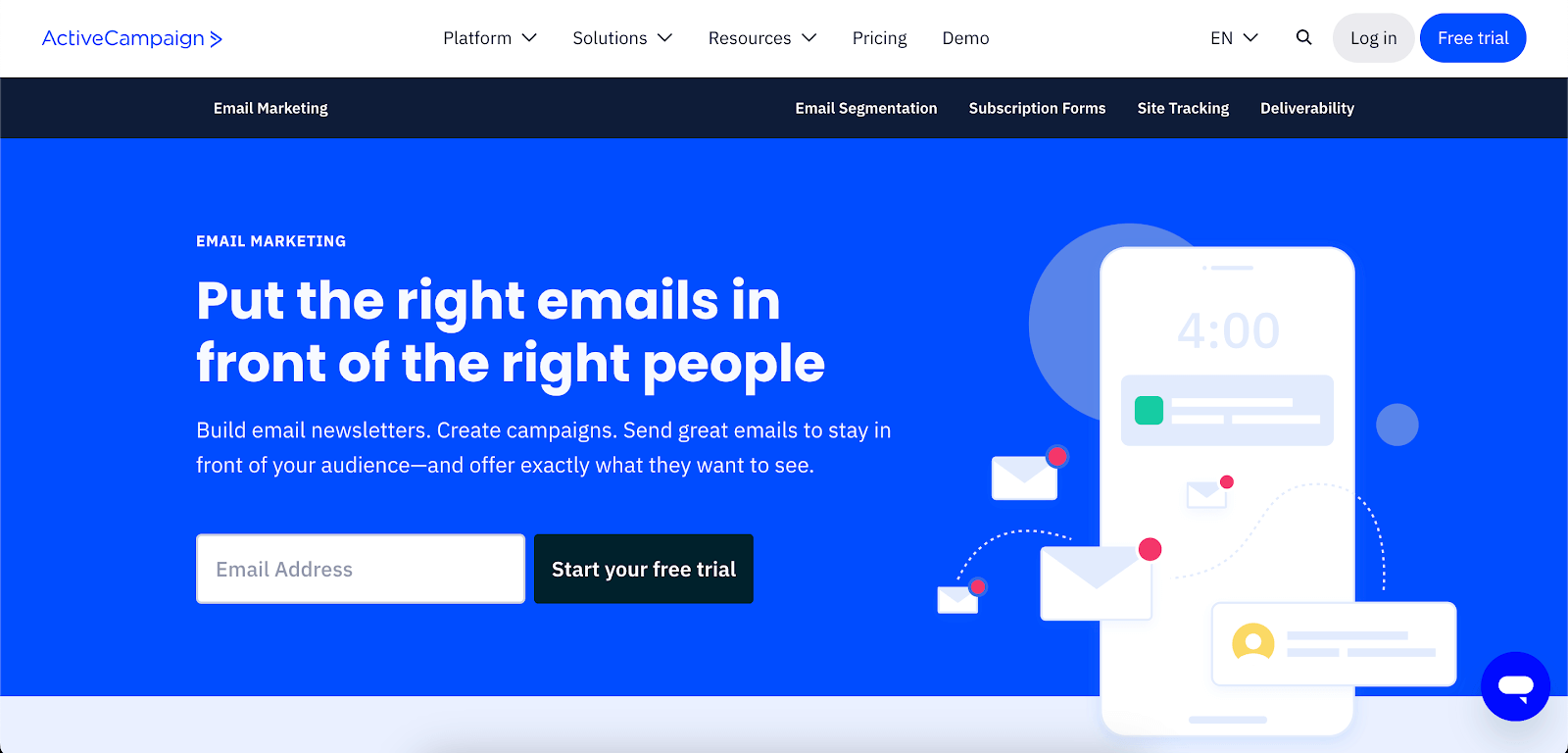
ActiveCampaign really shines when it comes to mapping out customer journeys. You know how some platforms make automation feel like rocket science? Not this one. Their multi-touch sequences adapt based on what people actually do with your emails—open them, click links, ignore them completely.
The AI behind the scenes keeps tweaking send times and content variations. Honestly, it’s pretty clever about learning what works for your specific audience. ActiveCampaign’s site tracking is where things get interesting—it collects valuable intent data that helps your sales and marketing teams spot those MQLs who are seriously considering a purchase.
ActiveCampaign’s Key Features
- AI-powered automation builder;
- Customizable lead scoring and win probability prediction;
- Multi-channel personalized outreach;
- Dynamic content creation and A/B testing;
- Integrated CRM with sales intelligence software tools.
Pros & Cons
- AI-based tools to improve campaigns
- Automation split testing
- Native integrations with 900+ tools
- Confusing reporting dashboard
- Automations are best only with in-built CRM
- High cost of operations
Plans & Pricing
- Free 14-day trial to test out the platform;
- Paid plans start at $15/month for 1,000 contacts and a single user.
Skrapp — Lead Search and Data Enrichment Tool
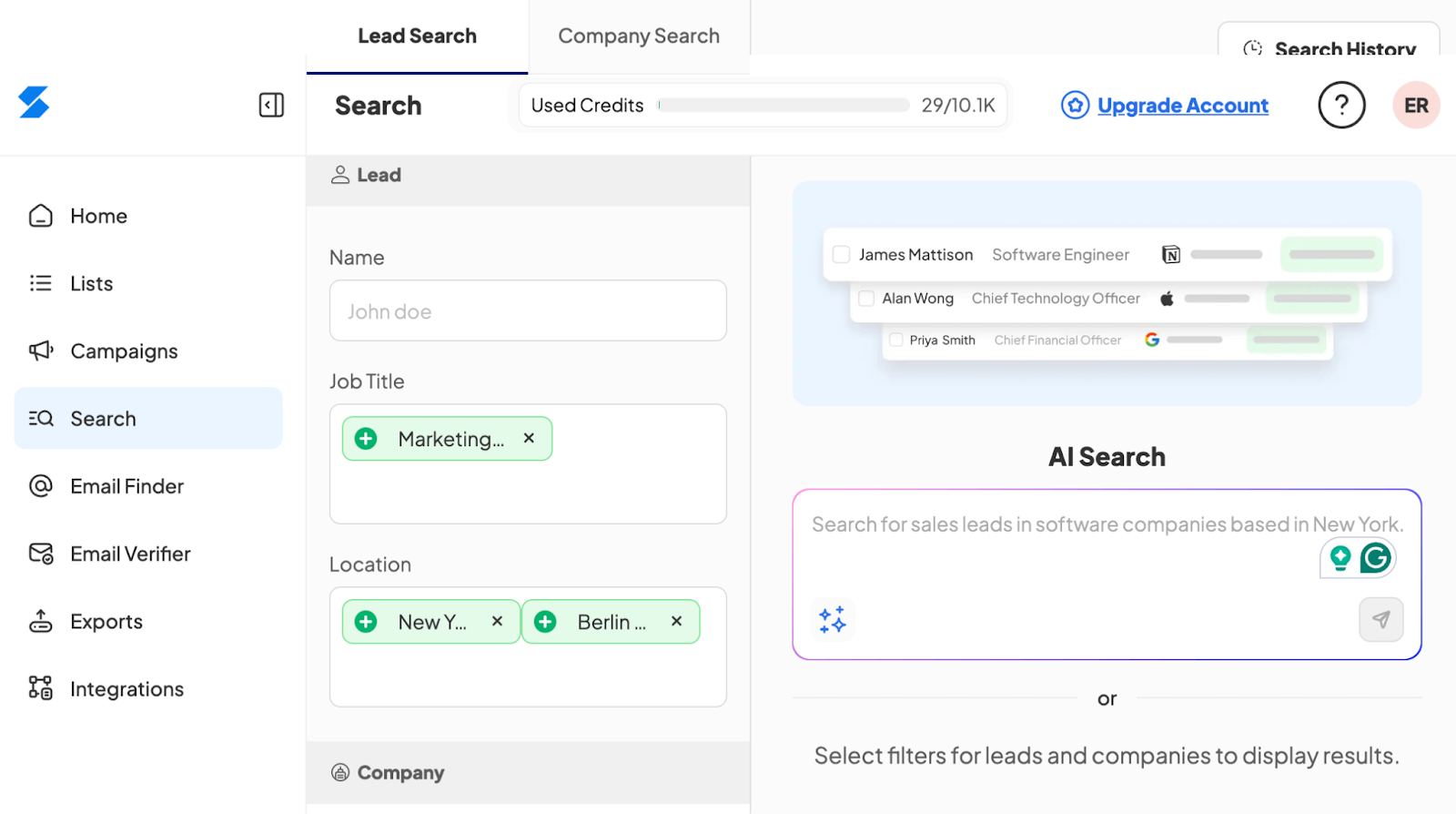
Skrapp combines B2B lead search and data enrichment in one easy-to-use platform. It helps you during the prospecting phase by finding verified contacts that fit your ideal customer profile. With its Chrome extension, which integrates directly with LinkedIn Search or Sales Navigator, you can quickly gather verified prospect data from filtered profiles.

If you already have large prospect lists, you can upload a CSV file to enrich all contacts at once. Emails are verified before export to reduce bounce rates. The collected data syncs with your CRM, supporting HubSpot, Salesforce, Pipedrive, Outreach, and Zoho.
Skrapp’s Key Features
- Find lead emails using a person’s name and company domain;
- Chrome extension for LinkedIn and Sales Navigator;
- Bulk enrichment through CSV upload;
- Built-in email verification;
- API access to support custom workflows.
Skrapp’s Pros and Cons
- Maintains high data quality with a 97%+ email verification accuracy rate
- Enriches entire lead lists in one go
- Offers extra details beyond email, like role and seniority
- Integrates with CRMs such as HubSpot, Salesforce, Pipedrive, Outreach, and Zoho
- Data coverage can vary depending on region and industry
- Does not provide phone number enrichment
Plans & Pricing
- Free plan available with 100 lead searches per month;
- Paid plans start at $39 per month or $30 per month with an annual payment, and they scale based on team size and usage.
Saleshandy Lead Finder — B2B Contact Database with Built-In Outreach
Saleshandy Lead Finder is built around a big database. You get 852M+ verified contacts across 60M+ companies, so even after you tighten the filters down to a narrow segment, there’s usually still a solid list to work with.
The contacts run through waterfall enrichment before they hit your screen, which basically means each one gets checked against a few different sources first. Fewer bounces, fewer dead numbers.

The filters are the part most teams will care about. There are 75+ of them: job title, seniority, industry, company revenue, tech stack, and so on. Want VPs of Sales at Series B fintech startups? You can build that list without much fuss. And if you don’t feel like clicking through filters, there’s an AI search where you just type out who you’re after in plain English and it puts the list together for you.
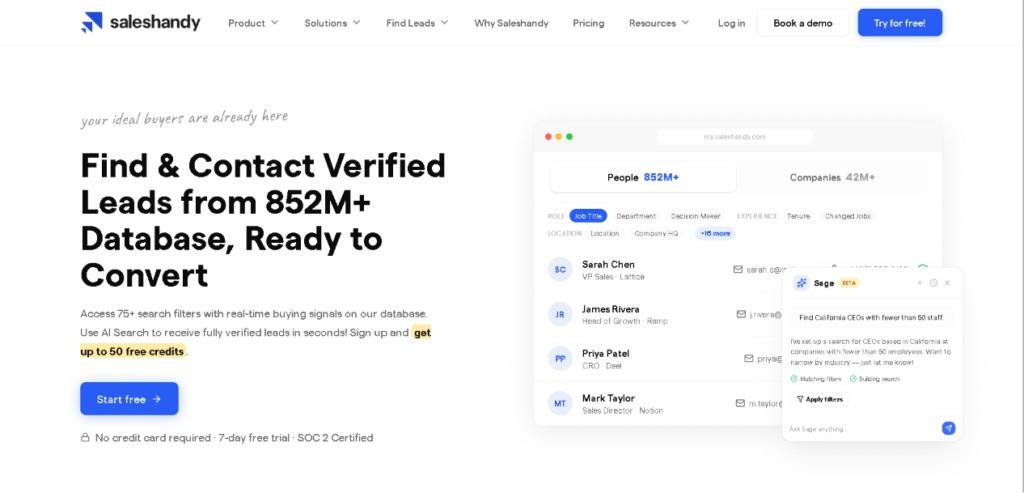
Where it pulls ahead of a plain contact database is what comes next. Saleshandy isn’t only a data tool, it’s a full outreach platform, so you can go straight from your list into email sequences, LinkedIn, or calls through the dialer. No CSV exports, no bouncing between tabs. Replies land in a Kanban CRM that keeps your pipeline in one view, so you always know who still needs a follow-up.
Key Features
- 852M+ verified B2B contacts and 60M+ company profiles;
- 75+ prospecting filters (job title, industry, revenue, tech stack, and more);
- AI lead search using plain-English prompts;
- Waterfall enrichment for verified, real-time data;
- Multichannel outreach built in (email, dialer, LinkedIn);
- Kanban CRM for pipeline tracking;
- API, webhooks, and MCP access.
Pros & Cons
- One of the largest verified databases here, which keeps bounce rates low
- Finding leads and reaching out happen in the same place, so you drop a tool or two
- Deep filters make niche targeting easy
- AI search saves time when you’re spinning up lists for different campaigns
- The full platform can feel like a lot if all you want is a quick contact lookup
- Slight learning curve if you’ve never used outreach or CRM tools before
Plans & Pricing
- Outreach Starter: $25/month;
- Outreach Pro: $69/month;
- Outreach Scale: $139/month.
Leadfeeder — Website Visitor Tracking and Lead Enrichments
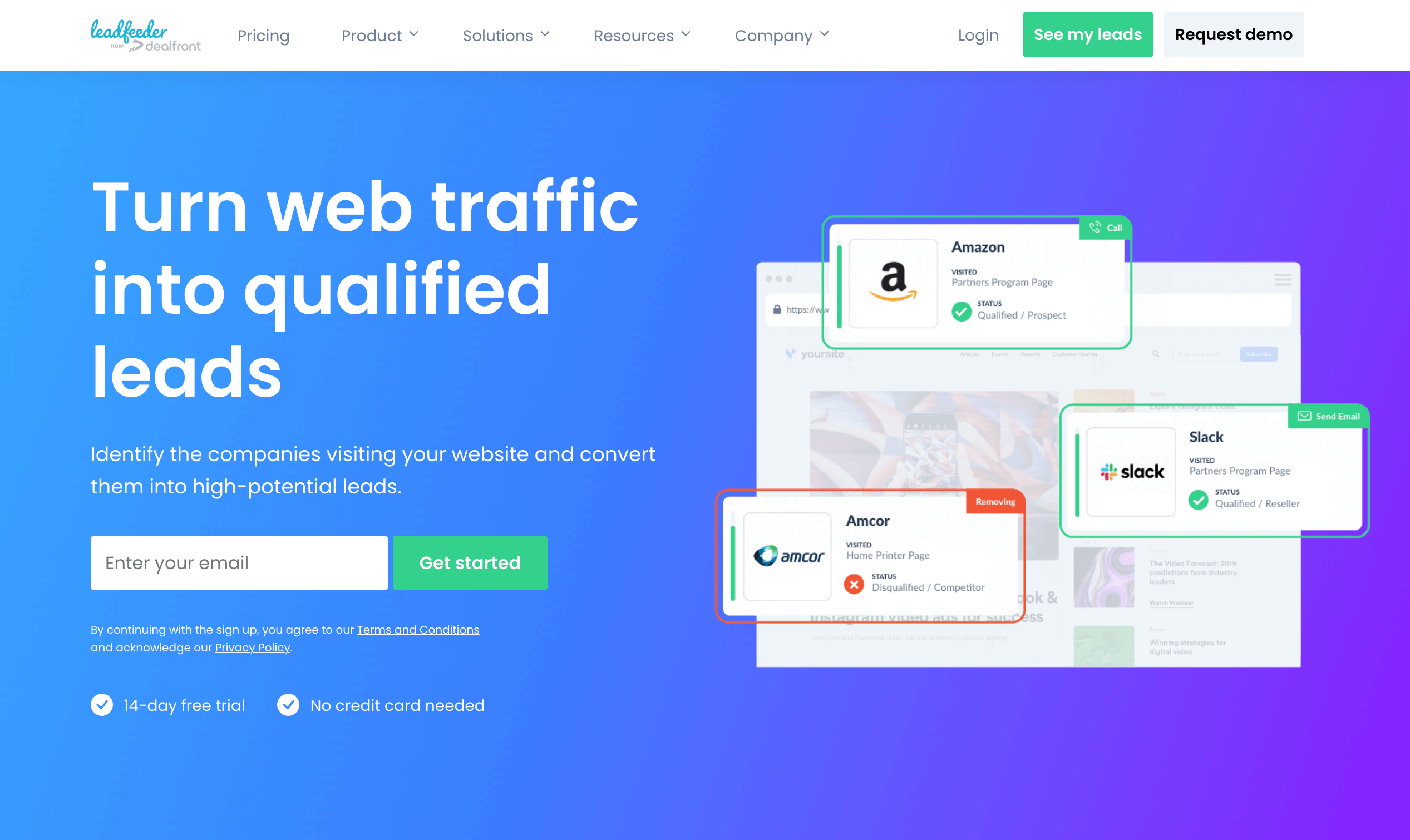
Leadfeeder does something pretty cool—it turns your regular website analytics into actual sales intelligence software. You know all those companies that visit your site but never fill out a form? Leadfeeder tells you who they are. It’s like having a visitor log that actually matters.

The LinkedIn integration makes this even more useful. Once you know Company X visited your product pages, you can find the right person to contact. Their scoring features aren’t just throwing random numbers around either—they look at how engaged visitors really are. Multiple page views, return visits, time spent reading your case studies.
Leadfeeder’s Key Features
- Search terms tracking;
- Browsing behavior tracking;
- Lead filtering;
- Lead revisit notifications;
- Reporting & analytics.
Leadfeeder Pros & Cons
- Quick and easy setup
- Predictive lead scoring based on behavior
- Responsive customer support
- Limited scope for businesses with a small audience
- Customizations can be challenging
- IP-based tracking makes things harder in a privacy-first online ecosystem
Plans & Pricing
- Free plan that supports up to 100 identified leads/companies and data fetching up to 7 days;
- Paid plans start at $115 per month for unlimited leads and unlimited visits.
Zoho One — Solid Choice for All-in-One Business Management
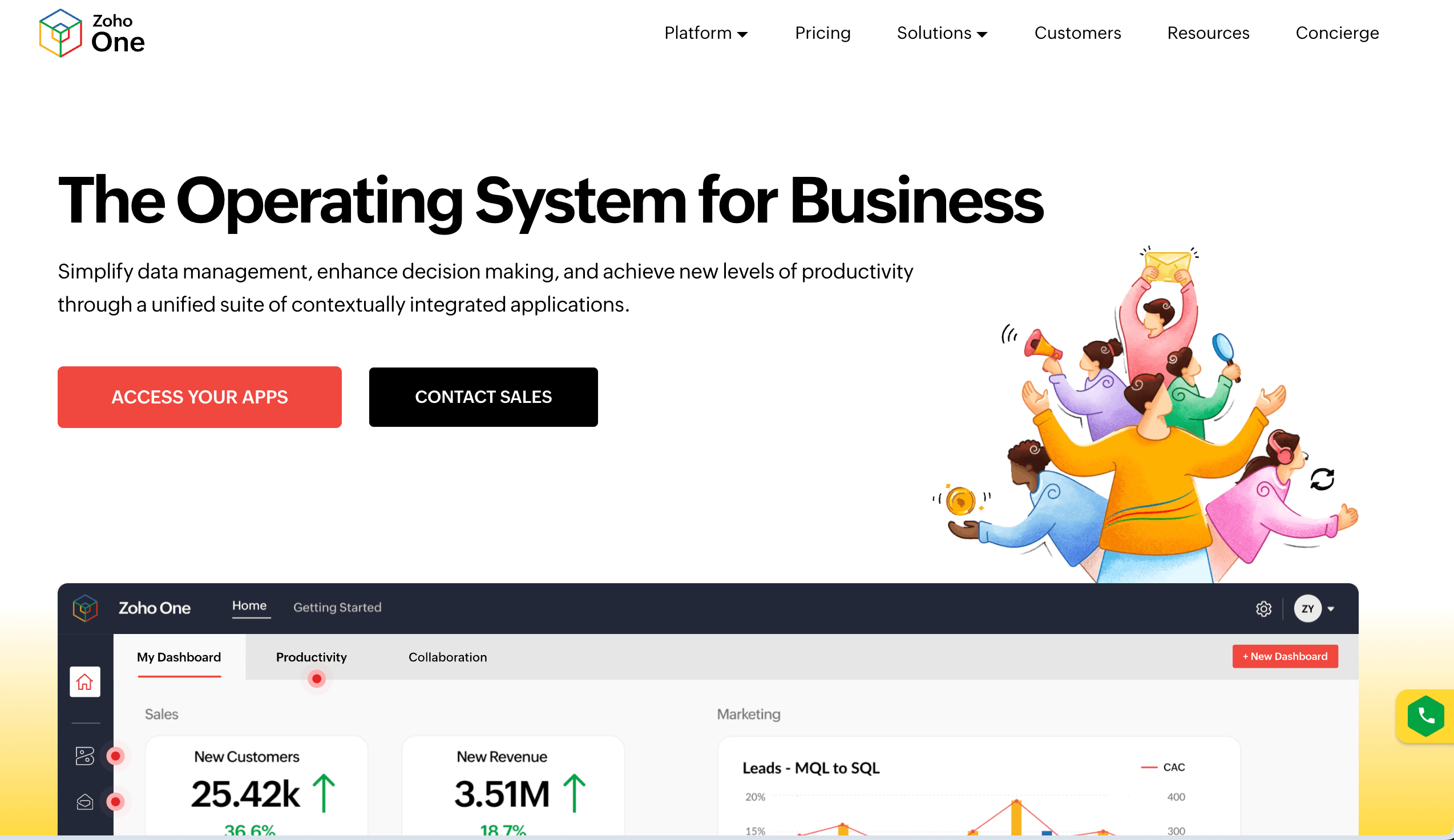
Zoho One bundles everything together, which can be a blessing or a curse depending on your needs.

The lead generation piece fits nicely within their bigger ecosystem. When someone fills out a form, the system can automatically assign it to the right person and kick off follow-up sequences based on company size or industry. Their demand generation tools handle both inbound and outbound lead generation software pretty well.
I also enjoyed the cross-application view—you can see a prospect’s journey from first website visit to closed deal. The appointment scheduling integration saves everyone from the “when works for you?” email tennis match. Plus, Zoho’s getting better at analyzing website traffic to inform your marketing decisions, though it still has a long way ahead to reach the efficiency of some other tools.
Zoho One Key Features
- Customer segmentation for targeted marketing;
- Lead nurturing automation workflows;
- Drag-and-drop lead form builder;
- Multi-channel campaign management;
- Marketing attribution and ROI measurement tools.
Pros & Cons
- Automations on all plans
- Great customer support
- Mobile app
- Limited custom fields for contacts
- Hard to integrate with third-party tools
- Limited reporting capabilities
Plans & Pricing
- 30-day free trial plan for testing out the platform;
- Paid plans start at $43/month per user for unlimited users and up to 100,000 records.
Leadsforge — AI Lead Generation Without the Manual Work
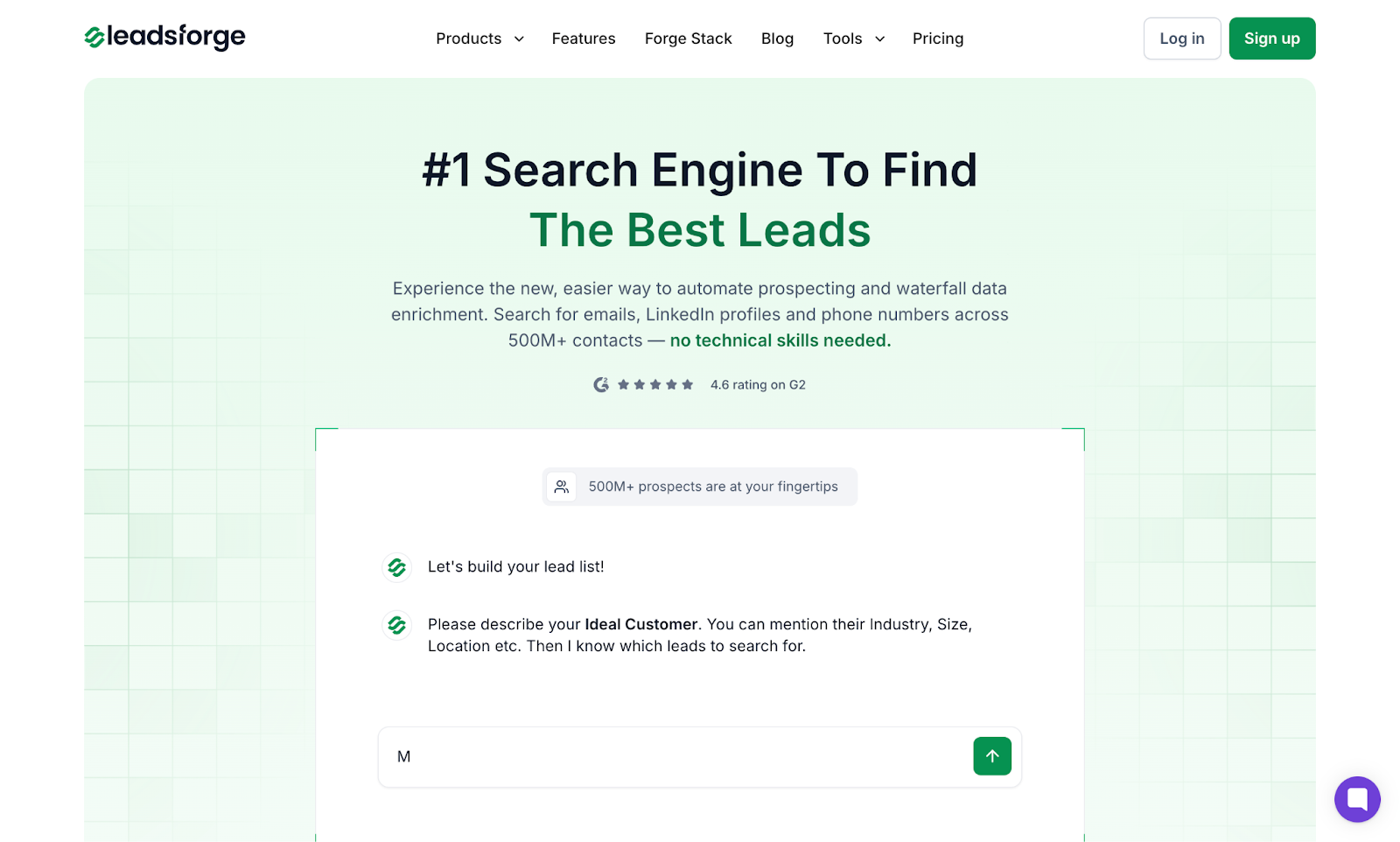
Leadsforge focuses on one thing: helping you build targeted prospect lists without spending hours filtering spreadsheets. Instead of relying on static databases, it uses automation and artificial intelligence to surface contacts that match your ideal customer profile.

If you’ve ever dealt with outdated data or leads that never reply, you’ll appreciate the difference. The platform handles the heavy lifting behind the scenes — from sourcing to validation — so your team can focus on actual conversations.
The real advantage shows up in the workflow. Leads are verified before they reach you, and once they’re ready, you can push them directly into your outreach system. No manual exports. No constant switching between tabs. When paired with Agent Frank, the AI sales assistant inside the Salesforge ecosystem, prospecting and follow-ups can run almost entirely on autopilot.
Leadsforge Key Features
- AI-powered lead search;
- Real-time contact verification for emails and phone numbers;
- Automated lead scoring based on engagement signals;
- Detailed tracking and performance insights;
- Direct CRM and outreach sync;
- Full outbound automation when connected with Agent Frank.
Pros & Cons
- Accurate, verified contact data
- Reduces manual list building
- Simple setup and clean workflow
- Strong integration with AI outreach tools
- Full automation requires integration with Agent Frank
- Higher investment compared to basic list providers
Plans & Pricing
- Monthly plan — $49/month with 2,000 export credits (unused credits roll over);
- Yearly plan — $588/year with 28,000 export credits.
AeroLeads — B2B Contact Info and Cold Email Outreach
AeroLeads is basically a contact-finding machine. It crawls through online sources to find and verify professional email addresses, which sounds simple but is surprisingly hard to do well.
The Chrome extension is convenient when you’re browsing LinkedIn or company websites. See someone you want to reach? Click the extension and it’ll try to find their email. AeroLeads keeps their verification process updated too, which means fewer bounced emails and a healthier sender reputation.
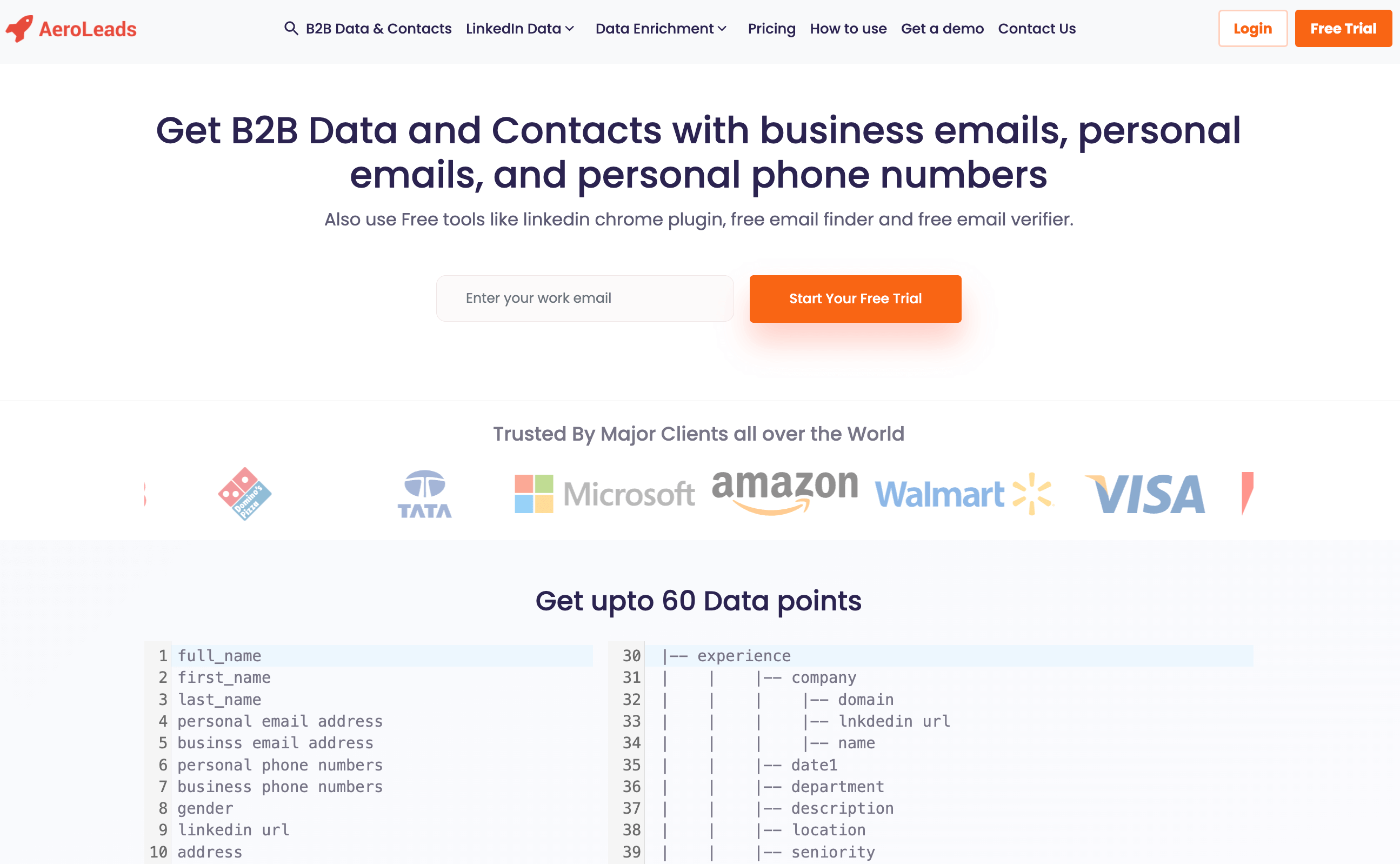
AeroLeads’ Key Features
- Bulk search;
- Email campaigning tool;
- Plugin for automated prospecting;
- CRM integration.
AeroLeads Pros & Cons
- Generous credit limits
- Real-time verification
- CRM integrations
- Initial learning curve
- No free plan (just a trial)
- Inaccurate lead information (with phone numbers)
Plans & Pricing
- A limited-period free trial is available with feature restrictions;
- Paid plans start at $39 per month for up to 2,000 credits monthly.
VerifiedEmail — Best for Keeping Your Email List Clean
VerifiedEmail is a real-time and bulk email verification platform that helps businesses maintain clean and accurate mailing lists. It checks syntax, domain health, MX records, and mailbox status to ensure every address is valid before you hit send.
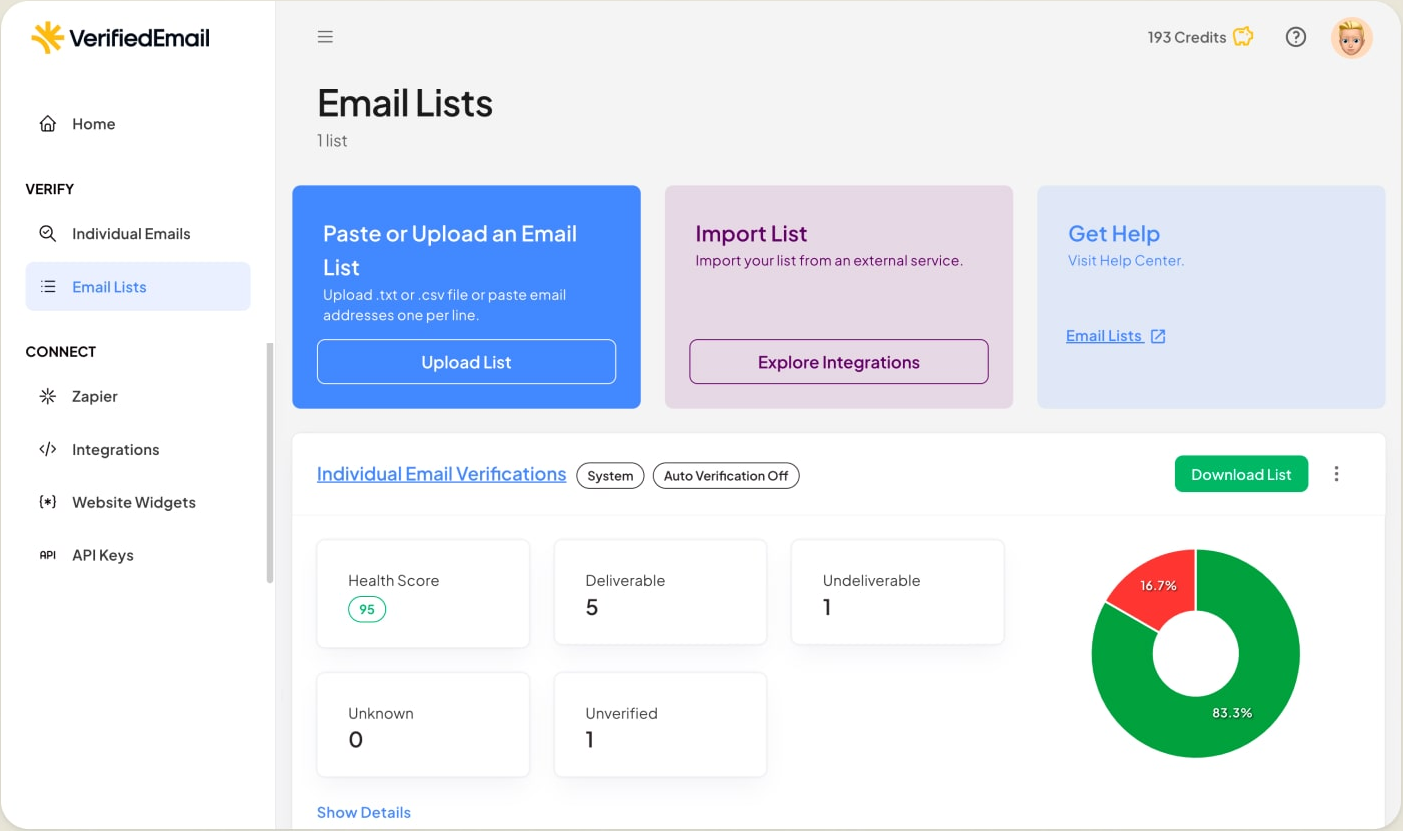
With a 95% accuracy rate, it prevents bounces, protects sender reputation, and improves campaign performance. VerifiedEmail is ideal for marketers, agencies, and sales teams looking to enhance deliverability without overspending.
VerifiedEmail’s Key Features
- Real-time and bulk email verification;
- Advanced domain and MX record validation;
- Email scoring system for deliverability risk;
- Fast API and website widget integration;
- Seamless connection with HubSpot, Zapier, and Klaviyo.
VerifiedEmail’s Pros & Cons
- High verification accuracy (95%)
- Affordable pay-as-you-go pricing
- Developer-friendly integrations
- No campaign analytics or reporting
- Slight learning curve for API setup
Plans & Pricing
- Free trial available with 200 credits;
- Paid plans start at $7 for 1,000 emails (pay-as-you-go).
ConvergeHub — Practical for Small Business CRM Integration
ConvergeHub isn’t trying to be everything to everyone, which I respect. It’s built for small businesses that need solid sales pipeline management without the complexity of enterprise platforms. Their opportunity tracking keeps you honest about follow-up—no more deals falling through the cracks because someone forgot to call back.

The unified customer view pulls together emails, calls, and meetings in one place. This might sound basic, but you’d be surprised how many businesses are still using spreadsheets and sticky notes.
ConvergeHub’s document management is pretty handy too—you can create proposals and track when prospects open them. This helps sales reps focus their efforts on closing deals rather than guessing prospect engagement.
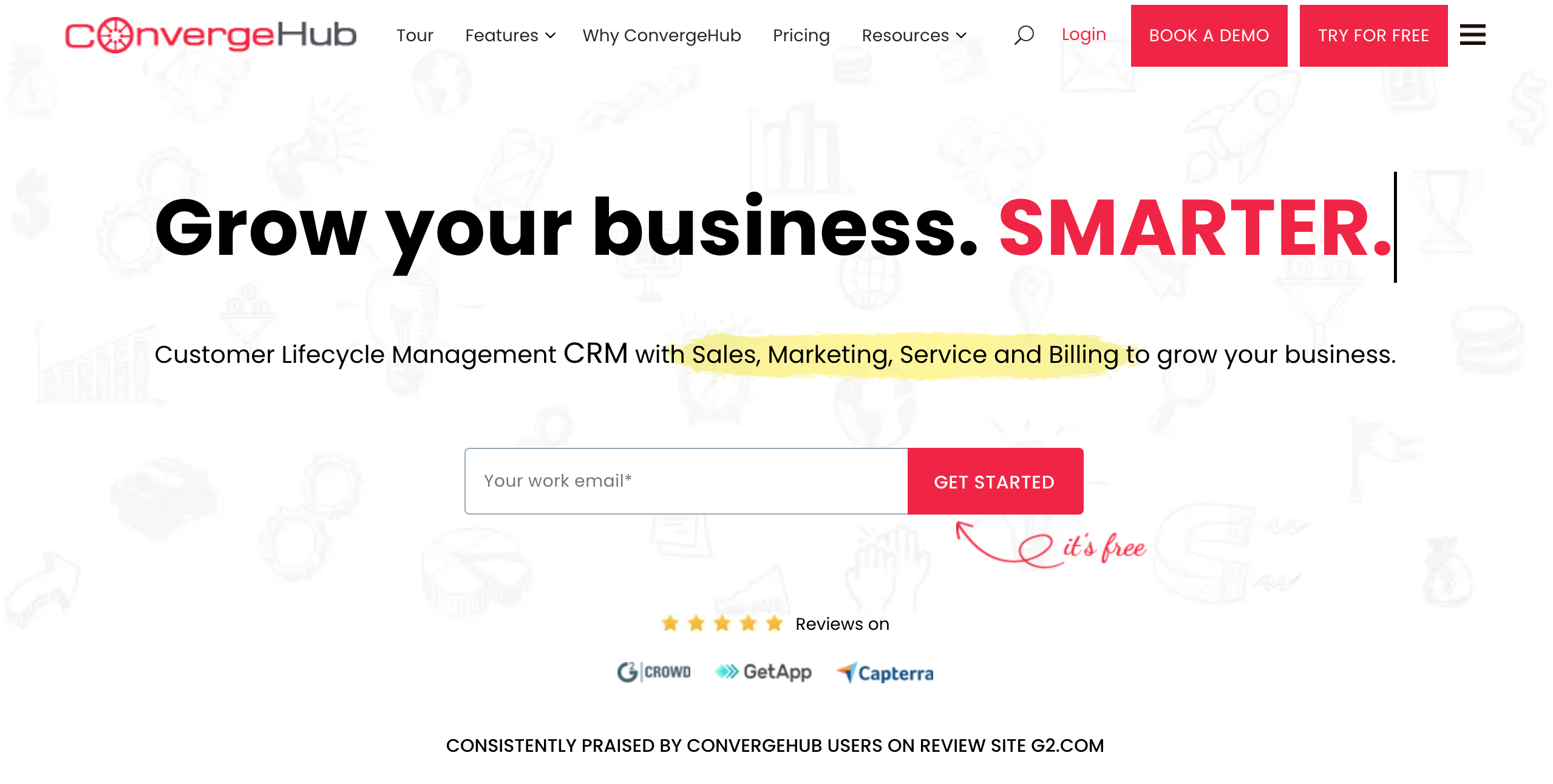
ConvergeHub’s Key Features
- End-to-end customer lifecycle management;
- Integrated sales force automation tools;
- Personalized multi-channel marketing;
- Customer service management;
- Billing and payment tracking system.
Pros & Cons
- Centralized lead lifecycle dashboard
- Extensive documentation
- Quick-to-set up automations
- Slow customer support
- Limited integrations with other tools
- Outdated interface/UI
Plans & Pricing
- A free trial account is available for testing out the platform;
- Paid plan starts at $59 monthly/user.
Lusha — Wonderful for LinkedIn and Social Media Lead Sourcing
Lusha makes social selling actually work. You find someone interesting on LinkedIn, click the Lusha extension, and hopefully get their verified contact details. The accuracy is pretty good—definitely better than guessing email formats or trying firstname.lastname@company.com variations.

The compliance piece is important too, especially with GDPR and similar regulations. Lusha keeps up with the legal requirements across different countries, which saves you from accidentally breaking laws you didn’t know existed.
Finally, the CRM integration is smooth—enriched contact data flows right into your sales system without manual copying and pasting. This direct access to verified prospect information streamlines the entire prospecting workflow.
Lusha’s Key Features
- Email verification tool;
- Advanced search capabilities;
- Email campaign templates;
- Email list segmentation;
- Real-time analytics and reporting.
Lusha’s Pros & Cons
- User-friendly navigation and UI
- Vast database of B2B leads
- Email verification tool
- Inaccurate phone number database
- Limited customization for email templates
- Expensive
Plans & Pricing
- Free plan that offers 40 credits per month to search for phone numbers and emails;
- Paid plans start at $18 per user monthly for up to 3,600 annual credits.
BIGContacts CRM — Generate Leads for Startups
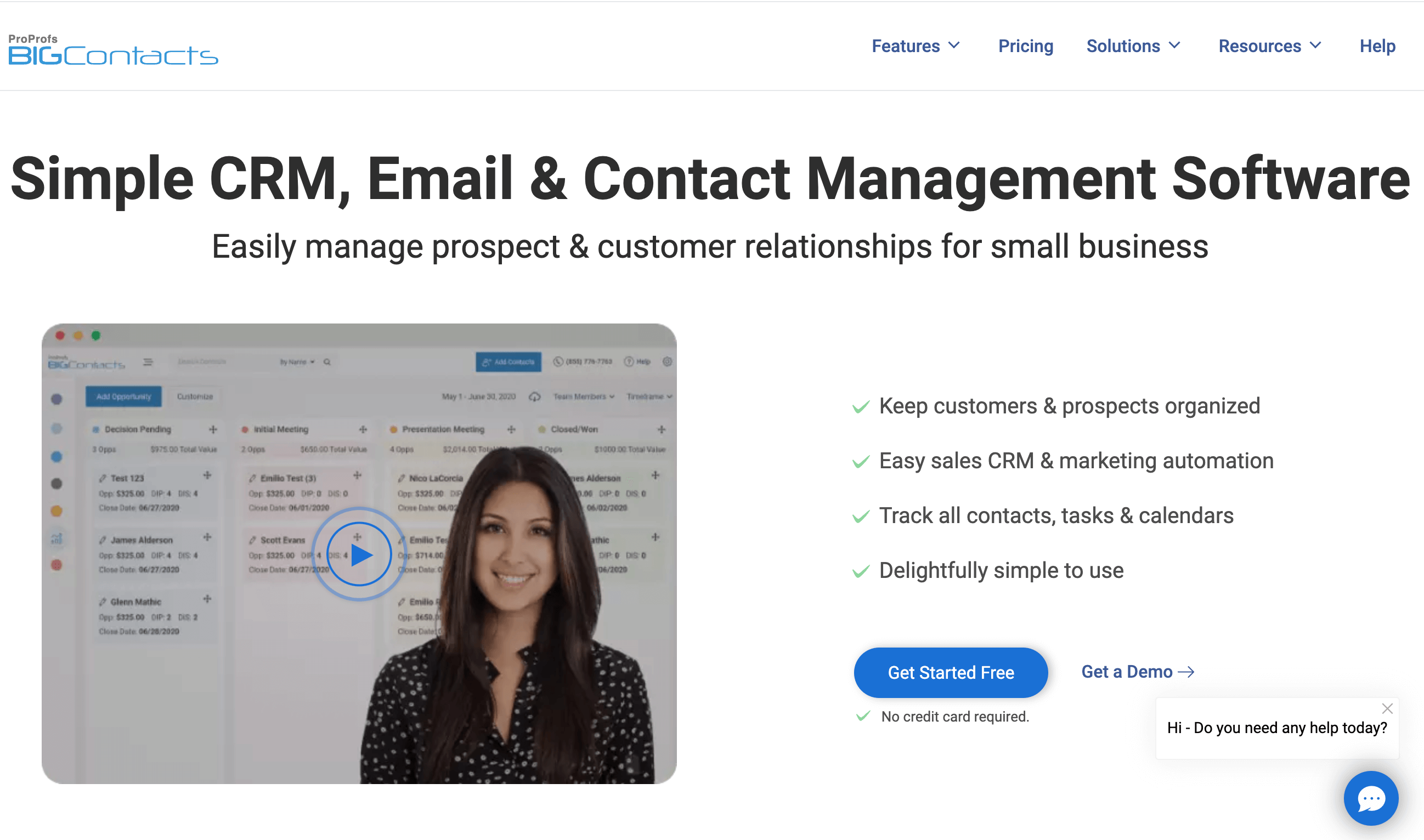
BIGContacts keeps things simple, which startups appreciate when they’re juggling fifty other priorities. The workflow automation ensures follow-ups happen even when you’re putting out fires elsewhere. Sometimes the basics matter more than fancy features—like making sure no lead gets forgotten in the chaos.
The visual pipeline gives you that bird’s-eye view of where deals stand. Nothing complex, just clear visibility into what’s moving and what’s stuck. Their mobile app is actually usable too, unlike some CRMs that clearly hate smartphones (looking at you, Salesforce).
Finally, field sales teams can update records and access contact info without fighting the interface. This helps startups generate leads and increase sales without needing extensive training or setup time.
BIGContacts Key Features
- In-built calendar to track meetings and tasks;
- Drip email campaign automation;
- Custom web forms for efficient lead capture;
- 360° contact view, including emails, transactions, and activities;
- Task management and appointment scheduling;
- Mobile CRM for keeping track on the go.
BIGContacts Pros & Cons
- Affordable pricing plans
- Effective contact management and segmentation
- 24/7 customer support
- No downloadable or on-premise version
- Dark user interface option not available
- No dedicated account manager for the free plan, unlike paid
Plans & Pricing
- Free forever plan for up to 100 contacts;
- Paid plans start at $20/user/month
Cience — Valuable for Outbound B2B Lead Research
Cience is interesting because they mix human research with technology, which sounds expensive but can be worth it for specialized markets. Their team digs deep into company backgrounds and finds the exact decision-makers you need to reach. I’ve seen them identify contacts at companies with very specific technical requirements—the kind of research that would take your team weeks.
The personalized outreach sequences they create are based on actual research, not just mail merge templates. They’ll mention a company’s recent expansion or technology stack in the first email. It’s account-based marketing done right, focusing resources on high-value leads instead of spraying and praying with generic messages.
Cience’s Key Features
- Buyer intelligence for over 7500+ B2B topics;
- Demographic, firmographic, and psychographic data points;
- Lead scoring by contact and account;
- AI-enabled click-tracking;
- Appointment scheduling tool.
Cience’s Pros & Cons
- Comprehensive leads database of over 200M records
- User-friendly interface
- Auto-verified email & phone number information
- Expensive
- Learning curve for beginners
- Limited customer support
Plans & Pricing
Cience offers custom monthly and annual subscription quotes based on custom requirements on request.
Facebook & Instagram – Social Media Lead Generation Tools
Facebook and Instagram lead ads are brilliant for one reason—people don’t have to leave the platform to give you their info. The forms pre-populate with their profile data, so it’s just a quick tap to submit. This works especially well on mobile where typing is annoying and attention spans are short.
The targeting options are pretty incredible when you think about it. You can reach people based on their interests, behaviors, even life events like recent moves or job changes. The CRM integrations mean leads flow directly into your sales system, though you’ll want to respond quickly since social media leads can go cold fast.
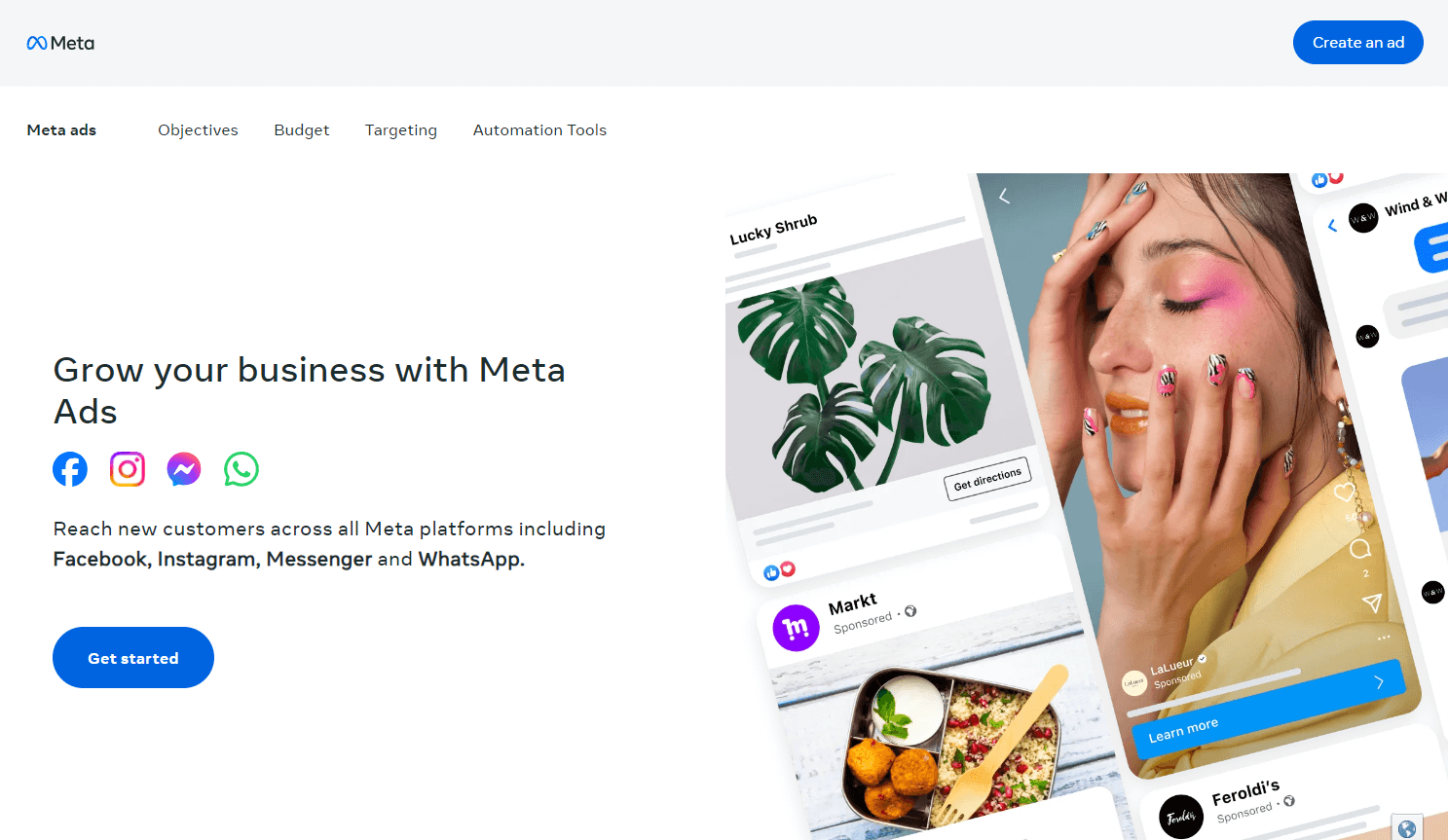
Meta Ads Key Features
- Multiple ad types, including lead form ads;
- Pre-populated forms for easier submission;
- Custom questions for lead form ads;
- Dynamic retargeting ads;
- Multiple call-to-action opportunities.
Meta Ads Pros & Cons
- Over 4 billion active users
- Advanced demographic & psychographic targeting
- Central ad manager dashboard to manage different campaigns
- Susceptible to algorithm and policy changes
- Getting expensive, increasing competition on the platform
- Massive learning curve related to ad creation, targeting, and campaign setup
Plans & Pricing
Meta charges are based on per impression, click, lead, and action. The actual prices depend on your industry, offer, location, bidding strategy, and other metrics.
Unbounce — Fantastic for Conversion-Optimized Landing Pages
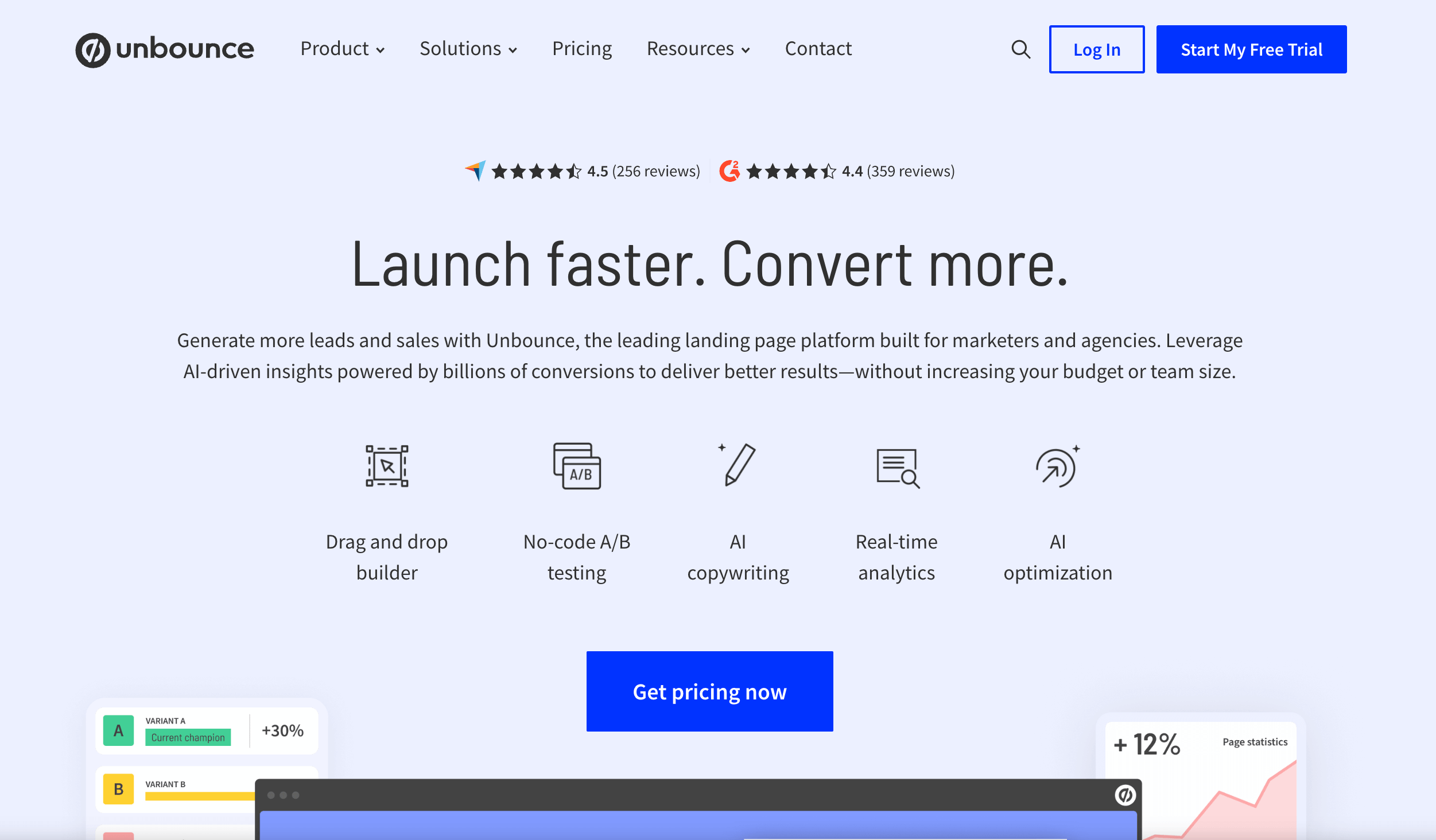
Unbounce is a powerful tool designed to make landing page optimization more efficient and effective. It simplifies the A/B testing process with its intuitive drag-and-drop builder, so you can easily test new headlines, button designs, and other elements without needing a developer.
Moreso, Unbounce’s Smart Traffic feature takes this a step further by automatically directing visitors to the variant most likely to convert, based on their behavior. With a library of 100+ templates and advanced automation, Unbounce allows you to set up and manage campaigns with minimal effort.
Plus, Unbounce offers customizable lead gen forms that integrate directly into your sales funnel, improving lead capture and conversion rates.
All in all, it’s an invaluable tool for marketers seeking to enhance their landing page conversion rates with ease and precision.
Unbounce’s Key Features
- AI-powered landing page builder;
- Smart copy generator powered by AI;
- Conversion rate optimization (CRO) suggestions;
- Customizable popups, landing pages, and sticky bar templates;
- Smart builder style guide & design assistant.
Unbounce’s Pros & Cons
- No-code landing page builder
- Vast template library with designs for every industry
- AI tool for copywriting, CRO & A/B testing
- No free plan
- Some learning curve for beginners
- Slightly expensive
Plans & Pricing
- 14-day free trial is available;
- Paid plans start at $74 per month for up to 20,000 visitors and unlimited popups, sticky bars, and landing pages.
HubSpot — Generate Leads with Inbound Marketing
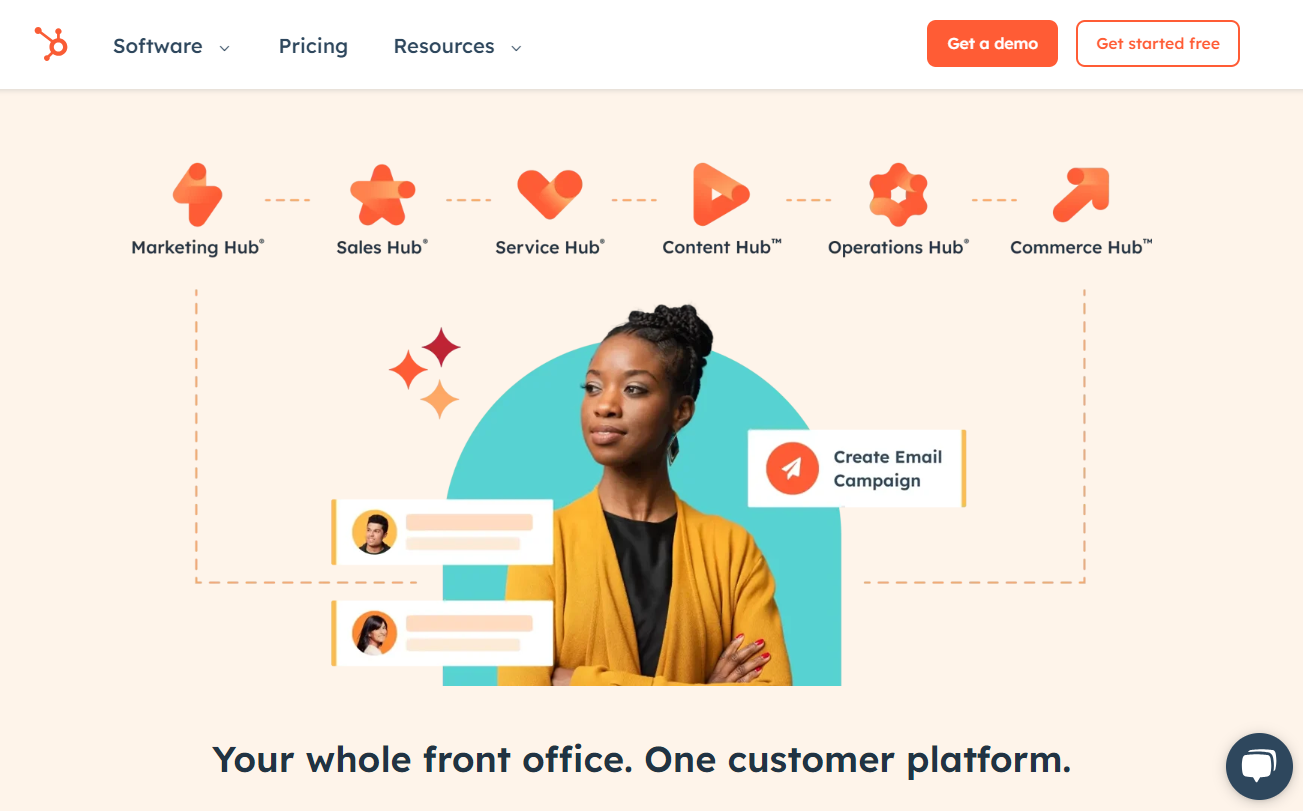
HubSpot pretty much wrote the book on inbound marketing, and their tools reflect that philosophy. You create valuable content, gate some of it behind forms, and gradually build trust with prospects.
Their content management system makes it easy to set up resource centers that consistently generate MQLs. The customer insights you get from their analytics help you understand which content actually moves the needle.
Their lead scoring features automatically separate tire-kickers from serious prospects based on behavior and fit. What I appreciate about HubSpot is the closed-loop reporting—you can trace a customer back to the exact blog post or whitepaper that first brought them in. The integrated tools make it simple to build landing pages that fit seamlessly with your content creation tools strategy.
HubSpot’s Key Features
- Drag-and-drop landing page & form builder;
- Lead tracking, scoring, and segmentation;
- Content hosting & management;
- No-code builder for website portals;
- SEO management;
- LIVE chat feature.
HubSpot Pros & Cons
- An all-in-one platform covering every aspect of sales, marketing, and customer support.
- Rich training & resource library
- Responsive customer support
- Charges based on per contact (which can get expensive)
- Steep learning curve
- Lack of advanced automation on lower-tier plans
Plans & Pricing
- 14-day free trial is available;
- Paid plans for marketing start at $11 per month for up to 1,000 contacts.
Totango — SaaS Customer Success for High Value Leads
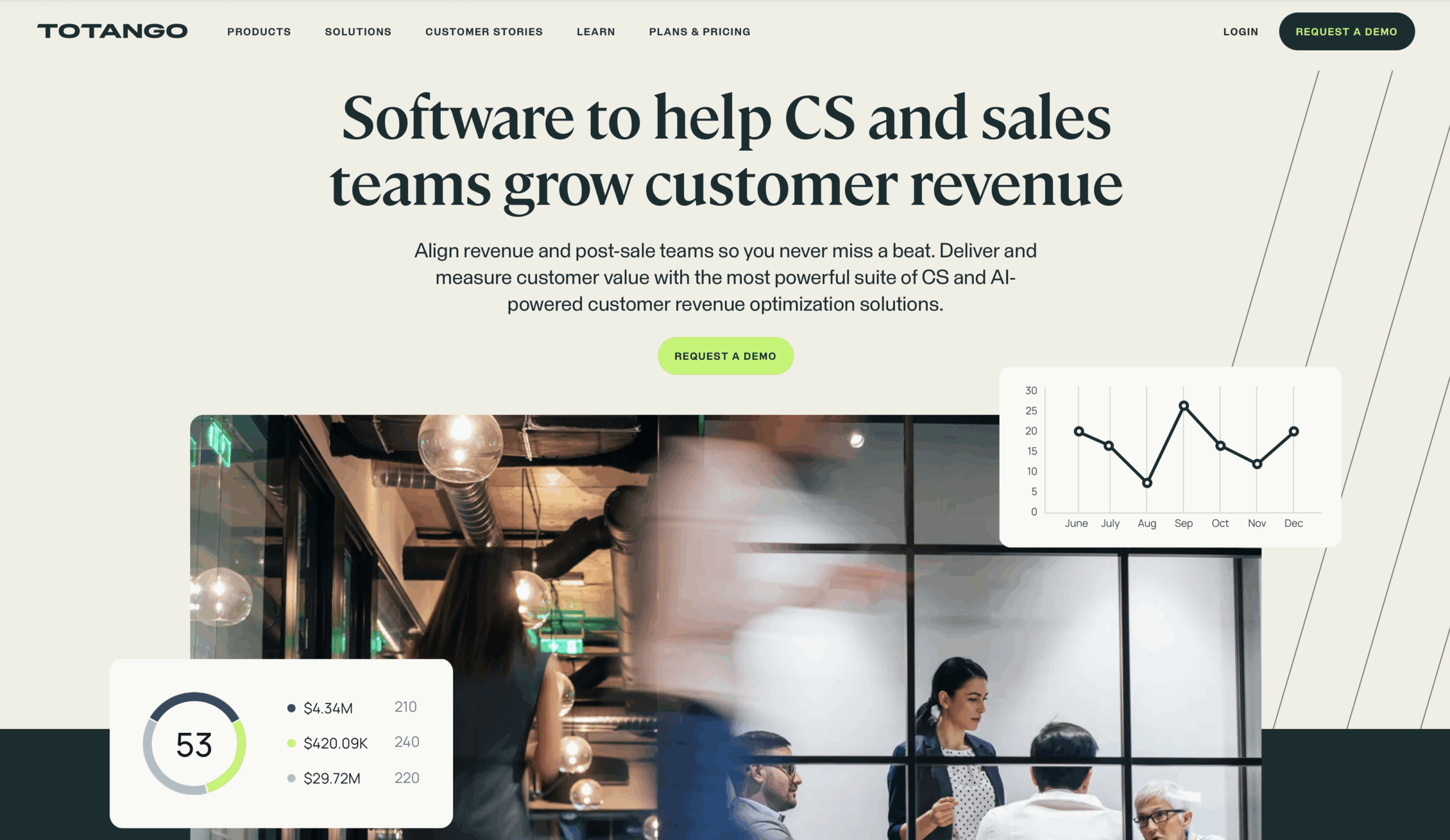
Totango focuses on the leads you already have—your existing customers, the high value prospects. For SaaS businesses, expansion revenue often comes easier than new customer acquisition. Their usage analytics identify accounts that are ready for upselling based on how they’re actually using your product, not just gut feelings.
Customer health scoring gives you early warning signs before accounts go south. Nobody wants to be blindsided by a cancellation from what seemed like a happy customer. That said, Totango’s segmentation lets you create highly targeted campaigns based on product usage patterns—heavy users get different messaging than casual ones.
Their features automation streamlines the process of nurturing existing customers toward bigger deals, which frankly should be easier than it usually is. This approach helps teams focus on more sales opportunities within their existing customer base.
Totango’s Key Features
- Customer health scores and usage metrics;
- Readymade engagement workflows;
- Automated user engagement and follow-ups;
- 360-degree customer data view;
- Customer segmentation.
Totango Pros & Cons
- Intuitive user interface
- Customer success templates built on industry best practices
- Responsive customer support
- Expensive
- Overwhelming customer reports
- Limited integrations
Plans & Pricing
Totango is based on individually-tailored price models.
Overloop — Efficient for Managing Cold Outreach Campaigns
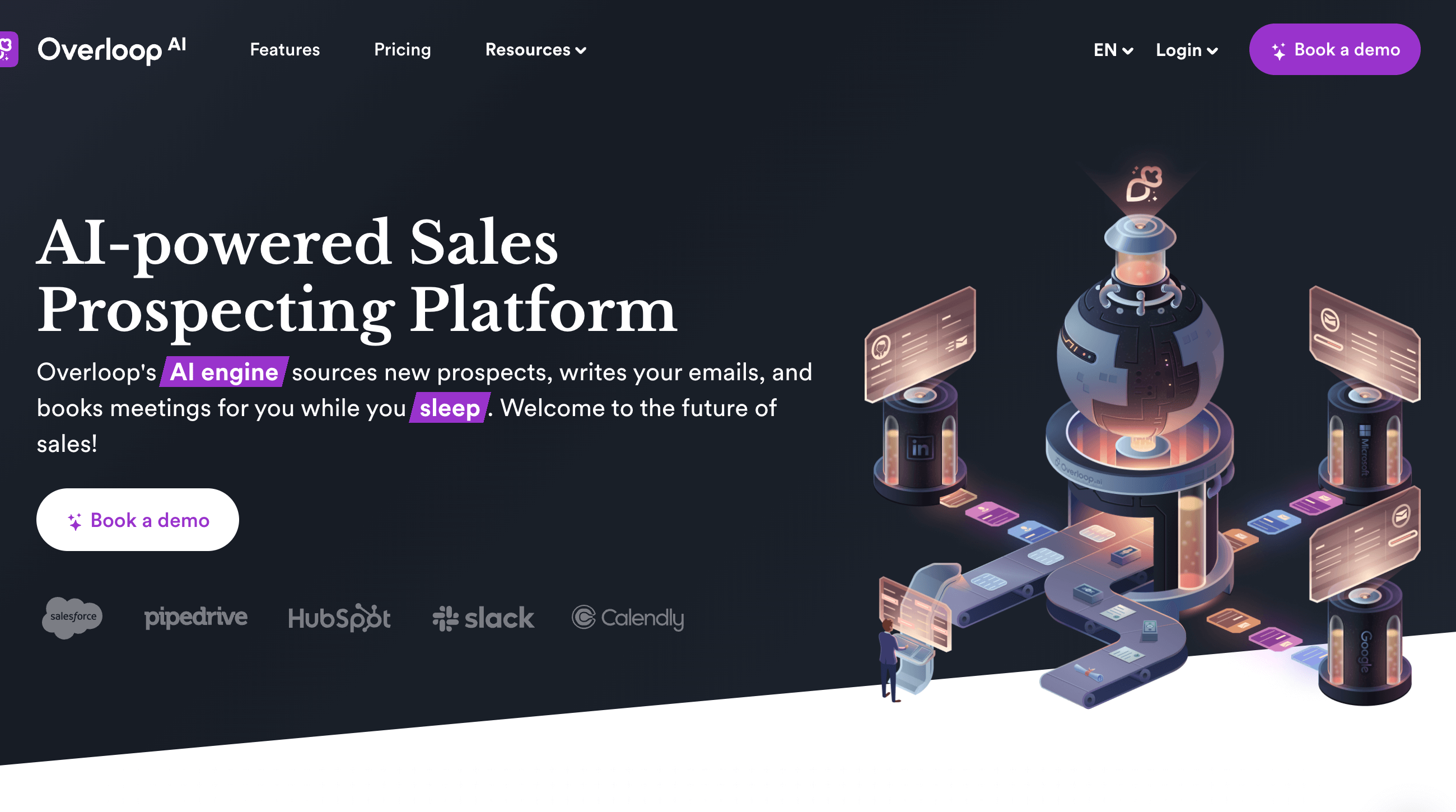
Overloop handles multi-channel outreach without making you juggle fifteen different platforms. Email, LinkedIn, phone calls—it sequences everything so you’re not accidentally messaging the same prospect three times in one day. Their sequence builder lets you create personalized touchpoints that feel natural, not robotic.

The deliverability monitoring is crucial for outbound campaigns. Nothing kills response rates faster than landing in spam folders. Overloop watches your sender reputation and optimizes send times automatically.
Their analytics break down which messages and channels work best, so you can double down on what’s actually generating meetings instead of just hoping for the best.
Overloop’s Key Features
- CRM integration;
- Email automation;
- Multichannel outreach;
- Lead scoring;
- Lead nurturing analytics and reports.
Overloop Pros & Cons
- Automatic email finder
- LinkedIn outreach automation wizard
- Phone call & email analytics
- Expensive for small teams
- UI is not mobile-friendly
- Data export functionality is laggy
Plans & Pricing
Overloop paid plans start at $69/month for 250 credits.
OptinMonster — Great for Website Popup and Form Conversions
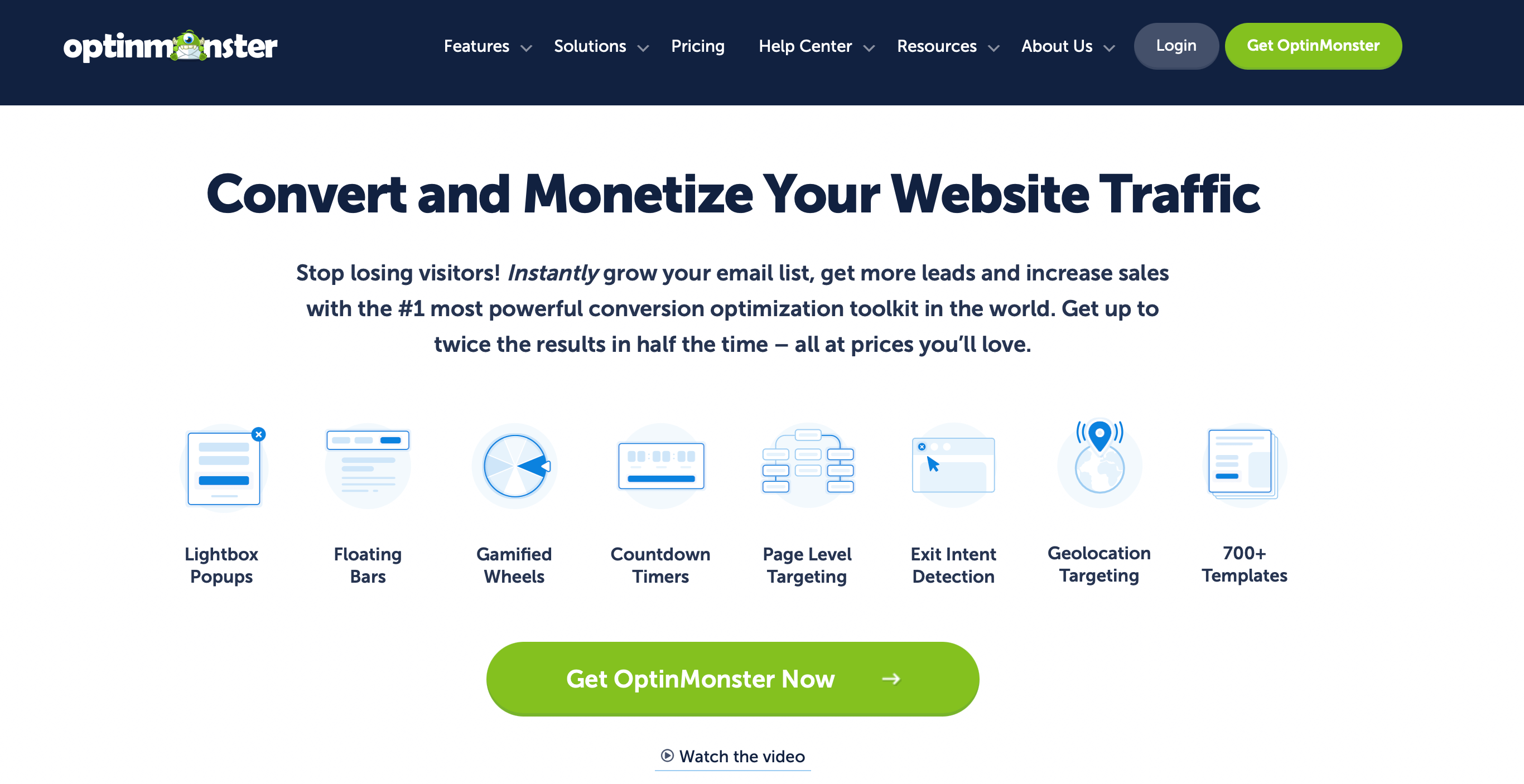
OptinMonster rescues visitors who are about to leave your site empty-handed. Exit-intent technology popups sound annoying in theory, but when done right—they capture leads who would otherwise disappear forever.

Behavioral triggers are where OptinMonster gets interesting. Someone spends five minutes reading your pricing page? Show them a demo offer. First-time visitor browsing blog posts? Maybe a newsletter signup makes more sense. The A/B testing lets you optimize everything from popup timing to form design, because what works for one audience might flop with another.
OptinMonster’s Key Features
- A/B testing;
- Floating bars, lightbox popups, and more;
- Page-level targeting;
- Lead segmentation;
- Automation builder.
OptinMonster Pros & Cons
- A/B testing for popups
- Non-interruptive engagement options
- Great customer support
- Slightly expensive
- Requires higher plans for maximum benefit
- No comprehensive dashboard to see analytics of all campaigns collectively
Plans & Pricing
- No free plan or trial account;
- Paid plans start at $15 per month for up to 2,500 page views on one website.
Hunter.io — Best for Email Discovery for Cold Email Outreach
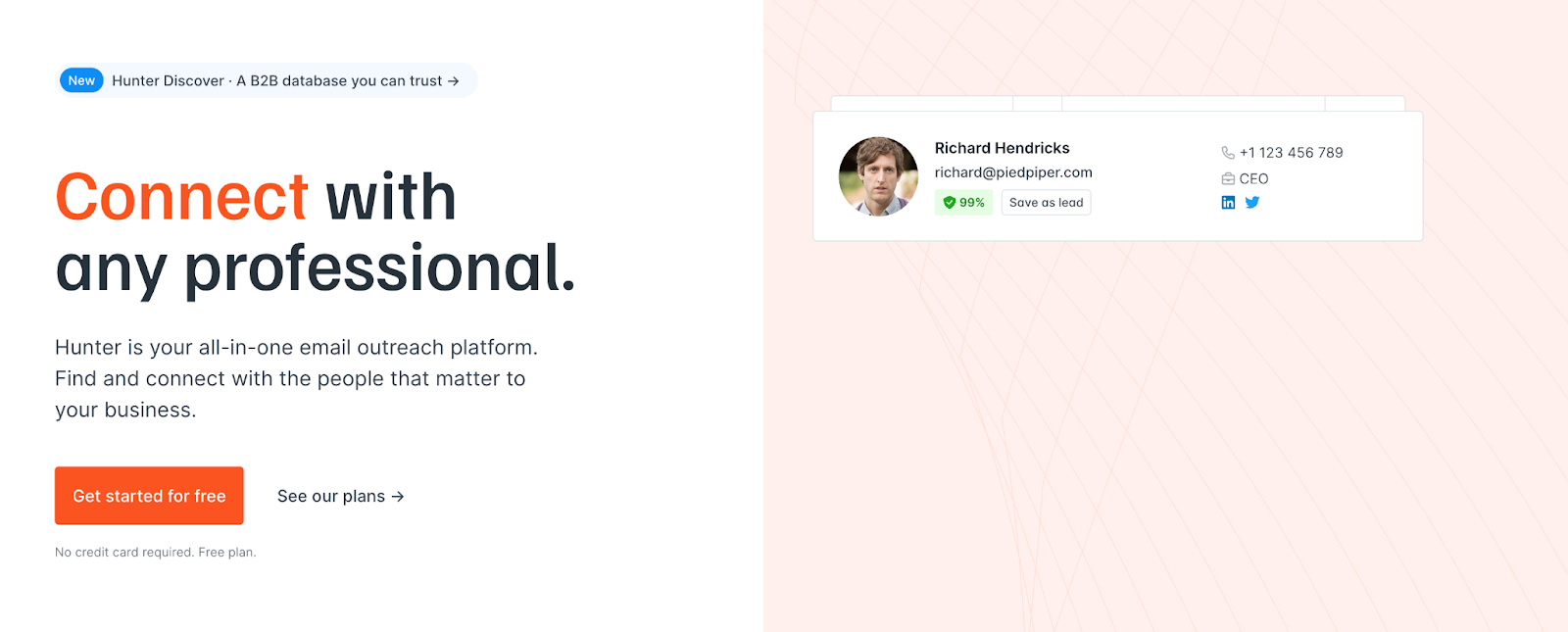
Hunter.io is basically a detective for email addresses. You give it a company domain, and it finds the email addresses associated with that organization. The verification feature is what makes it valuable—there’s nothing worse than building a prospect list only to discover half the emails bounce.

Domain search gives you a comprehensive view of who works where, which helps with account-based marketing approaches. The verification tools catch invalid addresses before you send anything, protecting your sender reputation.
Hunter.io’s Key Features
- Search prospects;
- Email verification tool;
- Cold campaign tool;
- Domain search;
- Analyze email patterns.
Hunter.io Pros & Cons
- Accurate & reliable lead data
- Single click verification with bulk upload feature
- Chrome extension for searches & verification
- Limited free searches
- No social media research tool
- Slightly expensive for small companies
Plans & Pricing
- Free plan for up to 25 monthly searches and 50 verifications;
- Paid plans start at $40 per month for up to 6,000 searches and 12,000 verifications annually.
Reply.io — Best for Multi-Channel Outreach Sequences
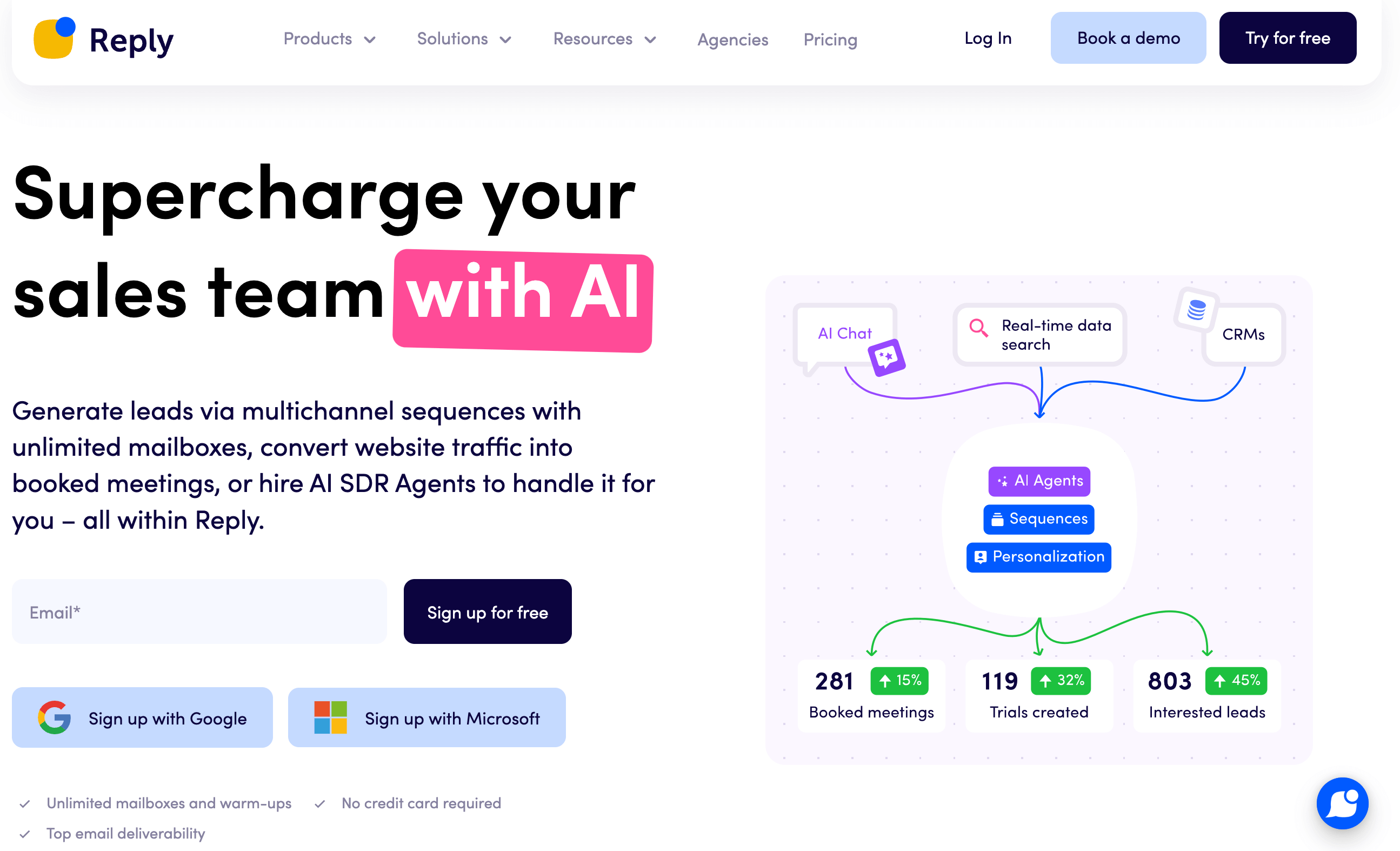
Reply.io orchestrates outreach across email, LinkedIn, and phone without making you feel like you’re managing air traffic control. The platform leverages intent data to determine optimal timing for follow-ups, which beats guessing when to circle back.

Their AI writing assistant helps personalize messages at scale, though you’ll still want to add your own touch for important prospects. The LinkedIn integration works seamlessly within the same workflow, so you can create cohesive conversations across channels.
Multi-channel done right feels natural to prospects, not like you’re stalking them across every platform they use. This comprehensive approach helps teams find more leads while maintaining professional communication standards.
Reply.io’s Key Features
- Automated sequences;
- Mailbox warmup feature;
- AI-powered follow-ups;
- Supports multiple platforms;
- CRM integration.
Reply.io Pros & Cons
- Quick & easy to set up
- In-built tools for warmup, email health, and following email best practices
- Email deliverability analytics
- Lack of communication log for each prospect
- Chrome extension needs to be refreshed again and again
- Slow customer support
Plans & Pricing
- Free 14-day trial;
- Paid plans start at $89 per user monthly for 200 Live data credits/month.
Leadpages — Professional Landing Pages for Lead Generation
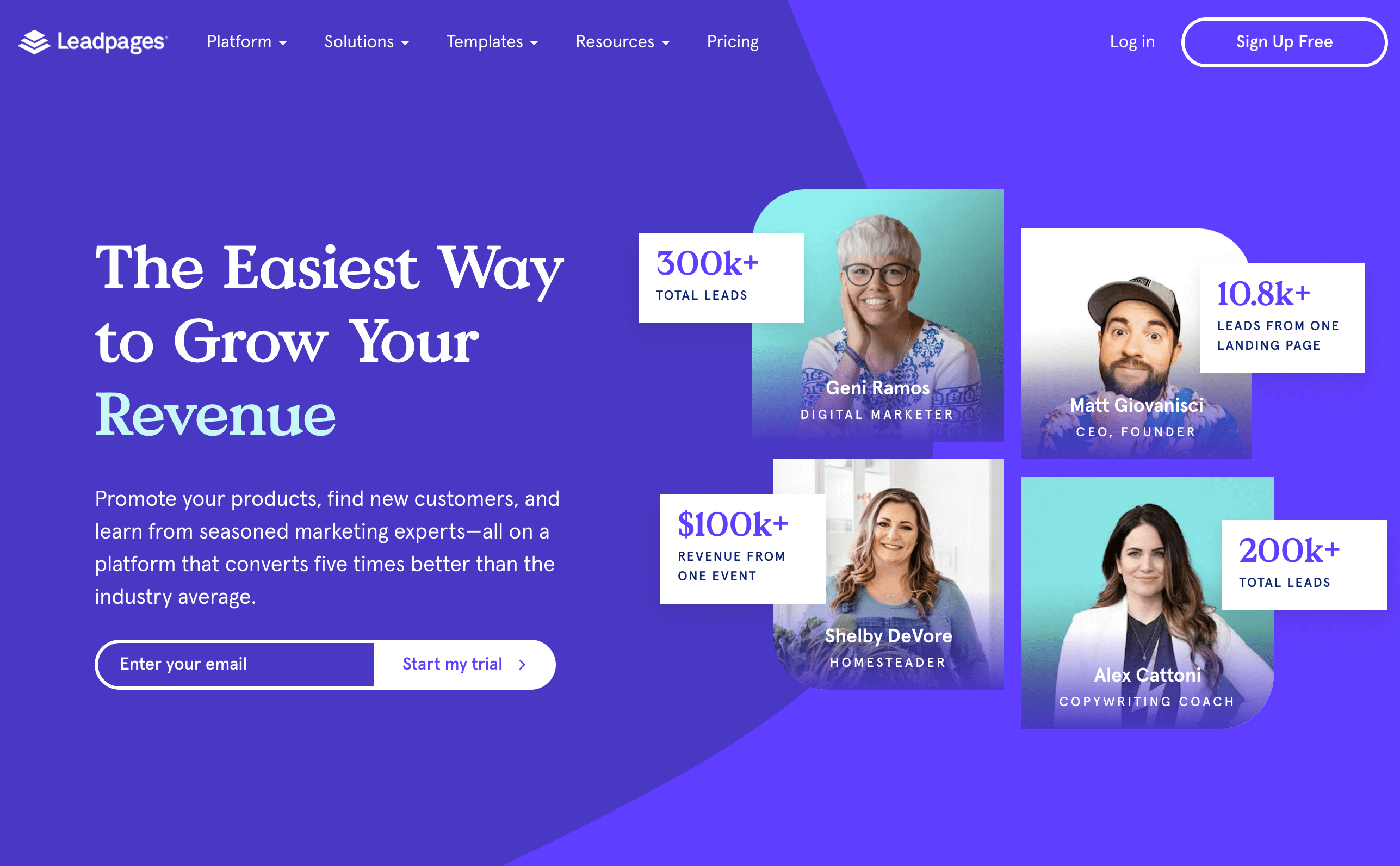
Leadpages takes the guesswork out of creating landing pages that actually convert. Their templates are built on proven conversion principles, not just what looks good in a portfolio.

The integration marketplace connects with pretty much every email leads generator software and CRM you can think of. Leads flow directly into your sales funnel without manual exports and imports. Their analytics clearly show which page elements drive conversions and which ones kill them.
Sometimes moving a form above the fold makes all the difference and Leadpages helps you spot those opportunities.
Leadpages’ Key Features
- Large template library;
- In-built tools to boost conversions;
- A/B testing;
- Lead generation and management features.
Leadpages Pros & Cons
- User-friendly interface
- 250+ Conversion-optimized templates
- AI generator for landing page headline, images & copy
- Limited customization options
- No A/B testing in lower plans
- Slight learning curve
Plans & Pricing
- 14-day free trial available;
- Paid plans start at $37 per month for one domain and up to 5 landing pages.
Keap — Small Business CRM for Lead Generation
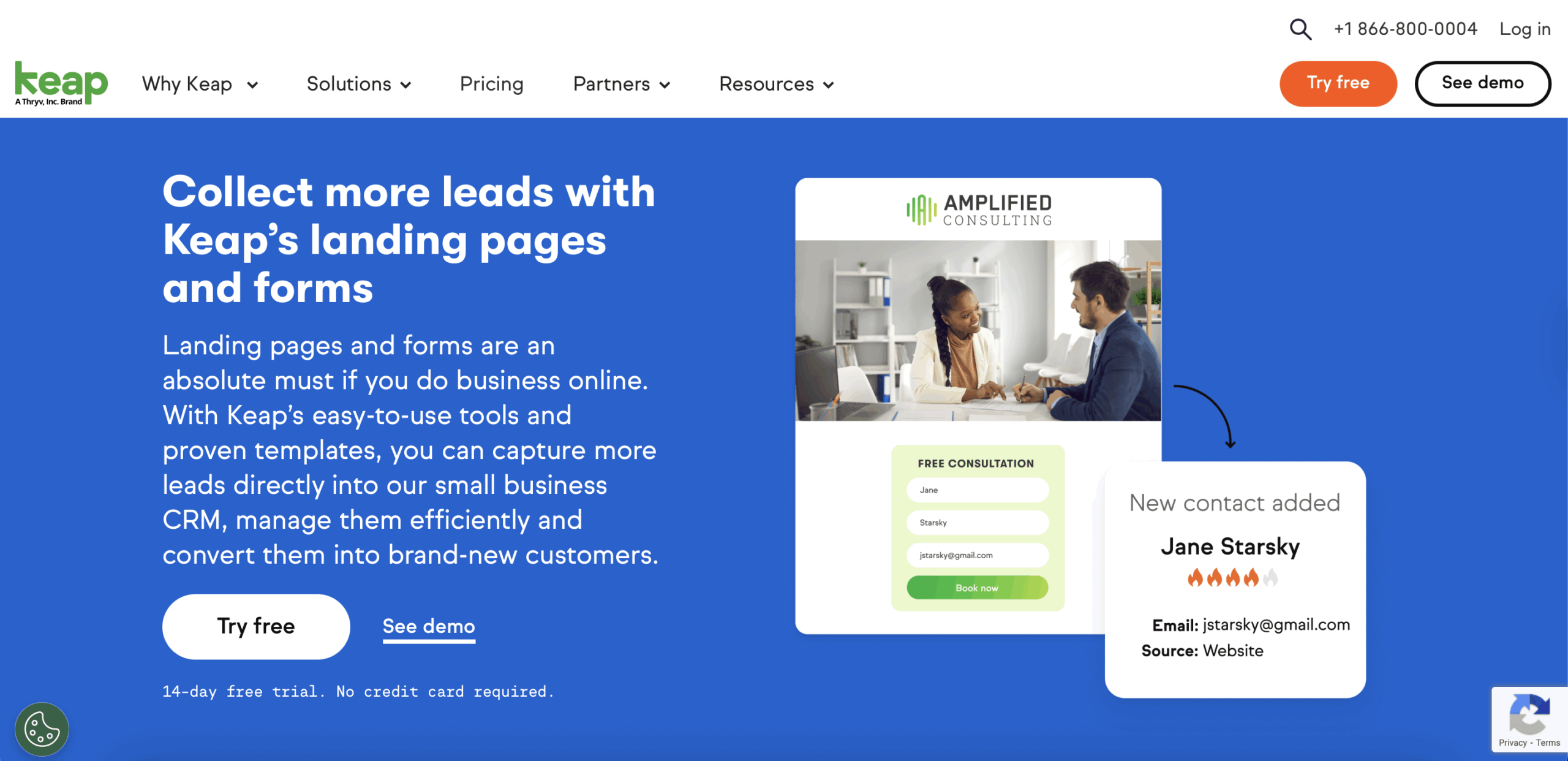
Keap (Infusionsoft) isn’t just another email tool—it’s a complete business automation platform that handles everything from lead capture to customer retention.
What makes Keap special is how it connects marketing automation with ecommerce functionality. You can set up sophisticated workflows that automatically tag customers based on their purchases, send targeted follow-ups, and even trigger different campaigns based on spending behavior.
The platform really excels at behavioral automation. When someone downloads your lead magnet, the system can automatically start a nurture sequence, assign them to the right salesperson, and even schedule follow-up tasks. This comprehensive approach makes Keap one of the top lead generating systems for small businesses focused on sustainable growth.
Keap’s Key Features
- Advanced marketing automation;
- Built-in ecommerce;
- Comprehensive CRM;
- Email marketing;
- Appointment scheduling.
Keap Pros & Cons
- All-in-one automation suite
- Powerful tagging & workflows
- Strong integrations
- Steep pricing
- Complex learning curve
- Mobile app limitations
Plans & Pricing
- 14-day free trial available with no credit card required;
- Paid plans start at $299/month for 2 users.
Apollo.io — B2B Contact Database and Outreach Automation
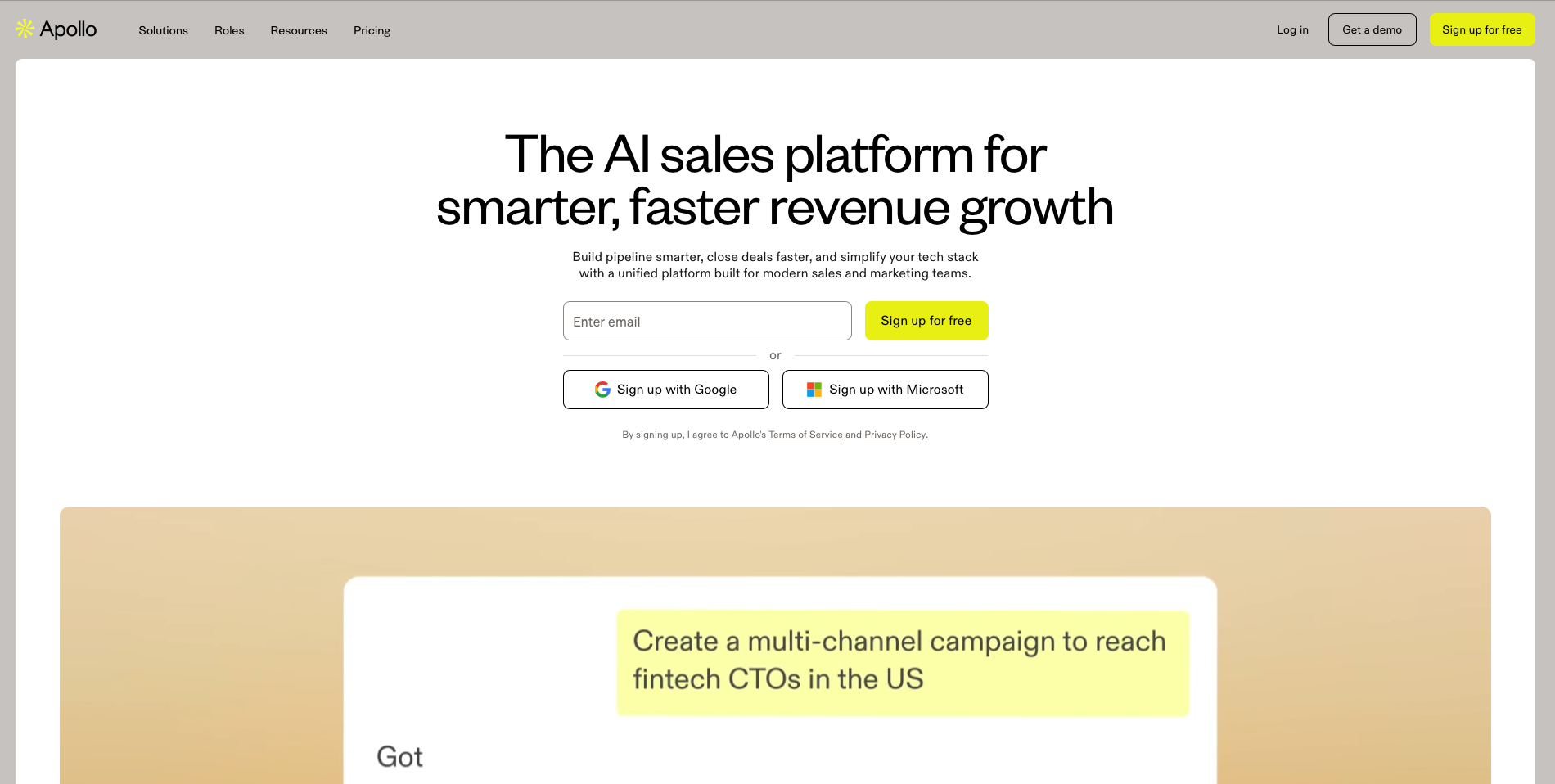
Apollo.io is a comprehensive B2B contact database and outreach automation platform designed for sales teams. It combines a vast contact database with powerful email sequencing tools to streamline lead generation and outreach.

Apollo.io allows you to search for and discover decision-makers across multiple industries, then engage them with personalized email campaigns. The platform’s automated follow-ups, email tracking, and integration with CRMs enhance outreach efforts and improve lead conversion rates.
Apollo.io is best for B2B sales teams and outbound prospecting that need a robust lead generation and communication tool.
Key Features
- Extensive B2B contact database;
- Email sequencing and outreach automation;
- Real-time email tracking and analytics;
- CRM and integration support;
- Lead scoring and segmentation.
Apollo.io’s Pros & Cons
- Large B2B contact database for precise prospect targeting
- Built-in email sequencing and automation
- Easy CRM integration and lead scoring
- Data can be outdated, especially outside the US
- Free plan has strict limits on credits and features
- Requires time to master complex filters and workflows
Plans & Pricing
- Free plan includes 1,200 credits and 250 emails/day;
- Paid plans start at $49/month for expanded credits and features.
LinkedIn Sales Navigator — Professional B2B Lead Prospecting
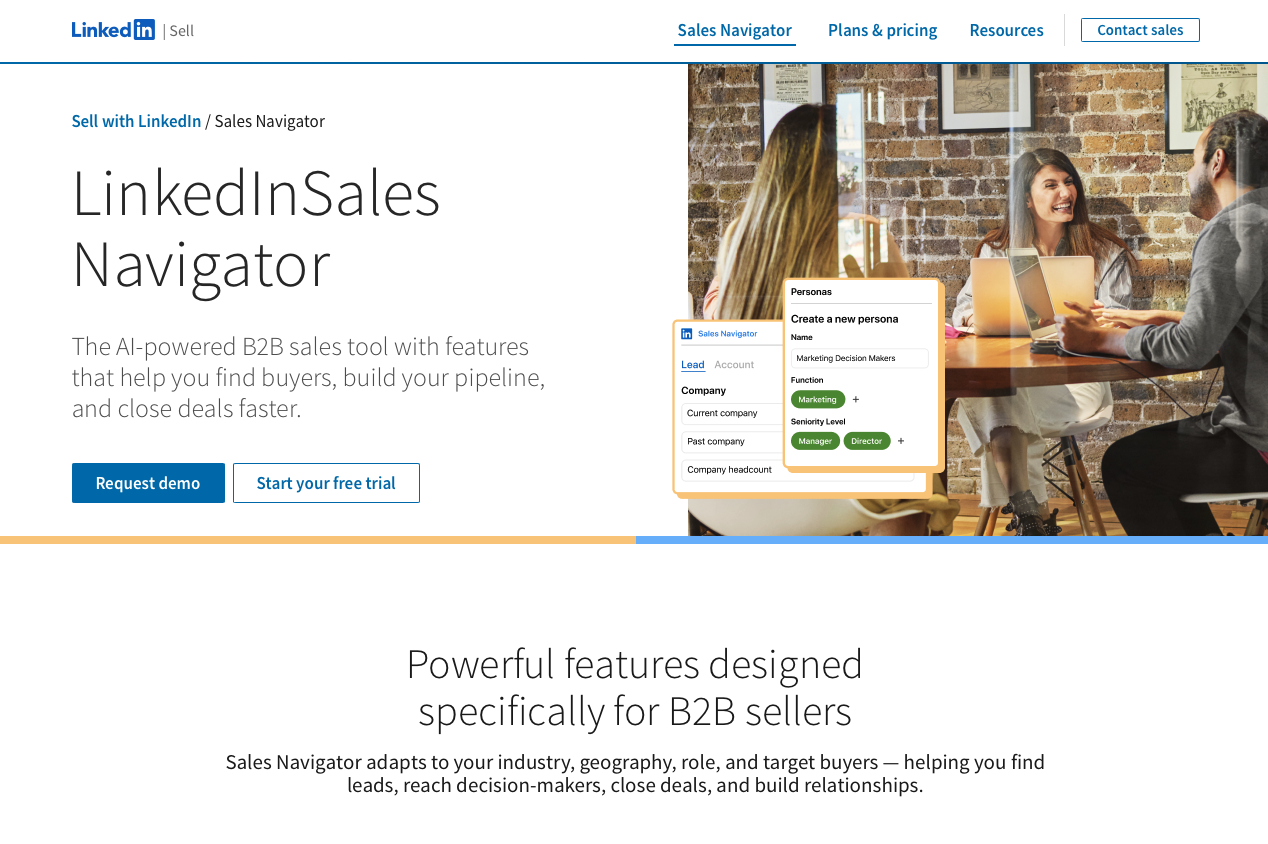
LinkedIn Sales Navigator is a professional lead prospecting tool designed to help businesses find and engage with high-quality B2B leads on LinkedIn. It offers advanced search filters, lead recommendations, and detailed company insights that make it easy to find prospects who match your ideal customer profile.

With real-time alerts and InMail messaging, LinkedIn Sales Navigator simplifies the process of connecting with key decision-makers directly. It is ideal for sales teams that rely on LinkedIn to build relationships and generate leads.
Key Features
- Advanced LinkedIn search filters;
- Lead recommendations and real-time alerts;
- InMail messaging for direct outreach;
- Detailed company and contact insights;
- Integration with CRM systems.
LinkedIn Sales Navigator Pros & Cons
- Advanced LinkedIn filters for pinpoint lead targeting
- Direct access to decision-makers via InMail
- Real-time insights into lead activities
- High cost, not ideal for small teams
- Limited data (no email/phone by default)
- Restrictions on outreach capacity
Plans & Pricing
Paid plans start at $120/month, with varying features depending on the plan.
Best Free Lead Generations Tools
| Tool | Free Plan Limits | Key Features | Best For | Paid Starts At |
| Sender | 2,500 subscribers, 15,000 emails | Email builder, automation, landing pages | Ecommerce, small businesses | $7/month |
| Hunter.io | 50 credits/month | Email finder, email verifier, outreach tools | Sales and lead gen teams | $40/month |
| BIGContacts CRM | 100 contacts | Contact management, CRM dashboard | Solo founders, early-stage startups | $10/month |
| Lusha | 40 credits/month | Email and phone finder, B2B contact database | Sales, recruitment teams | $18/month |
| Leadfeeder | 100 leads/month | Website visitor tracking, B2B firmographics | B2B companies with web traffic | $115/month |
| VerifiedEmail | 200 credits | Email verification tool | Marketing, agencies, sales teams | $14/month |
| HubSpot | Free CRM, basic email marketing | Contact management, lead capture, email workflows | SMBs, agencies | $11/month |
| Apollo.io | 1,200 credits, 250 emails/day | B2B database, email sequencing, outreach automation | B2B sales teams, outbound prospecting | $49/month |
As you can see from this list, there are a lot of great free options for lead generation tools, with paid plan prices ranging from a cup of Grande latte ($7) to $100+. That said, based on cost-efficiency and the range of lead generation features alone, Sender ranks as the top free tool you can find today.
Putting Together the Right Tools for Lead Generation
The right lead generation strategy isn’t about picking one perfect tool—it’s about combining complementary platforms that work together seamlessly. Different approaches require different technology stacks, and your choice depends on your business model, target audience, and available resources.
Cold Outreach Tool Stack
Perfect for B2B companies targeting specific decision-makers with personalized, direct outreach campaigns. These B2B lead generation tools focus on building relationships through direct communication channels.
Best tools:
- Hunter.io: Find and verify professional email addresses for targeted prospects;
- Reply.io: Orchestrate multi-channel sequences across email, LinkedIn, and phone;
- AeroLeads: Discover contact information with Chrome extension for LinkedIn prospecting;
- Lusha: Source verified contact details directly from social media profiles.
Key success metrics:
- Email deliverability rate (aim for 95%+);
- Open rates (24% is considered good for cold outreach);
- Response rates (1-5% average, with 5% being solid);
- Meetings booked per 100 prospects contacted to generate new leads and sales leads.
Inbound Website Leads Tool Stack
Ideal for businesses that drive traffic through content marketing, SEO, or paid advertising and want to convert leads.
Best tools:
- Leadfeeder: Identify anonymous website visitors and turn them into actionable leads;
- OptinMonster: Capture departing visitors with exit-intent popups and forms;
- Unbounce: Create high-converting landing pages with A/B testing capabilities;
- HubSpot: Manage inbound lead generation with comprehensive CRM and marketing automation.
Key success metrics:
- Website conversion rate (2-5% for B2B, with top companies achieving 11.7%);
- Cost per lead from paid traffic;
- Lead quality score and sales qualification rate;
- Time from lead capture to first contact.
SEO + Content Marketing Tool Stack
Best for businesses building long-term organic growth through valuable content and search engine optimization.
Best tools:
- HubSpot: Create and manage content with built-in SEO recommendations and lead capture;
- Leadpages: Build SEO-optimized landing pages for content offers and lead magnets;
- Sender: Nurture content-driven leads with automated email sequences.
Key success metrics:
- Organic traffic growth month-over-month (53% of website traffic comes from organic search);
- Content engagement metrics (time on page, bounce rate);
- Lead-to-customer conversion rate from content (content marketing leaders have 6x higher conversion rates);
- Search ranking improvements for target keywords.
Referrals & Word-of-Mouth Tool Stack
Perfect for service-based businesses and companies with strong customer relationships looking to systematize referral generation. These free lead generation tools leverage existing customer satisfaction to drive organic growth.
Best tools:
- Keap: Set up automated referral campaigns and reward tracking;
- BIGContacts CRM: Manage referral relationships and track referral sources;
- Sender: Create referral email campaigns and customer appreciation sequences.
Key success metrics:
- Referral rate percentage of total new customers;
- Net Promoter Score (NPS) from existing customers (good NPS is above 40, excellent is above 50);
- Customer lifetime value from referred vs. non-referred customers (promoters are 4% more likely to refer than detractors);
- Referral program participation rate.
How to Choose the Best Lead Generation Software?
Choosing the best lead generation software is a tough task when every tool promises a massive number of leads.
Here are some points to evaluate such tools:
- Feature alignment. Ensure the software aligns with your lead generation strategy and offers the features you need, like CRM integration or automation capabilities.
- Ease of use. Look for user-friendly interfaces that don’t require extensive training.
- Scalability. The tool should grow with your business, offering a tier-based pricing plan that adjusts as you scale.
- Integration. It should easily integrate with other tools you use to ensure all data is effectively managed and nurtured.
- Match software type to your strategy. Choose a platform that supports how you generate leads—whether through outbound prospecting, inbound marketing, paid traffic, or content-driven growth.
- Evaluate data quality & accuracy. Make sure the tool provides reliable data so your outreach is targeted and relevant. Clean, accurate information reduces wasted effort, improves conversions, and ensures you’re contacting prospects who actually fit your ICP.
- Check compliance (GDPR/CCPA). Look for built-in compliance features like double opt-in, unsubscribe management, and automated data deletion—especially if you’re working with EU or California audiences.
- Calculate true cost vs. value. Pricing isn’t just about the monthly fee. Consider hidden costs like add-ons, integrations, or contact limits. A tool that seems expensive up front may deliver greater ROI if it reduces manual work or improves conversion rates.
- Customer support. Good support can make a big difference in utilizing the tool effectively. So, pick one with responsive live chat support.
FAQS
What’s the best lead generation software for small businesses?
Sender is the best lead generation software for small businesses. It offers an easy-to-use platform with drag-and-drop email builders, and with segmentation, lead scoring, and customizable forms, Sender helps businesses capture and nurture leads efficiently, all at an affordable price.
Can I use multiple lead generation tools together?
Yes, you can use multiple lead generation tools together, and it’s often beneficial. Combining tools allows you to leverage each one for its strengths, such as using one tool for capturing leads (e.g., forms, landing pages), another for enriching data (e.g., prospecting tools), and yet another for nurturing leads via email automation.
What’s the ROI of lead generation software?
The ROI of lead generation software is typically high, as it helps businesses streamline their lead capture, nurturing, and conversion processes, ultimately driving more sales at a lower cost. By automating tasks like email campaigns, follow-ups, and lead scoring, businesses can significantly reduce manual labor and improve targeting accuracy, leading to higher sales engagement rates and more qualified leads.
Do I need a CRM with my lead generation software?
No, you don’t necessarily need a CRM, but having one with your lead generation software is often a smart move. Putting a CRM alongside a lead‑gen tool gives you a centralized system to store and track all leads from first contact through conversion. It helps you manage interactions, automate follow‑ups, score leads, monitor the sales funnel, and keep data organized across your team.
Disclaimer: This article evaluates different lead generation software, including Sender, which our company owns. We present assessments based on research, industry standards, and user feedback. We selected these platforms after comparing their features, pricing, and performance. We don’t earn any commissions from links in this article.