



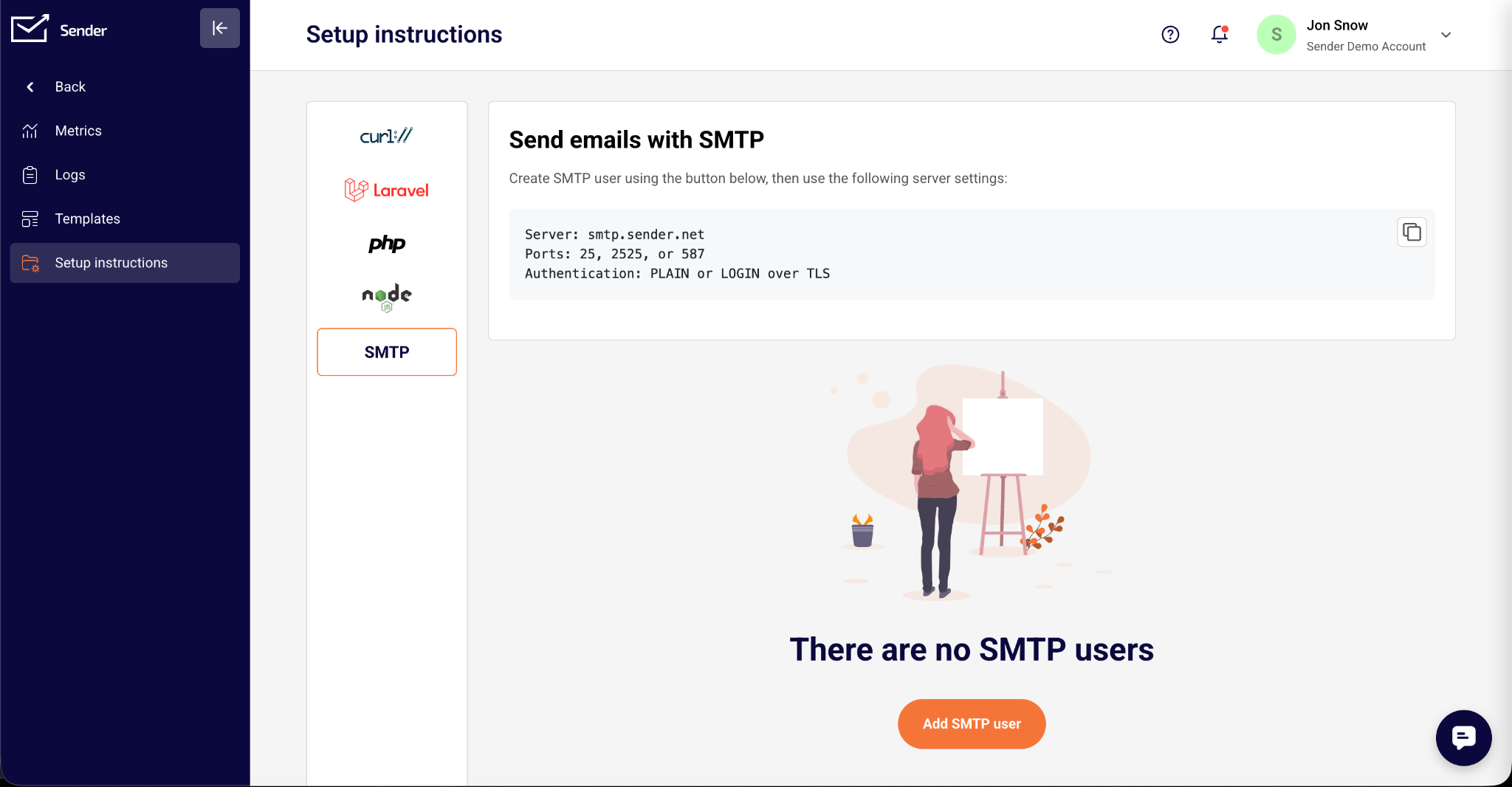
Pick the wrong SMTP port, and your email doesn’t bounce – it just disappears. It’s one of the most common setup mistakes, and one of the most confusing, because four different SMTP ports (25, 465, 587, 2525) all technically ‘do’ SMTP, yet only one or two are right for any given situation.
Use port 587 for sending email; fall back to 2525 if blocked; use 465 only when your provider requires implicit TLS; never use 25 for submission. That’s the short of it.
Below, we break down what each port actually does, why the confusion exists, and how port choice fits into the bigger picture of email deliverability.
SMTP Ports at a Glance
The most common SMTP ports show up in SMTP conversations, but they’re not interchangeable – each was built (officially or otherwise) for a specific port role, and common SMTP port issues arise when one is substituted for the other ports, causing blocked connections or rejected authentication.
Here’s the quick reference before we go deeper into each one:
| Port | Role | Encryption | Commonly Blocked? | Use It When |
| 25 | Server-to-server relay | Opportunistic TLS | Yes, by most ISPs and clouds | Running your own inbound mail server (MX) |
| 587 | Client/app submission | STARTTLS | Rarely | Sending mail from an app, script, or email client |
| 465 | Client/app submission | Implicit TLS/SSL | Rarely | Your provider requires implicit TLS |
| 2525 | Fallback submission | STARTTLS (varies by provider) | N/A – exists specifically to dodge blocks | Ports 587 and 465 are both blocked |
What is an SMTP Port?
SMTP, or Simple Mail Transfer Protocol, is one of the network protocols that power email. It follows a client-server model: a sending client connects to an email server and uses SMTP commands to hand off a message. Port numbers range from 0 to 65535, while well-known ports occupy the standardized lower range. IANA assigned SMTP its original port, 25, back in the early 1980s.
As email evolved, email security became more important. Authentication and email encryption were added, along with a clear distinction between one server relaying to another and an app submitting a message.
Although TLS stands for Transport Layer Security, it protects email traffic above the network transport layer.
That is why SMTP email today is not one port but a small family of them. The common port numbers are 25 for server-to-server relay, 587 and 465 for authenticated client submission, and 2525 as an unofficial workaround.
Port 587: The Default SMTP Port for Sending Email
Port 587 is what almost every mail client, application, and transactional email API defaults to for sending mail. It is formally defined in RFC 6409, “Message Submission for Mail,” which superseded the earlier submission guidance in RFC 2476.
Both documents separate message submission (a client handing a message to a message submission agent, or MSA) from message relay (one server forwarding to another over port 25).
That separation matters: it lets providers lock down submission with SMTP authentication while leaving server-to-server relay alone.
Here is the sequence: your client connects to the mail server on port 587. The connection starts in plaintext, and the server advertises support for STARTTLS, standardized for SMTP in RFC 3207. This explicit TLS approach upgrades the existing connection and applies TLS encryption mid-conversation instead of closing and reopening it.
Once STARTTLS succeeds, the SMTP client authenticates using SMTP AUTH, presenting an SMTP username and password (or an OAuth token) before the server accepts any MAIL FROM or RCPT TO commands, ensuring only the sender authorized to use the account can submit mail. Nothing gets relayed until that authentication step passes.
This is what fundamentally separates 587 from port 25: it requires the sender to prove who they are before sending a single message, which is exactly the control ISPs and spam filters look for.
Because RFC 6409 standardized this behavior over a decade ago, support is close to universal – every major email client, cloud mail provider, and transactional email API treats 587 as the default, documented submission port.
Port 587 is the default SMTP port for sending email from an app or email client, using STARTTLS encryption and authentication. If you’re configuring a new integration and unsure where to start, this is it.
Port 25: The SMTP Relay Port (and Why It’s Blocked)
Port 25 is SMTP’s original port, dating back to RFC 821 in 1982, the first formal IETF specification of the protocol. It was later superseded by RFC 5321, though the port assignment never changed.
As the default transmission channel, port 25 was designed for the entire job: one mail transfer agent (MTA) handing a message to another, in what is still called SMTP relay today.
That original design assumed a trusted network of cooperating servers, with no real concept of authentication. It worked fine until the 1990s, when spammers realized an open relay–an unsecured server accepting anonymous connections on port 25–would forward anything to anywhere, with no way to trace it back.
Open SMTP relays became such a spam vector that most legitimate providers locked theirs down, and eventually ISPs and hosting providers started blocking outbound port 25 for ordinary users entirely, rather than policing every server individually.
The result: port 25 should never be used to submit mail from a client, app, or script. It doesn’t require authentication by default, most networks won’t let the connection through anyway, and the ports built for this exact purpose (587, 465) exist so you don’t have to.
There’s one unavoidable exception: if you’re running your own SMTP server and your domain’s MX record points to it, port 25 has to stay open inbound. Other mail servers deliver to you exclusively over port 25 – that part of the standard hasn’t changed since 1982.
Who Blocks Outbound Port 25
Outbound port 25 blocking is close to universal across major clouds and residential ISPs, though the specifics – and whether you can request an exception – vary:
| Provider | Outbound Port 25 | Notes |
| AWS (EC2 / Lambda) | Blocked by default | Removable per-region via an AWS support request |
| Google Cloud | Blocked by default | A small number of projects get exceptions, but it’s not guaranteed |
| Microsoft Azure | Blocked by default | Applies to subscription creation date; exceptions are rare |
| DigitalOcean | Blocked by default | Support can lift it case-by-case, with no guarantee |
| Most residential ISPs | Blocked | Standard anti-spam policy for decades; use your ISP’s or a third-party relay |
If you’re affected by ISP blocking or one of these cloud restrictions, the fix is usually to switch to port 587 or use a relay service rather than fighting the block. DigitalOcean is the exception: it blocks 587 and 465 as well, so you’ll need a relay service or a provider that offers port 2525.
Port 465: SMTPS with Implicit TLS
Port 465 takes a different approach to encryption than 587. Instead of connecting in plaintext and upgrading mid-conversation, the TLS handshake happens immediately, before a single SMTP command is exchanged. This is called implicit TLS. Historically, the same approach was described as SMTP over Secure Sockets Layer (SSL), which is why some older setup screens still label 465 as the SSL port.
The port’s history explains most of the confusion around it. IANA originally registered 465 for “SMTPS” (SMTP over SSL) in 1997. Barely a year later, the IETF revoked that registration, betting instead on STARTTLS as the long-term standard – which is why so many guides from the 2000s and 2010s call port 465 deprecated.
But the deprecation never fully stuck in practice: plenty of mail software kept using 465 for implicit TLS anyway, simply without official blessing.
In 2018, RFC 8314 made it official again, formally reassigning 465 for implicit-TLS submission and citing security weaknesses in STARTTLS. Its brief plaintext window can enable a downgrade attack or command injection in some server implementations. The RFC does not just tolerate 465; it recommends implicit TLS over STARTTLS where both are properly implemented.
In practice, both ports are secure emailing options today. The difference comes down to what your provider supports and how you’re weighing encryption tradeoffs: 587 has the deeper install base and broadest compatibility, while 465 skips the upgrade step entirely. Neither is “wrong” – check your provider’s documented default before assuming.
Port 587 vs 465: Why Sources Disagree
If you’ve read conflicting advice about these two ports, it’s not you – the sources genuinely disagree, for a historical reason. Guides written before 2018 are working from the pre-RFC 8314 world, where port 465 really was an unofficial, deprecated leftover and STARTTLS on 587 was the only standards-backed option. That advice was correct when it was written.
Guides written after 2018 are working from a different set of facts: RFC 8314 rehabilitated port 465, arguing implicit TLS is actually the more secure default since it removes STARTTLS’s brief plaintext negotiation window entirely. Neither camp is being sloppy – they’re citing accurate information from different points in the protocol’s history.
The practical takeaway: do not treat either port as universally superior. Provider support decides this for you. Desktop clients such as Microsoft Outlook, Thunderbird, and Apple Mail can use either mode when the account provider supports it. Gmail supports 587 and 465, while the usual Office 365 SMTP port for authenticated client submission is 587 with STARTTLS. When in doubt, follow your provider’s documented default.
Port 2525: The Fallback SMTP Port
Unlike 25, 587, and 465, port 2525 has no IANA registration and appears in no RFC. It’s not a standard – it’s a convention that email service providers adopted independently, because they kept running into customers whose networks blocked 25, 587, and sometimes even 465, usually due to aggressive corporate firewalls, shared hosting restrictions, or public Wi-Fi.
Since providers had to open some additional ports anyway, most simply mirrored port 587’s behavior on 2525: same STARTTLS encryption, same SMTP AUTH requirement, just listening on a number that’s less likely to be blocked. Providers like SendGrid, Mailgun, and Mailjet all support it for exactly this reason.
Because there’s no standard behind it, support isn’t guaranteed – some mail servers and ESPs don’t offer 2525 at all, so it’s not something to build a primary integration around. Treat it strictly as a backup: if 587 and 465 are both unreachable on a given network, try 2525 before assuming the provider itself is down.
Port 2525 is an unofficial SMTP fallback port that most email providers support when port 587 is blocked.
Which SMTP Port Should You Use? (By Scenario)
| Your Situation | Use This Port | Encryption | If It’s Blocked | Why |
| Sending from a website, app, or script | 587 | STARTTLS | Try 2525, then 465 | Universal standard for authenticated submission |
| Using a transactional email API or ESP | 587 (check their docs) | STARTTLS or implicit TLS | Try 2525 | Matches what most providers default to |
| Your provider requires implicit TLS | 465 | Implicit TLS/SSL | Try 587 | Some providers only support connect-and-encrypt |
| On a restrictive network (hotel Wi-Fi, some offices) | 2525 | STARTTLS (varies) | Ask your provider for an alternate port | Fallback when 587 and 465 are both closed |
| Self-hosted server, sending directly to recipients | 25 (outbound) | Opportunistic TLS* | Use a relay service instead | Direct server-to-server delivery runs on 25 |
| Self-hosted server, receiving mail (your domain’s MX) | 25 (inbound) | Opportunistic TLS* | Can’t be blocked – must stay open | Every sending server delivers to you over 25 |
Most people only need one row from that table. If you’re integrating a website contact form, a SaaS app’s password-reset emails, or a script that sends notifications, port 587 with STARTTLS is the right starting point in nearly every case – it’s what your provider’s documentation almost certainly lists as default.
The exceptions are narrow. If your provider’s setup guide specifically calls for implicit TLS, use 465 rather than fighting their defaults. If you’re on a network that blocks standard submission ports, 2525 is worth trying before assuming your provider is broken. And if you’re managing your own mail server rather than sending through a provider, port 25 becomes relevant in both directions.
How to Check if an SMTP Port is Open or Blocked
Before assuming a provider issue, confirm whether the port is actually reachable from the machine that’ll be sending mail – results vary between your laptop, a cloud server, and a corporate network, so test from the real environment.
The simplest check is a raw connection attempt. On macOS or Linux, run telnet smtp.yourprovider.com 587 (or nc -zv smtp.yourprovider.com 587 if telnet isn’t installed); on Windows, PowerShell’s Test-NetConnection smtp.yourprovider.com -Port 587 does the same job.
A quick response showing an SMTP banner (for instance, ‘220 mx.google.com ESMTP ffacd0b85a97d-47f63ee0868si2558985f8f.434 – gsmtp’) means the port is open. A connection that hangs or times out points to a block somewhere between you and the server, which results in bounced emails.
For encrypted ports, OpenSSL s_client -connect smtp.yourprovider.com:465 will additionally confirm the TLS handshake completes. Keep in mind a failed test is not always “blocked”. It can be using an HTTPS address, a DNS issue, or the mail server being temporarily down, so rule those out before opening a support ticket.
SMTP Ports and Email Deliverability
Port choice by itself doesn’t determine whether your emails land in the inbox – but getting it wrong can create failures that look exactly like a deliverability problem.
A connection blocked at the port level, or a message rejected because it skipped SMTP AUTH, never even reaches the point where sender reputation matters. It just fails silently, and it’s easy to mistake that for spam filtering when the real issue is a closed port or a misconfigured client. That’s why having a reliable (even if free) SMTP server is a must.
Once the connection itself is working, port choice hands off to the things that actually build sender reputation: authenticating every submission. Pair that with DNS-level email authentication: SPF, DKIM, and DMARC records that prove your domain authorized the message – and you’re sorted, at least when it comes to deliverability.
None of that depends on which port you used to submit it, but none of it works if the submission never went through in the first place.
Think of port and encryption setup as the prerequisite, not the strategy. Get 587 or 465 working reliably with proper authentication, and the real deliverability work – list hygiene, sending consistency, and those DNS records – is what actually decides where your mail lands.
SMTP Port FAQ
SMTP uses several ports depending on the job: 25 for server relay, 587 for authenticated submission, 465 for implicit TLS, and 2525 as an unofficial fallback.
Port 587 is the recommended default SMTP port for sending email from an application, script, or email client. It uses STARTTLS and requires SMTP AUTH.
Port 25 relays email between mail servers. It isn’t intended for client submission, and most ISPs and cloud providers block outbound connections to control spam.
Port 587 handles authenticated message submission from applications, scripts, and email clients. It uses STARTTLS encryption, as specified by RFC 6409.
Port 465 handles SMTP submission using implicit TLS, encrypting the connection immediately. Deprecated in 1998, it was reinstated by RFC 8314 in 2018.
No, sending and receiving use different ports. The key difference in SMTP vs. IMAP is that SMTP sends messages, while Internet Message Access Protocol (IMAP) and Post Office Protocol (POP3) retrieve them. The standard IMAP port is 143 or the encrypted port 993; the POP3 port uses port 110 or the encrypted port 995.
Gmail SMTP port is 587 with STARTTLS or 465 with implicit SSL/TLS. Both require authentication through an app password or OAuth.
Conclusion
Four ports for getting your email out the door correctly. In practice, that job almost always comes down to port 587 with STARTTLS. Get the port and encryption right, and you’ve cleared the technical prerequisite; the rest of your deliverability – authentication records, sending reputation, list hygiene – is where the real work happens from there.